User guide
Everything you need to get the most out of FocusNow, from first launch to reading your reports.
Getting Started with FocusNow
Install FocusNow, answer three quick setup questions, and see your first tracked hour — in about two minutes.
How Your Focus Score Works
The exact formula behind the number, the six activity states, and how to make the score match your reality.
Focus Sessions: Pomodoro & Deep Work
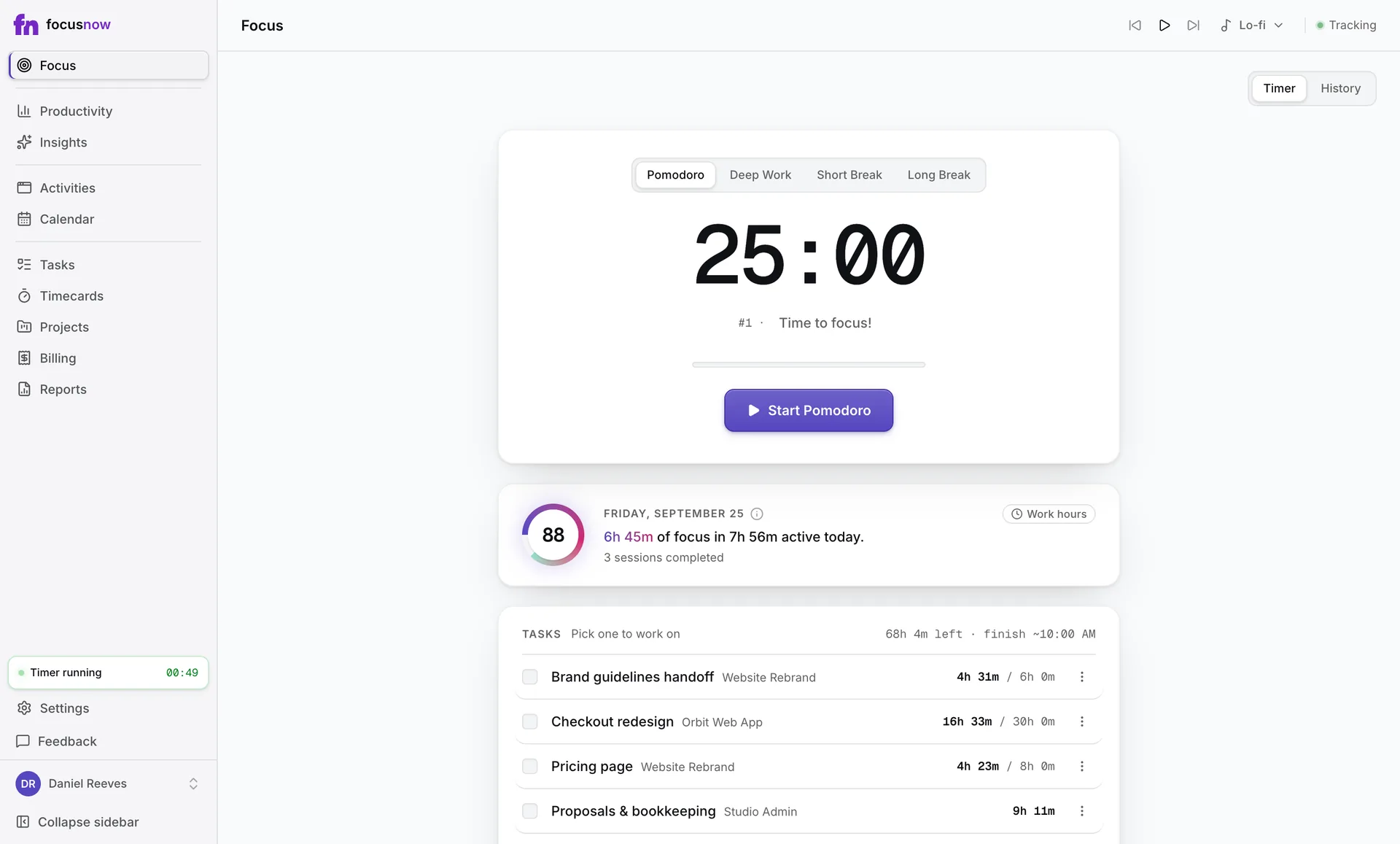
Start timed focus blocks from the Focus page, tie them to a task, keep the timer in view, and read what your session history tells you.
Your AI Daily Report
How the Insights page turns a finished day into highlights and recommendations — and how to make them sound like they were written for you.
Working Hours: Score Your Workday, Not Your Whole Day
Tell FocusNow when your workday starts and ends, and your Focus Score stops being diluted by evenings and weekends.
Timecards: From Tracked Time to Client Hours
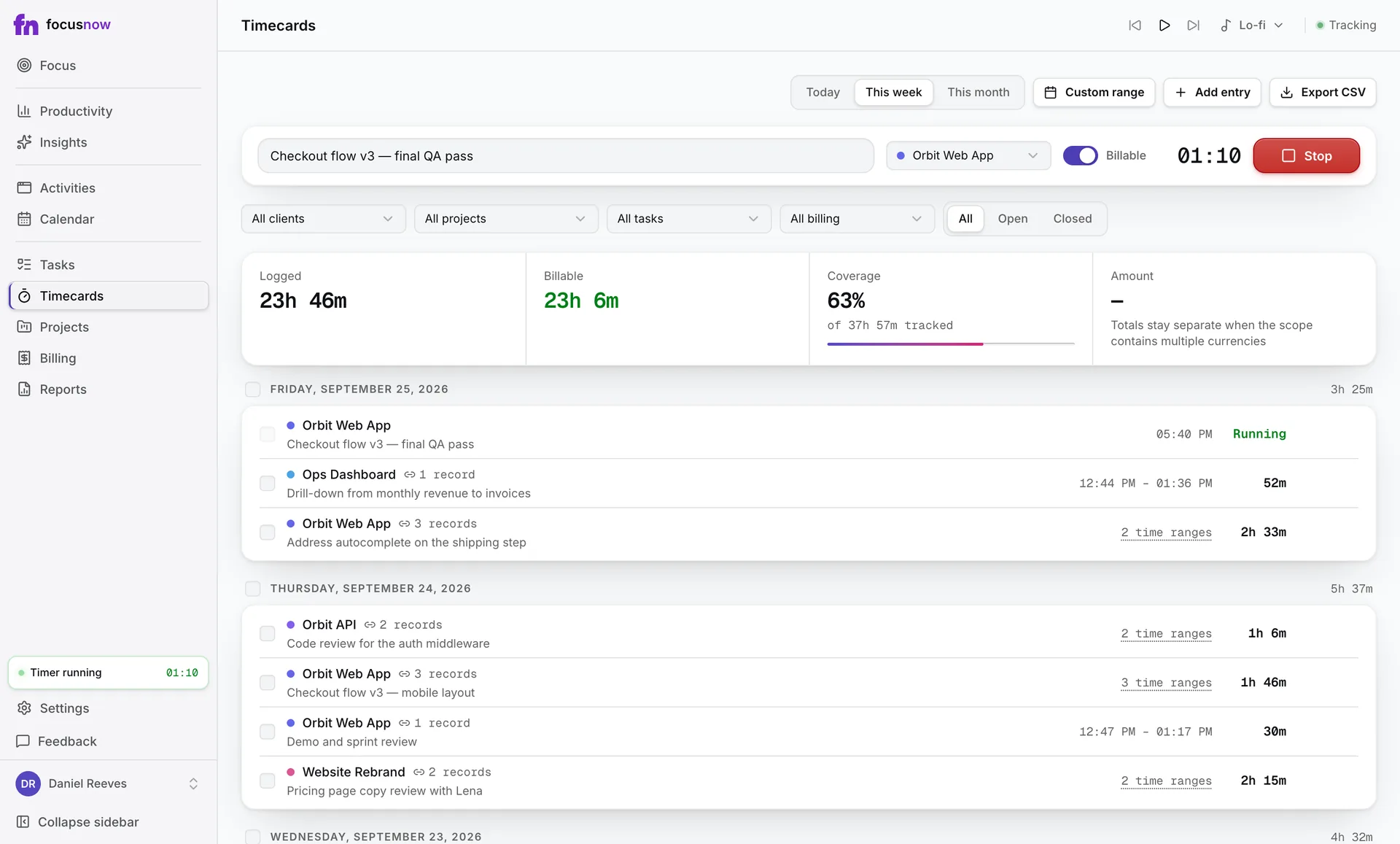
Turn on timecards, set up clients and projects, and log time three ways: with a timer, by hand, or straight from your tracked activity.
Billing, Work Statements & Reports
See what's ready to bill, prepare a work statement as PDF or CSV, keep track of what's been paid, and read your utilization.
The Calendar & Owning Your Data
Open any tracked day title by title, turn records into timecards, and know exactly what FocusNow keeps, exports and deletes.
Shortcuts & Small Habits
The keyboard shortcuts, the ⓘ buttons, and a handful of small habits that make FocusNow feel instant.
Start with today.
Install FocusNow, work as usual, and open it this evening to see your day.
Get FocusNow FreeMac and Windows. From download to tracking in under two minutes.