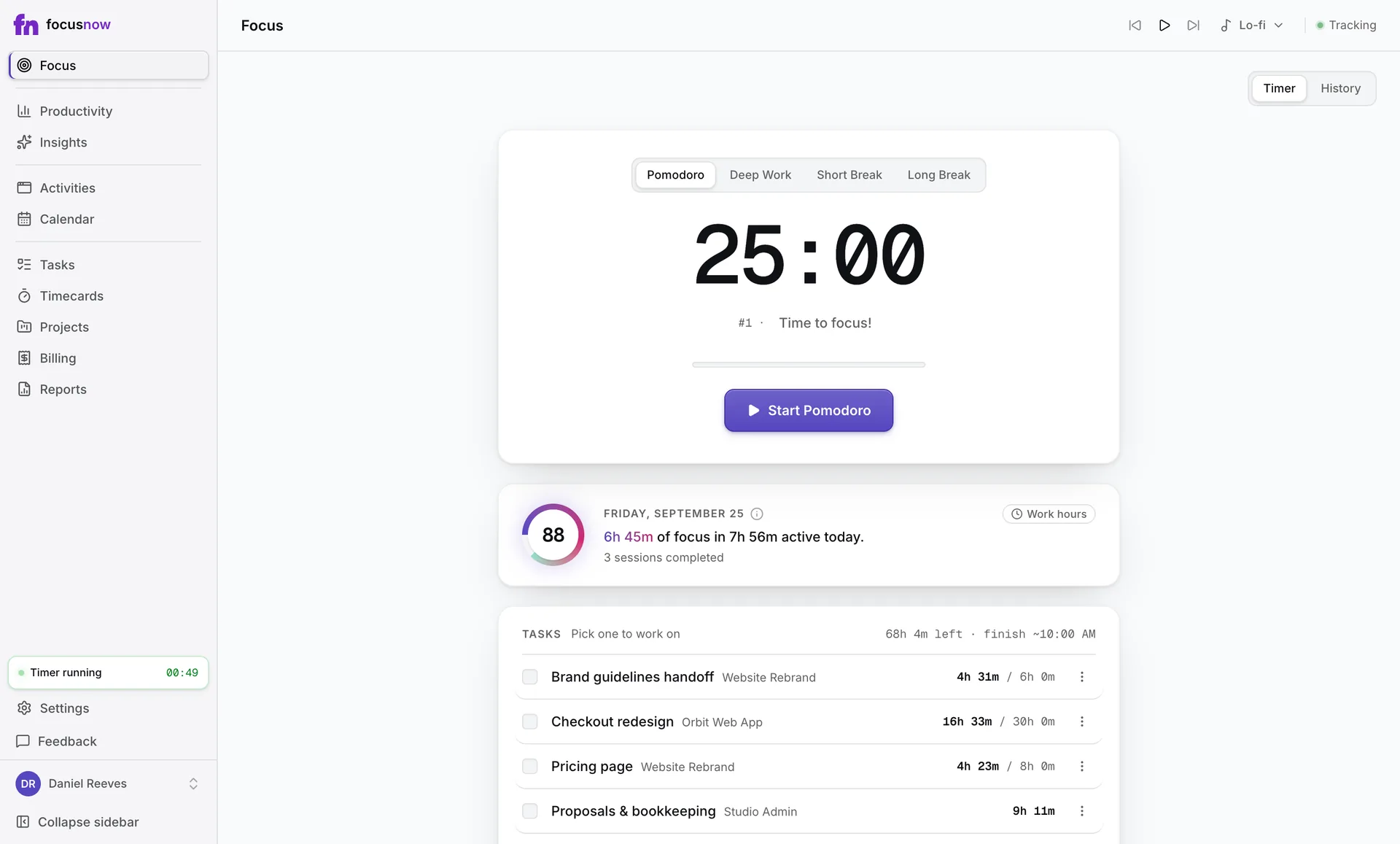
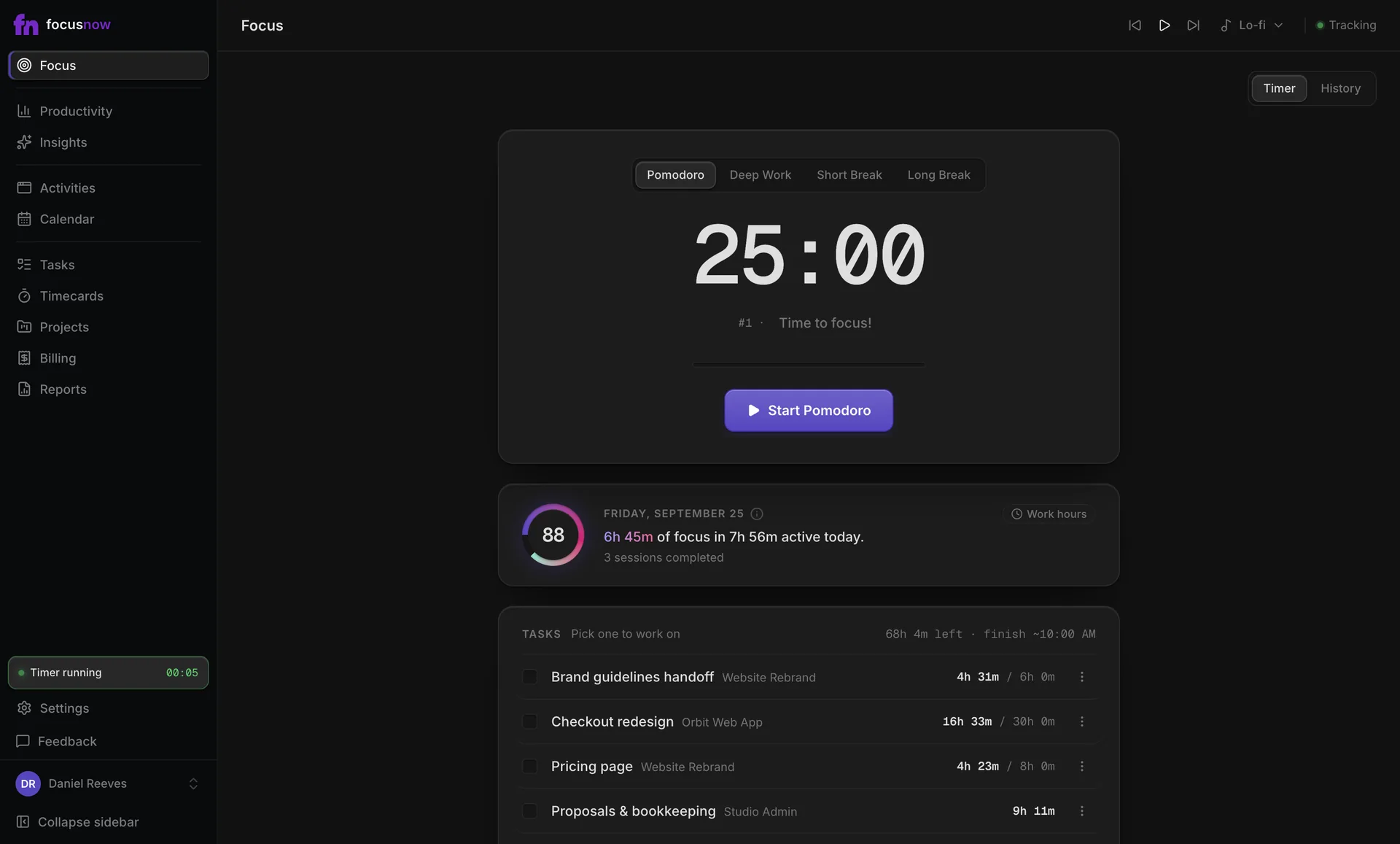
Timecards and client hours
Timecards built from what you actually did.
Pick tracked records, attach them to a project and let FocusNow total the hours and amounts. When a client needs a summary, prepare a work statement.
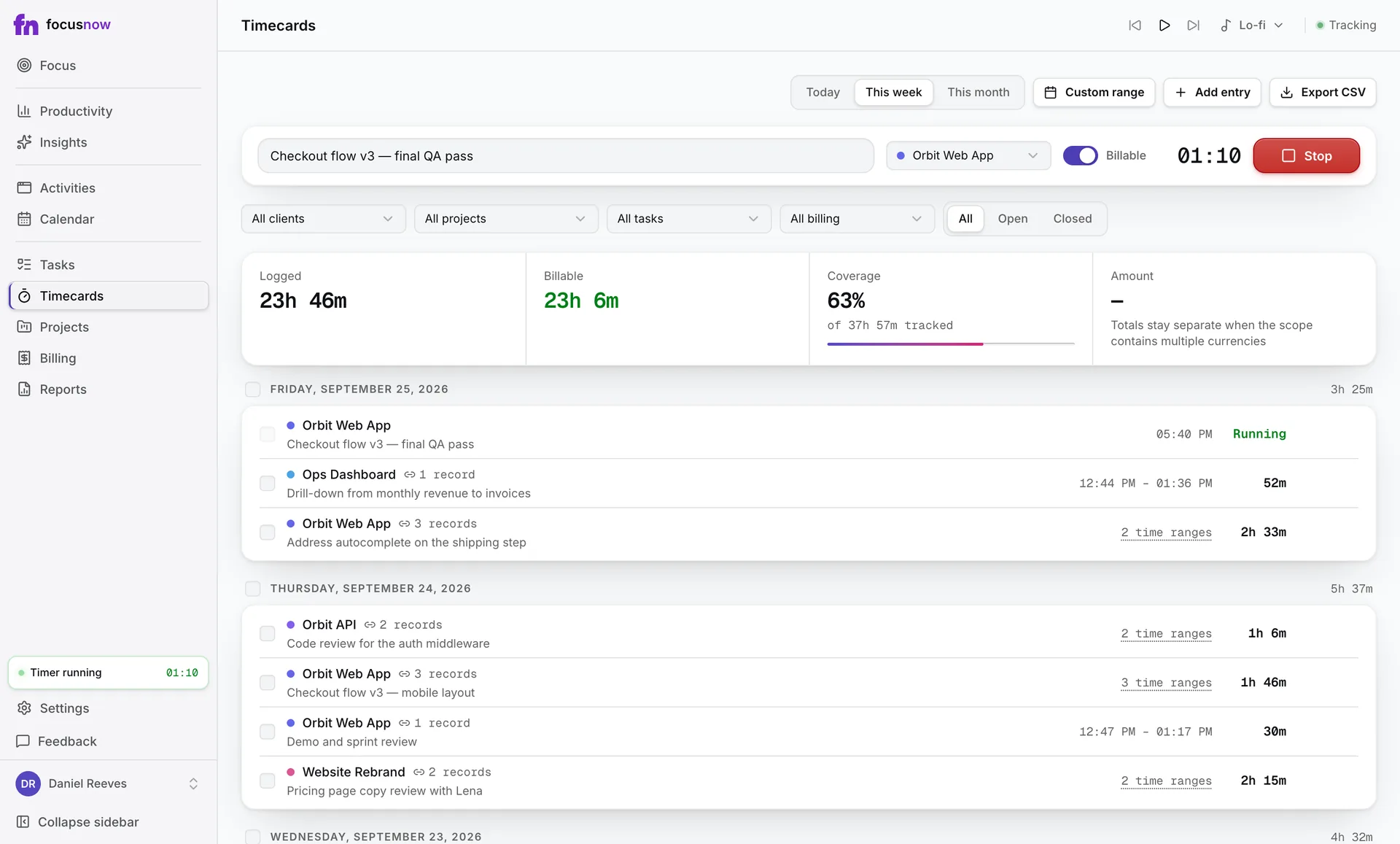
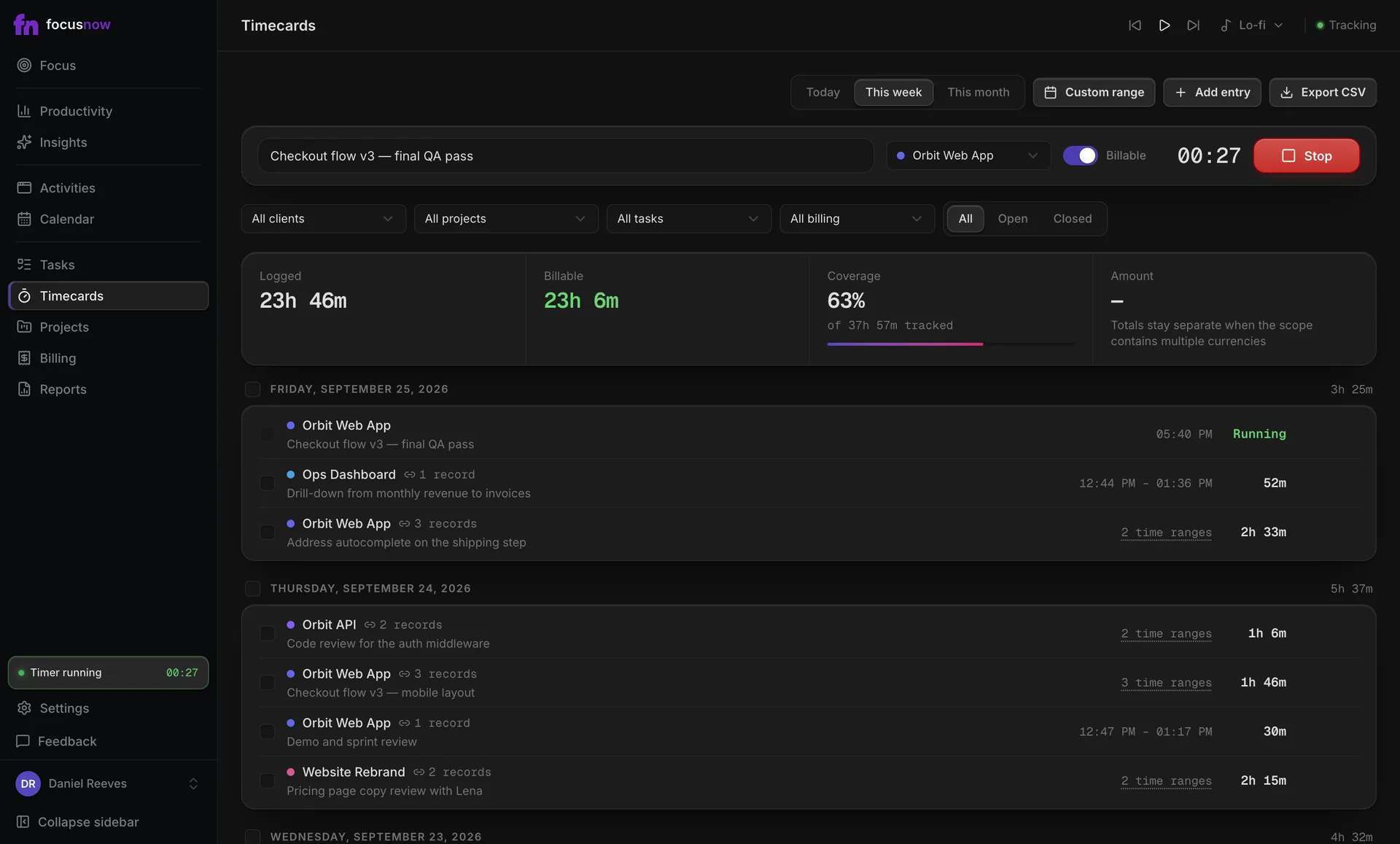
Sample data
What you get
Evidence behind every entry
An entry made from tracked records keeps them attached, with their time ranges.
Nothing slips through
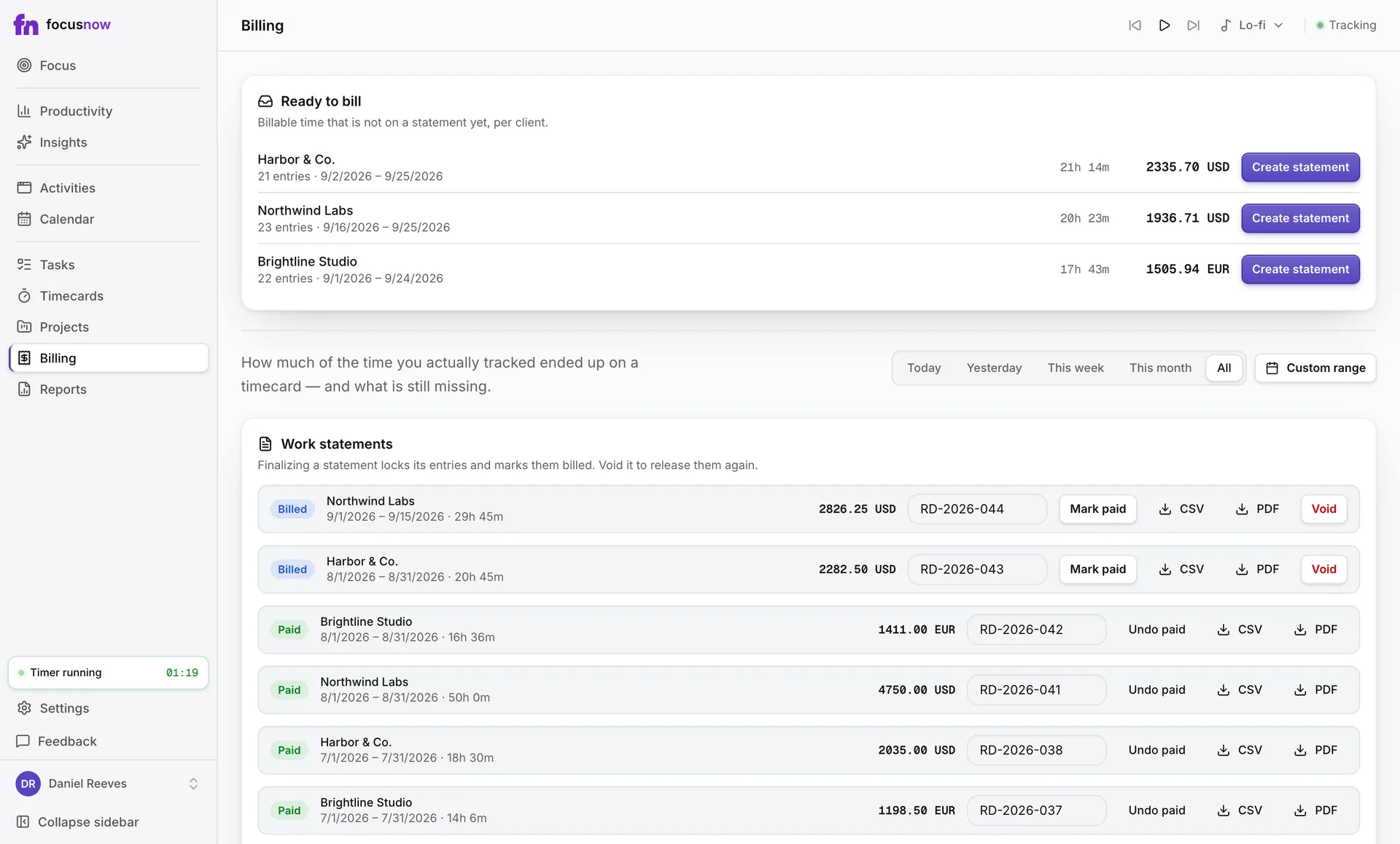
Coverage shows how much tracked time is on a timecard, and Billing lists what isn't yet.
Rates and currencies your way
A task rate or project rate, in any currency. Totals stay separate per currency.
How it works
Log time three ways
Run the timer, enter hours by hand, or select tracked records and add them to an entry.
Review before you bill
Long timers, missing projects or rates and overlapping entries are flagged for you.
Create a work statement
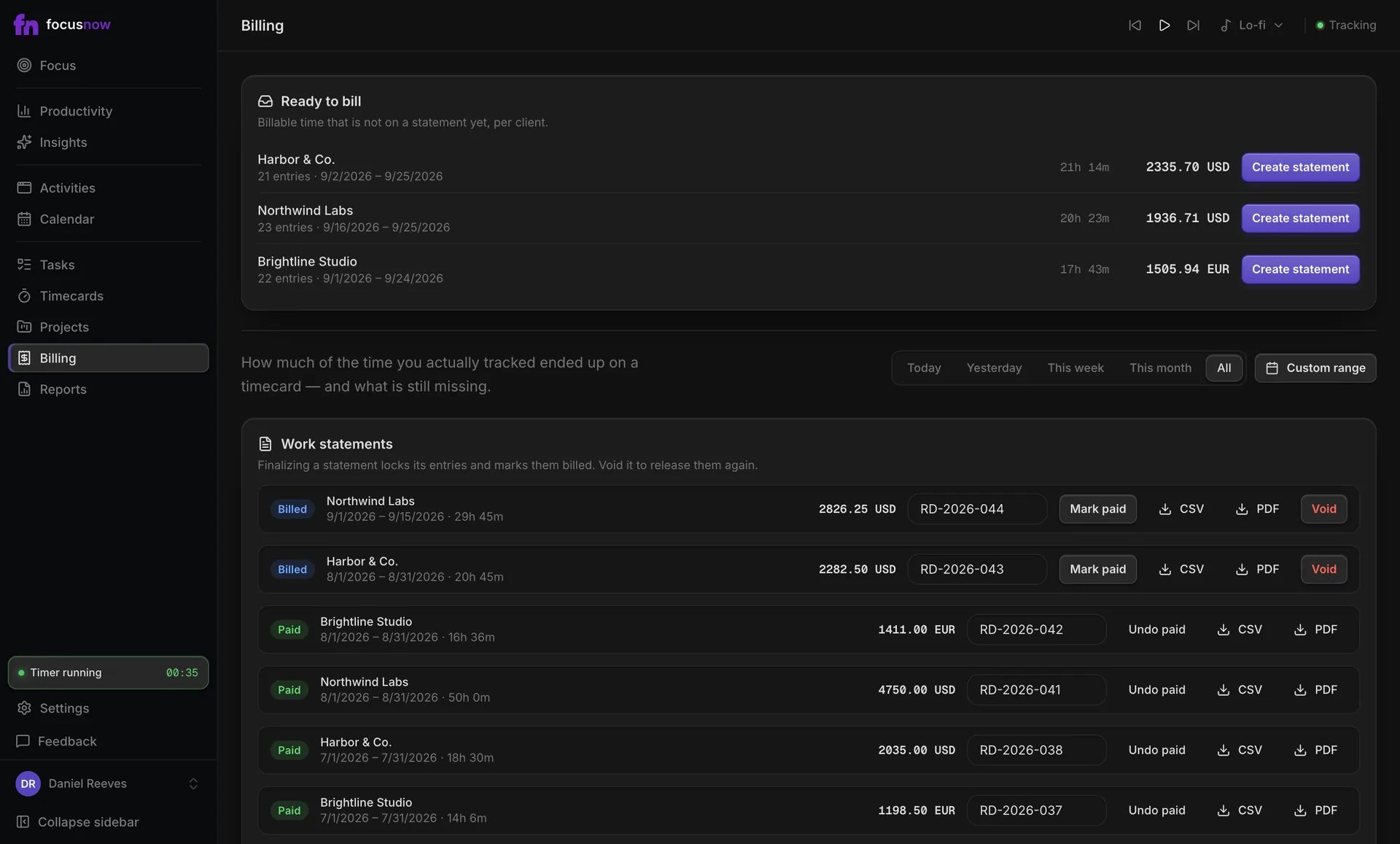
Ready to bill gathers billable entries per client. Finalizing locks them and marks them billed.
Export and close the loop
Export as PDF or CSV, add your invoice reference and mark it paid when the money arrives.
Timecards, billing and reports are free during early access. We plan to include them in a paid Pro plan later. A work statement is not a tax invoice, and FocusNow doesn't collect payments.
Start with today.
Install FocusNow, work as usual, and open it this evening to see your day.
Get FocusNow FreeMac and Windows. From download to tracking in under two minutes.