Know where the hours went
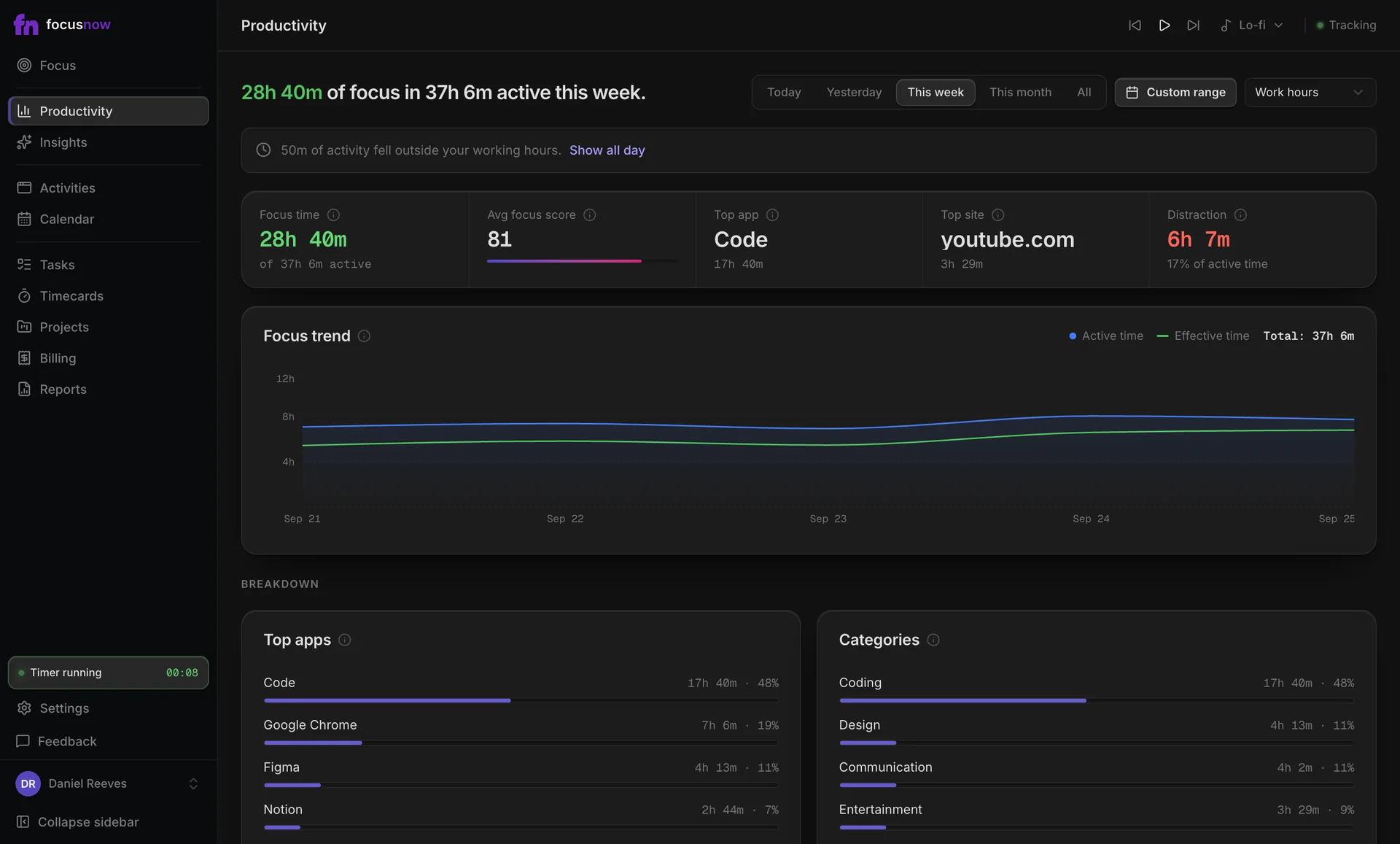
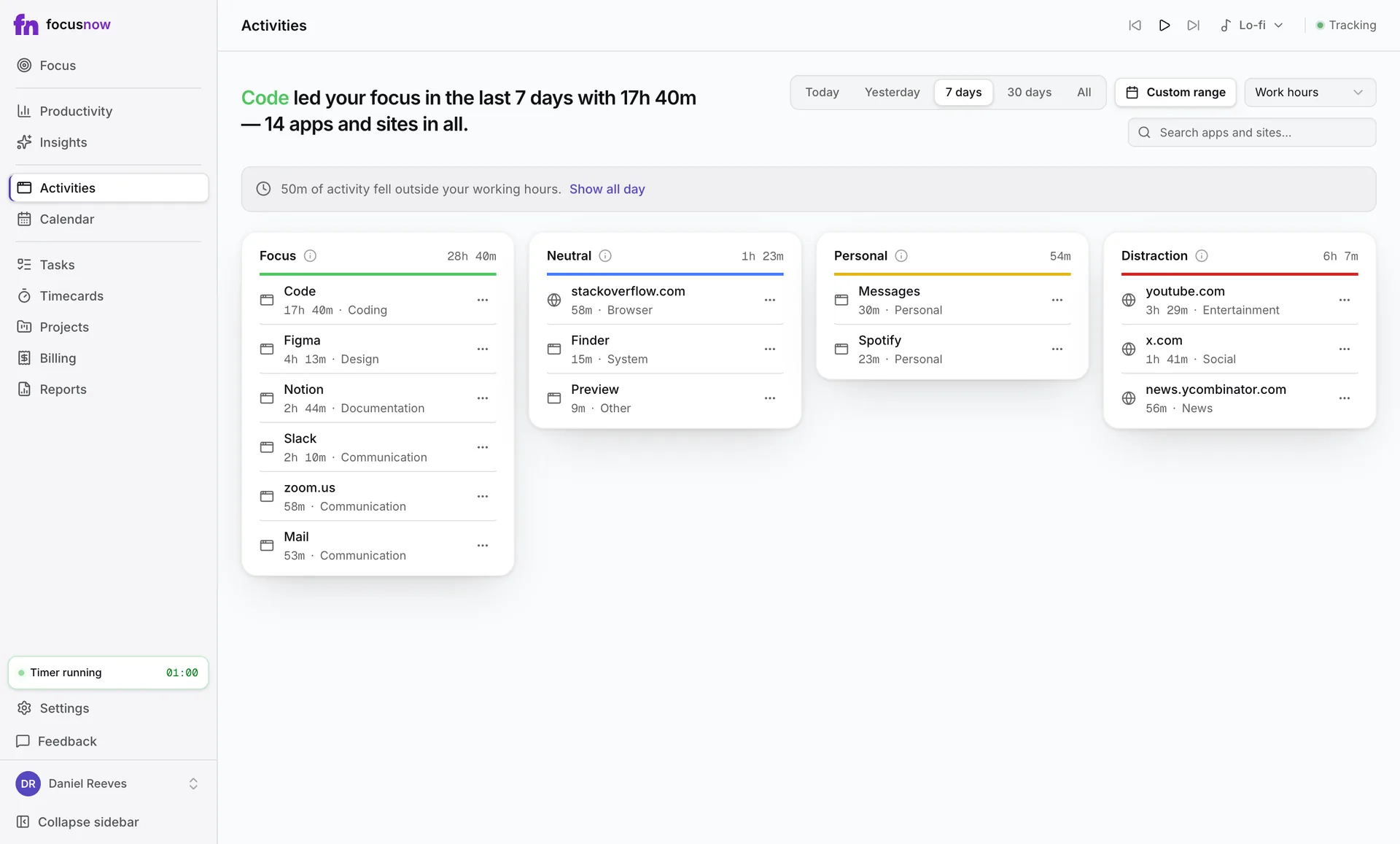
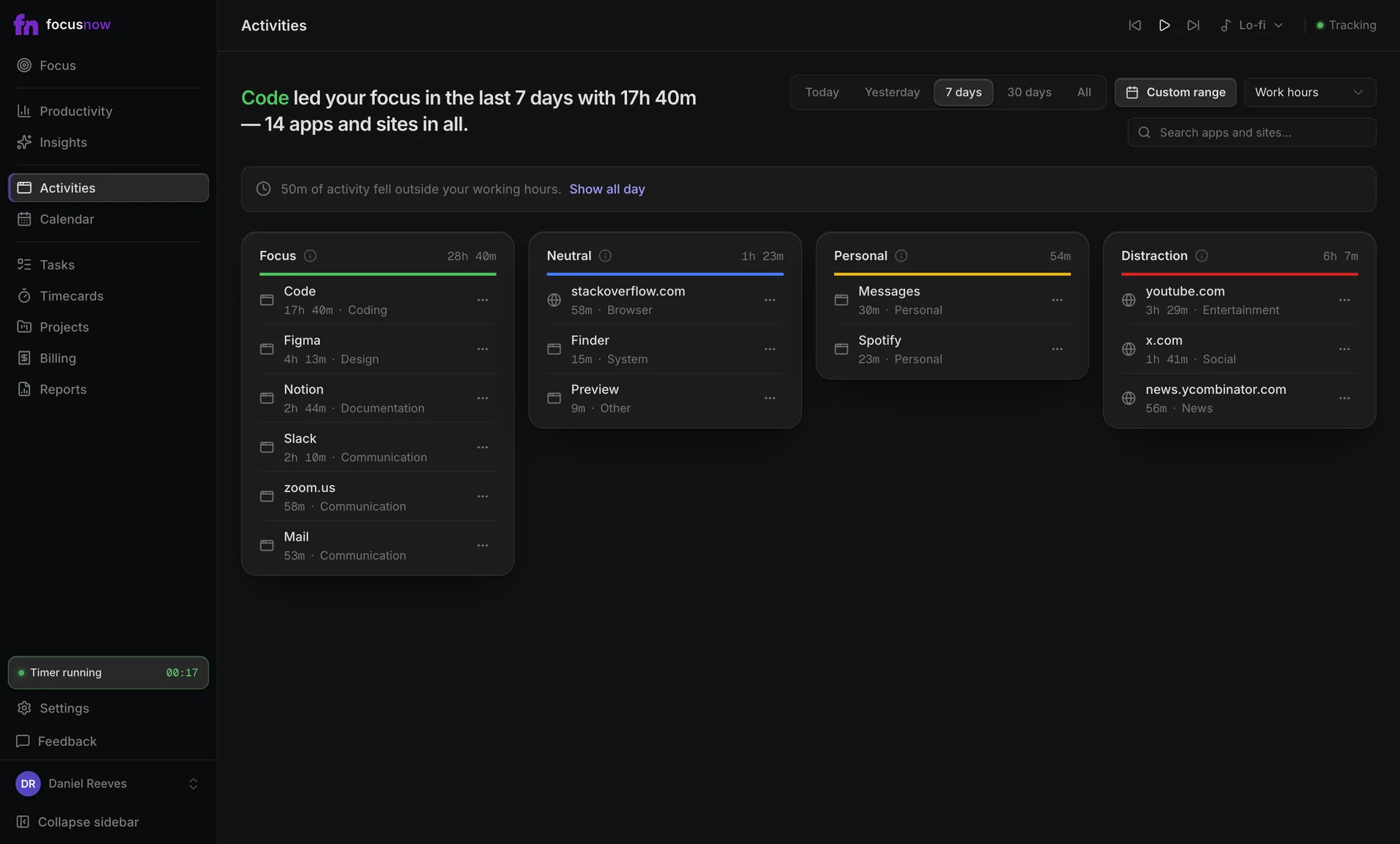
Top apps, sites and categories for any date range, next to your Focus Score and distraction share.
Automatic time tracking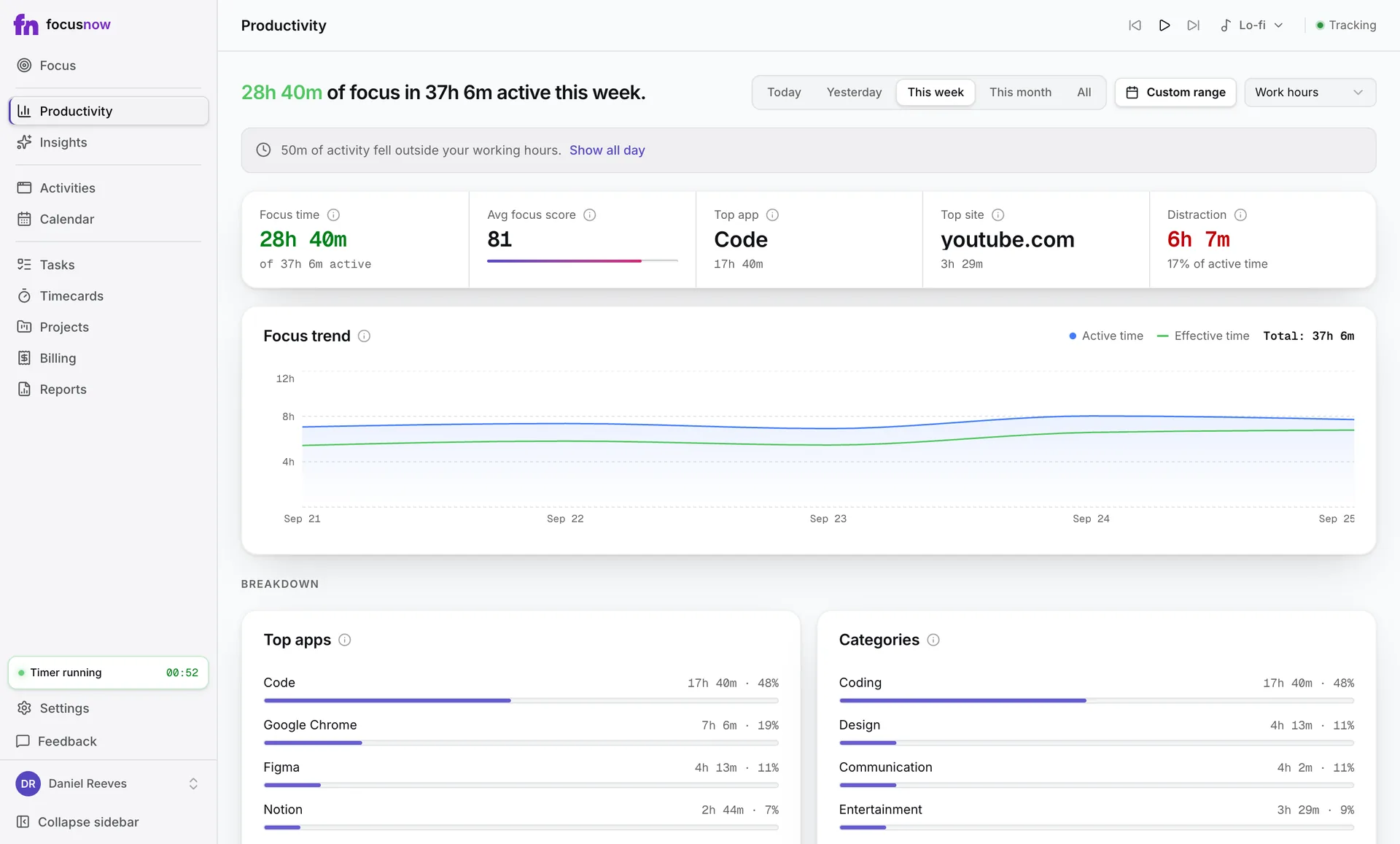
Automatic time tracking for Mac & Windows
See where your time goes, make room for deep work, and turn tracked activity into clear client hours.
macOS 12+ and Windows 10+. Free core tracking, no card.
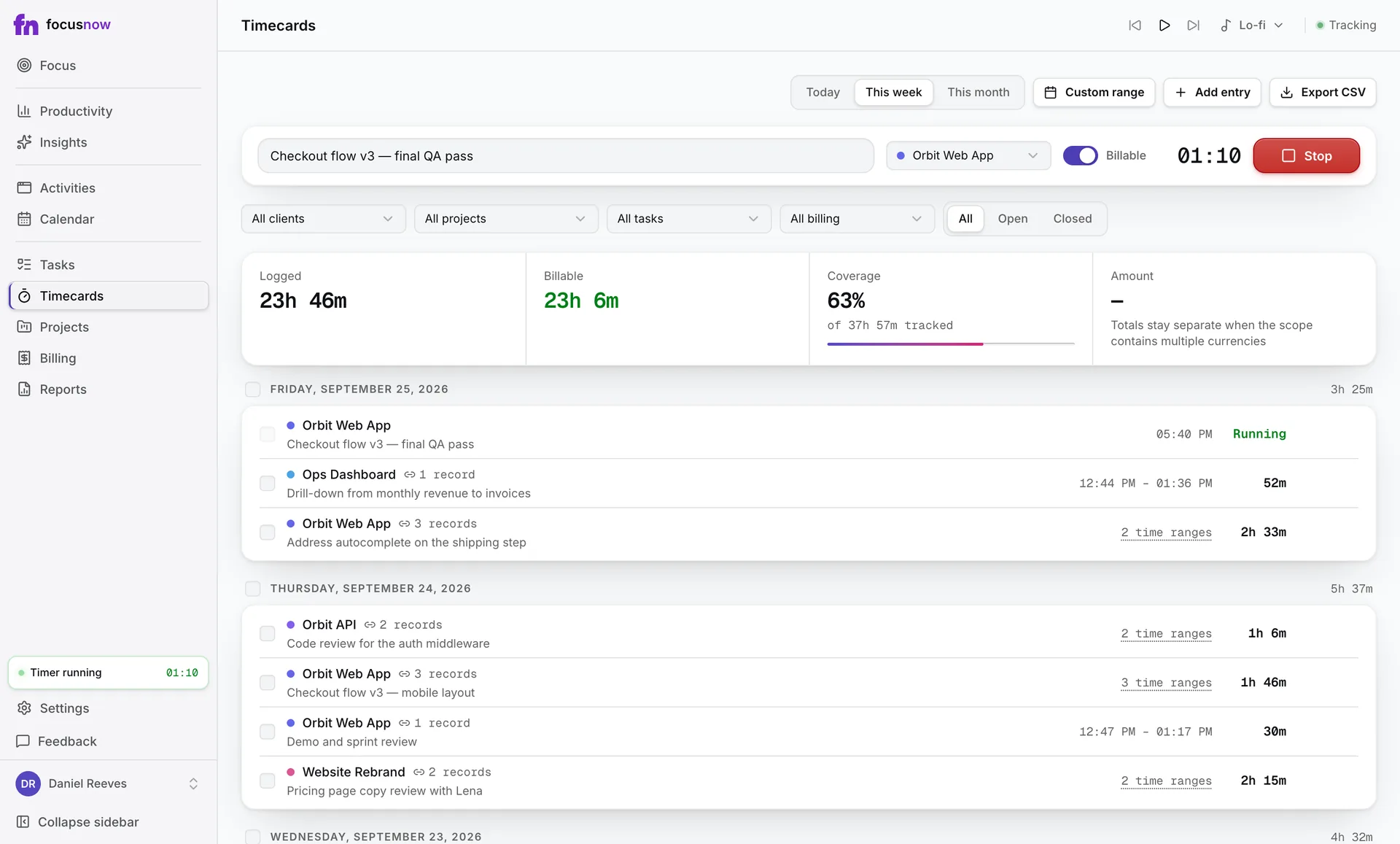
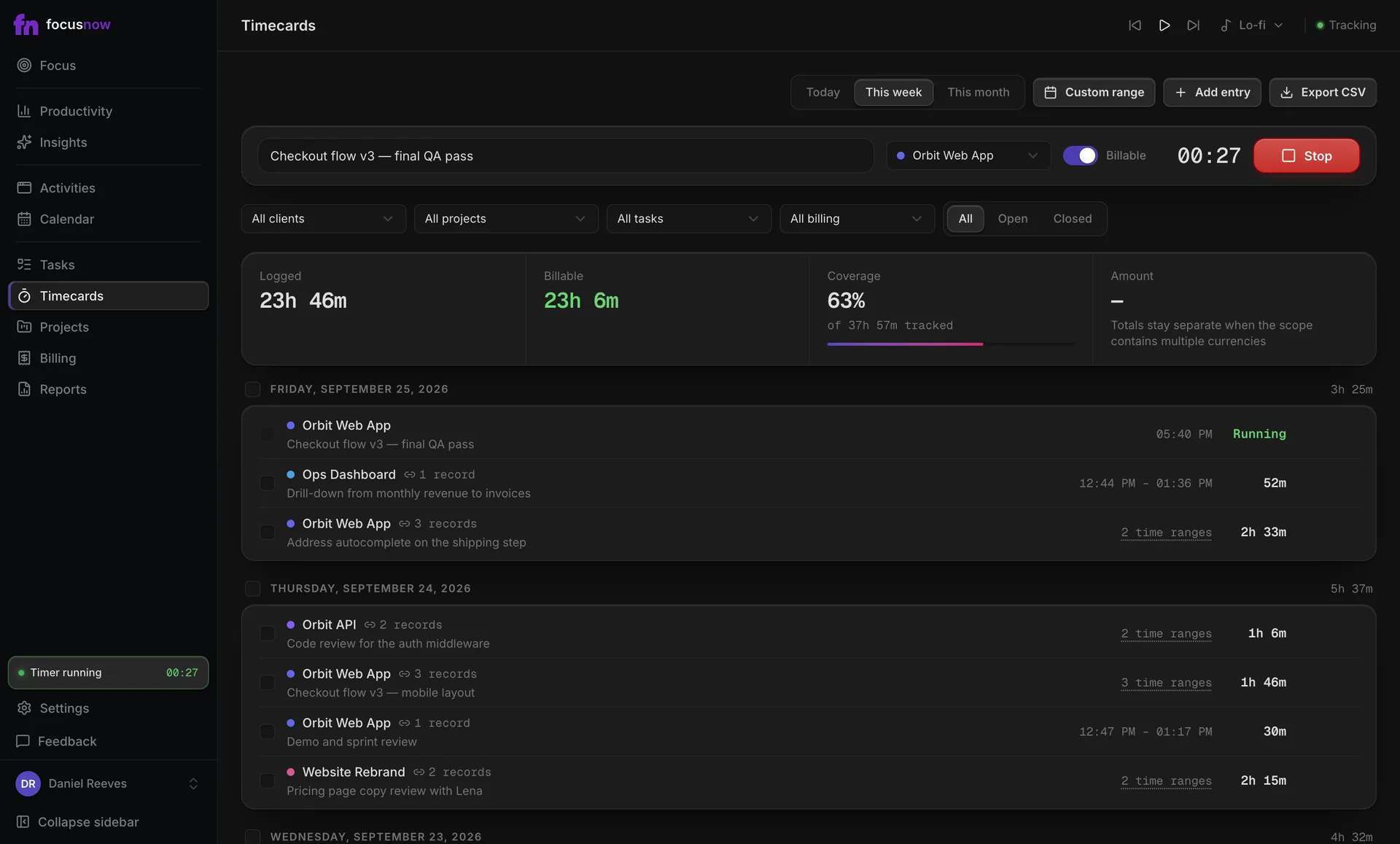
Real app screens with sample data.
FocusNow notes the app, window and site in front of you. Open it at the end of the day and the day you actually had is waiting.
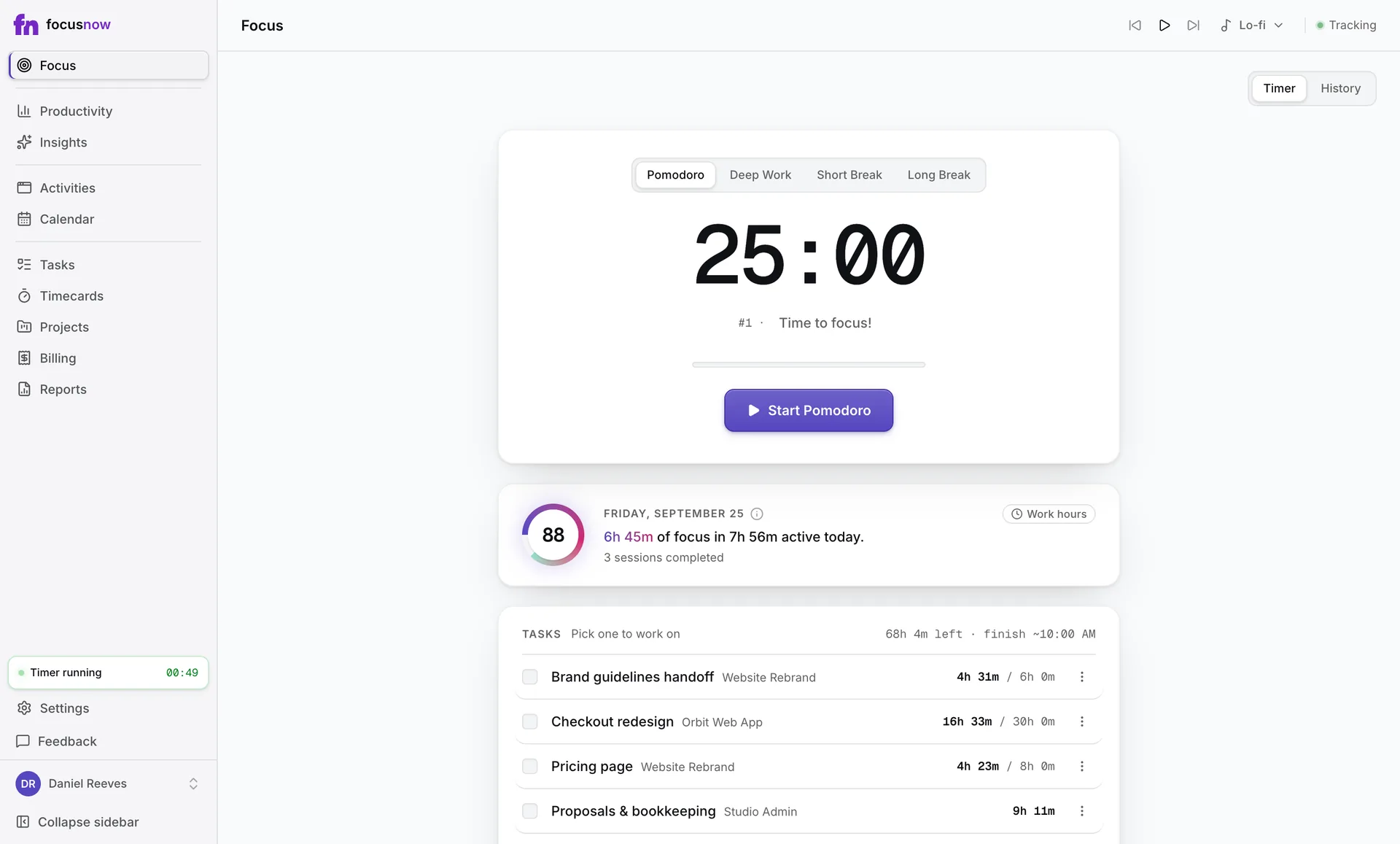
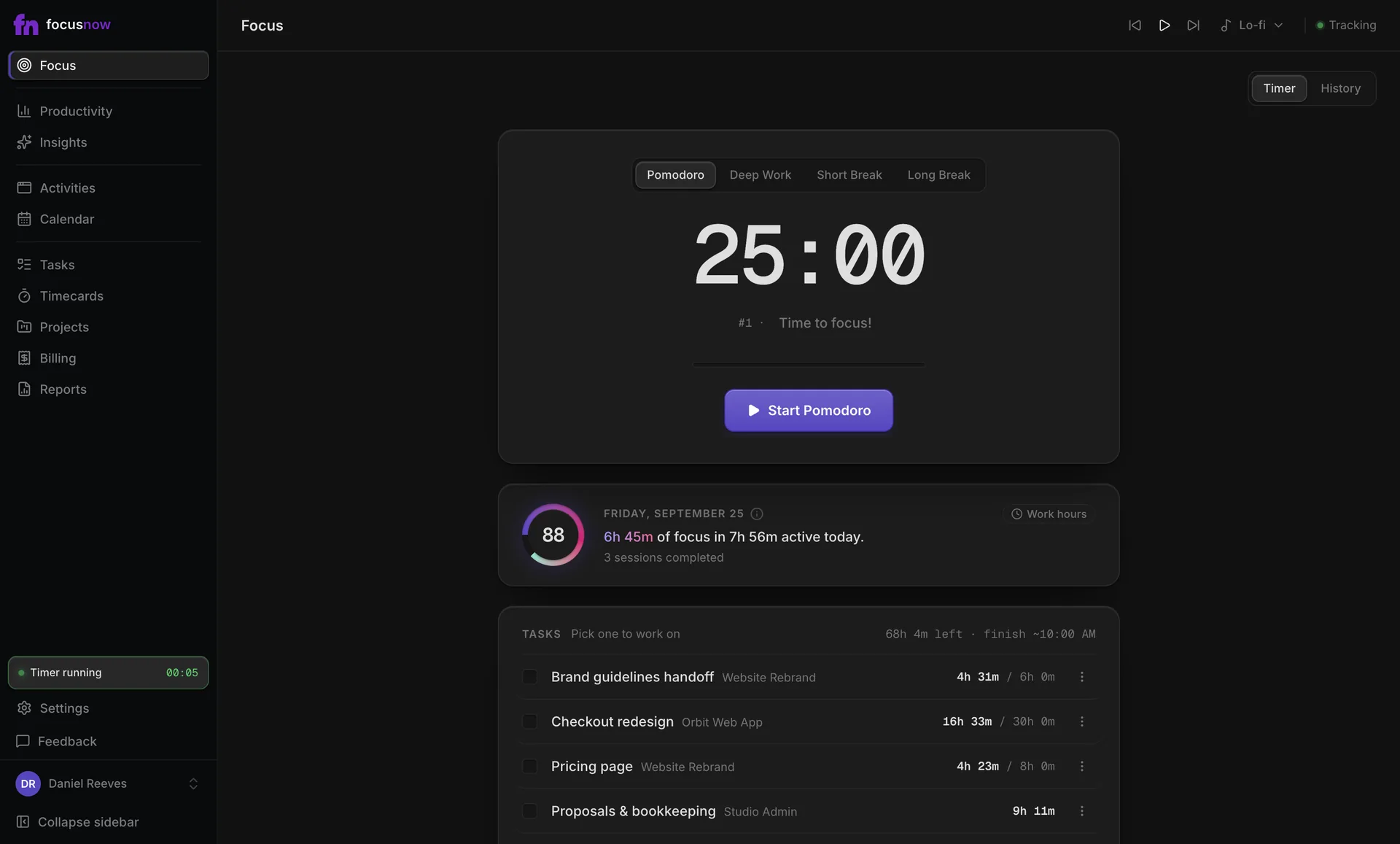
Pick a task, start a session and let the timer hold the line. When you finish, the session is saved with its real length.
Pomodoro or Deep Work
25 and 90 minutes by default. Change any length from 1 to 180 minutes.
The task stays in view
Time spent against your estimate, and roughly when you'll finish.
Focus Music when you want it
Stations and background noise in the top bar. Nothing plays until you press play.
Four views you'll keep coming back to, all built on the same automatic record.
Top apps, sites and categories for any date range, next to your Focus Score and distraction share.
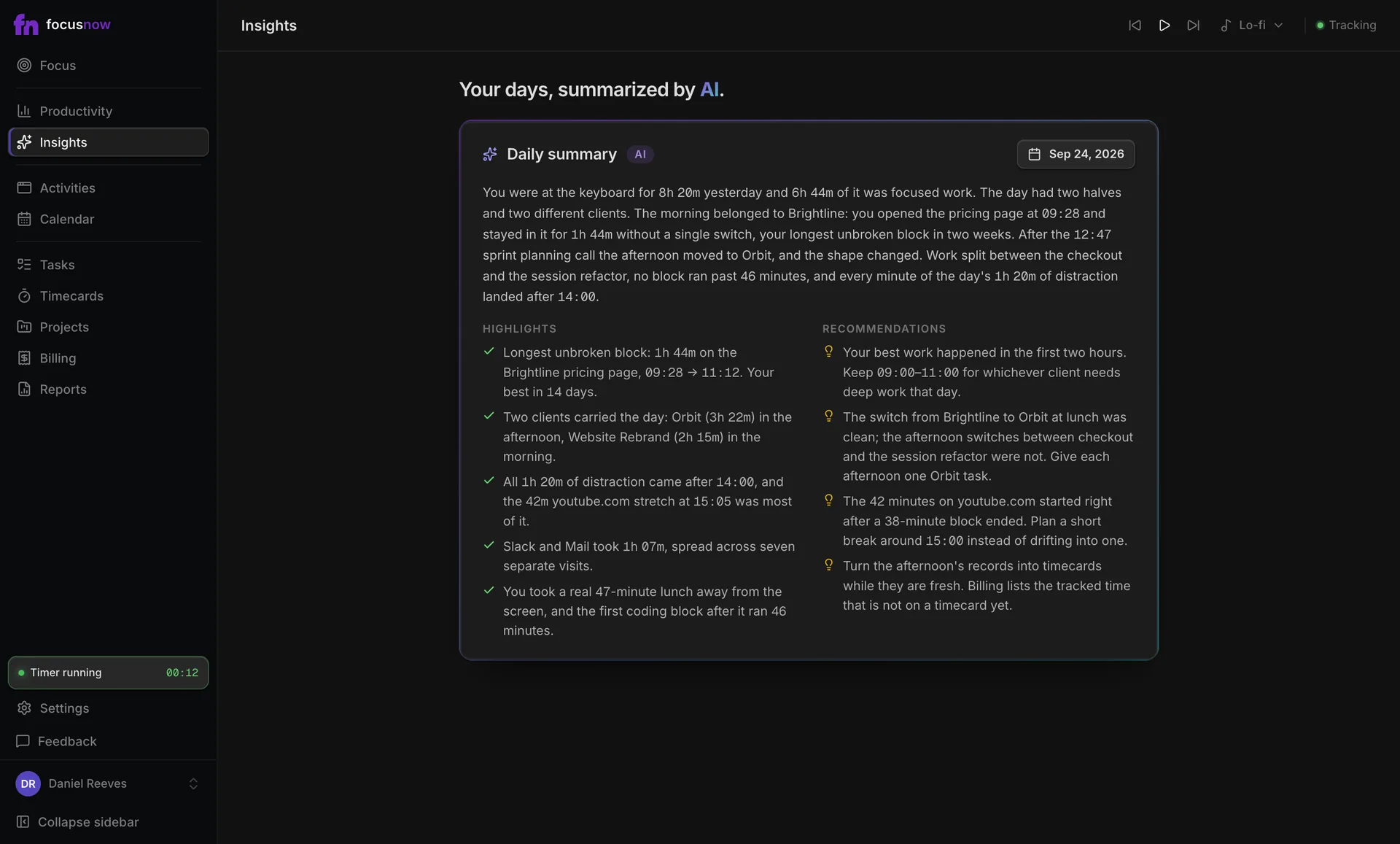
Automatic time trackingChoose a day and AI writes a short summary with highlights and recommendations, based on that day's records.
About the AI daily report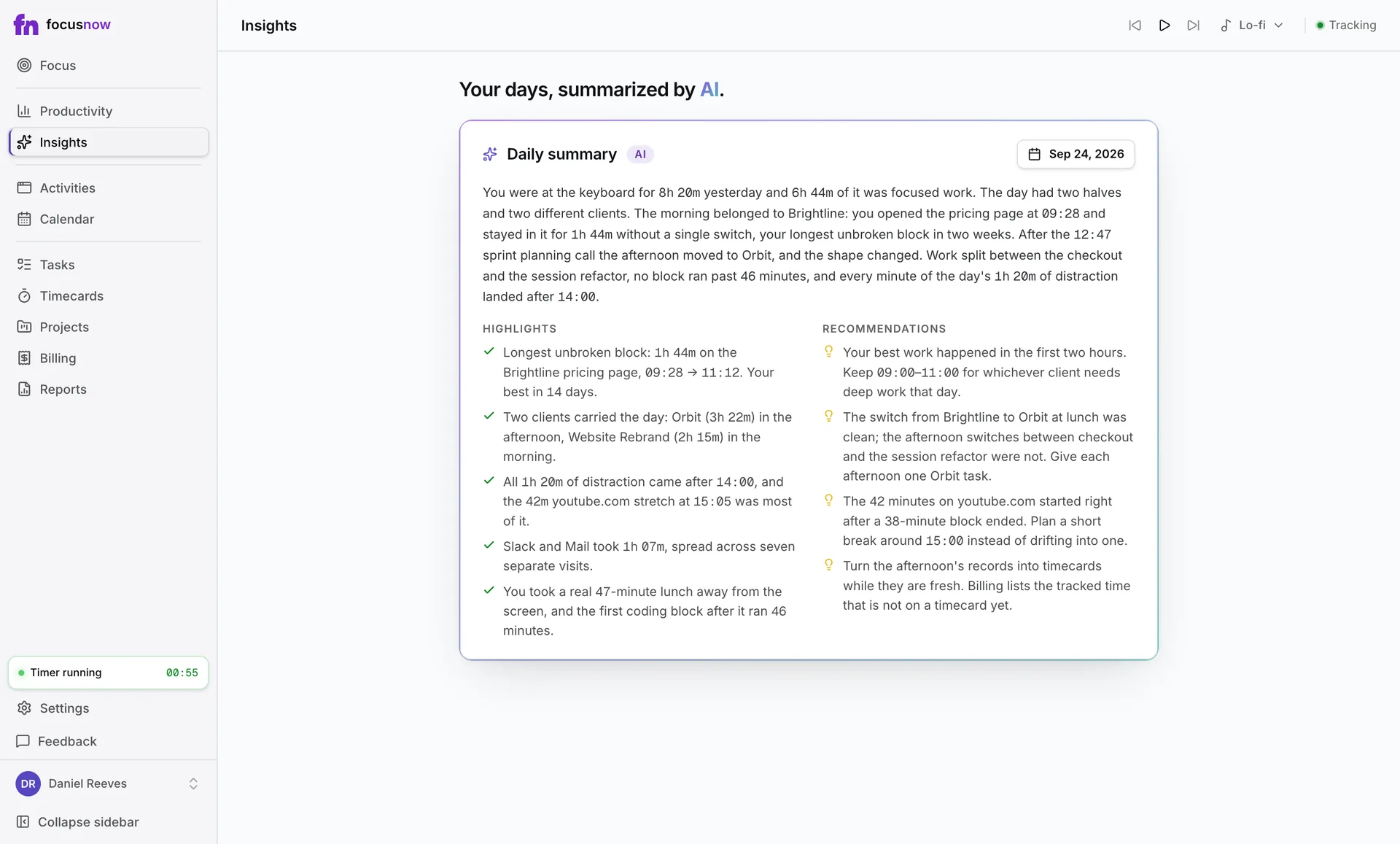
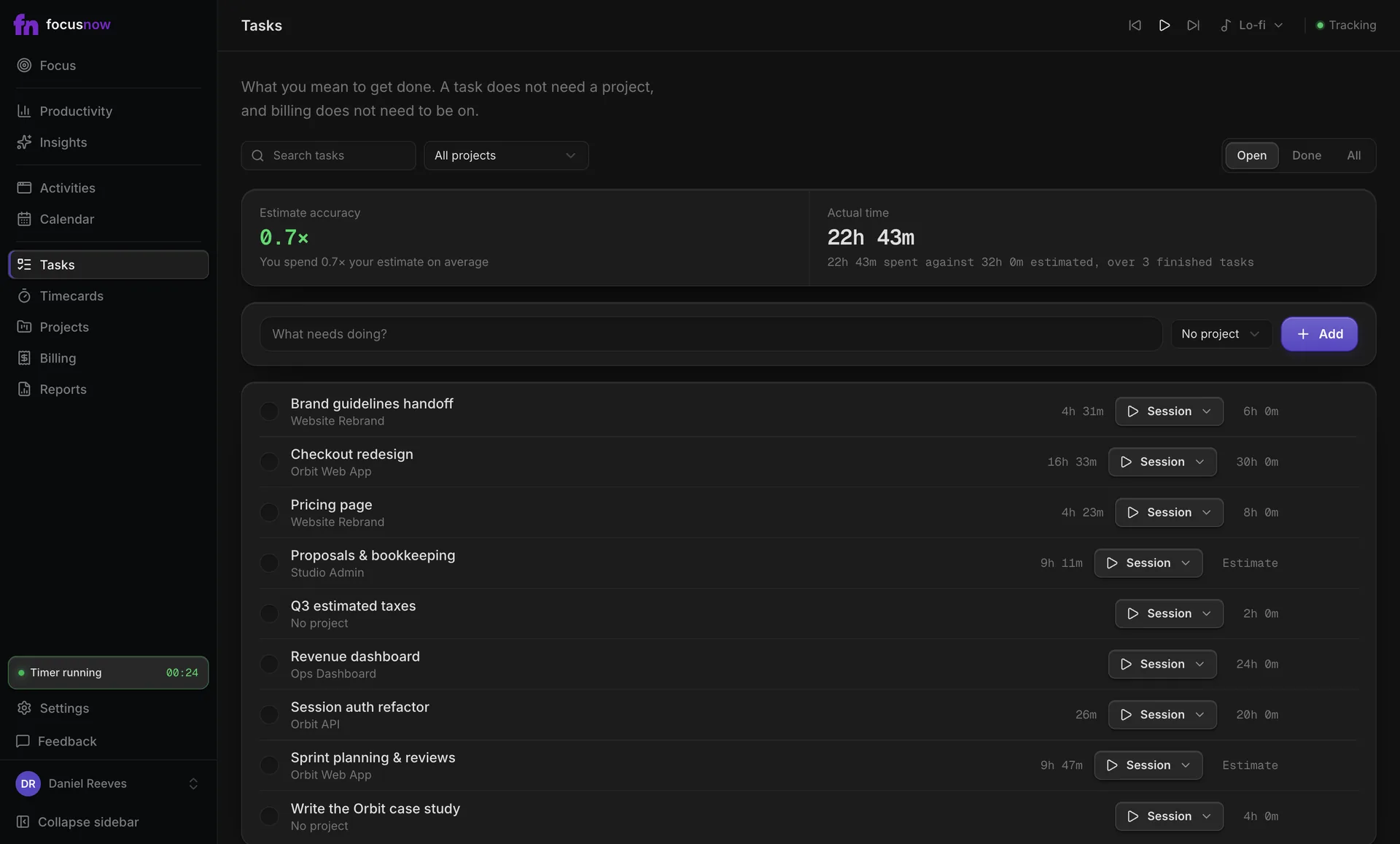
Finished tasks show how your estimates compare with the time they took.
Tasks and focus sessions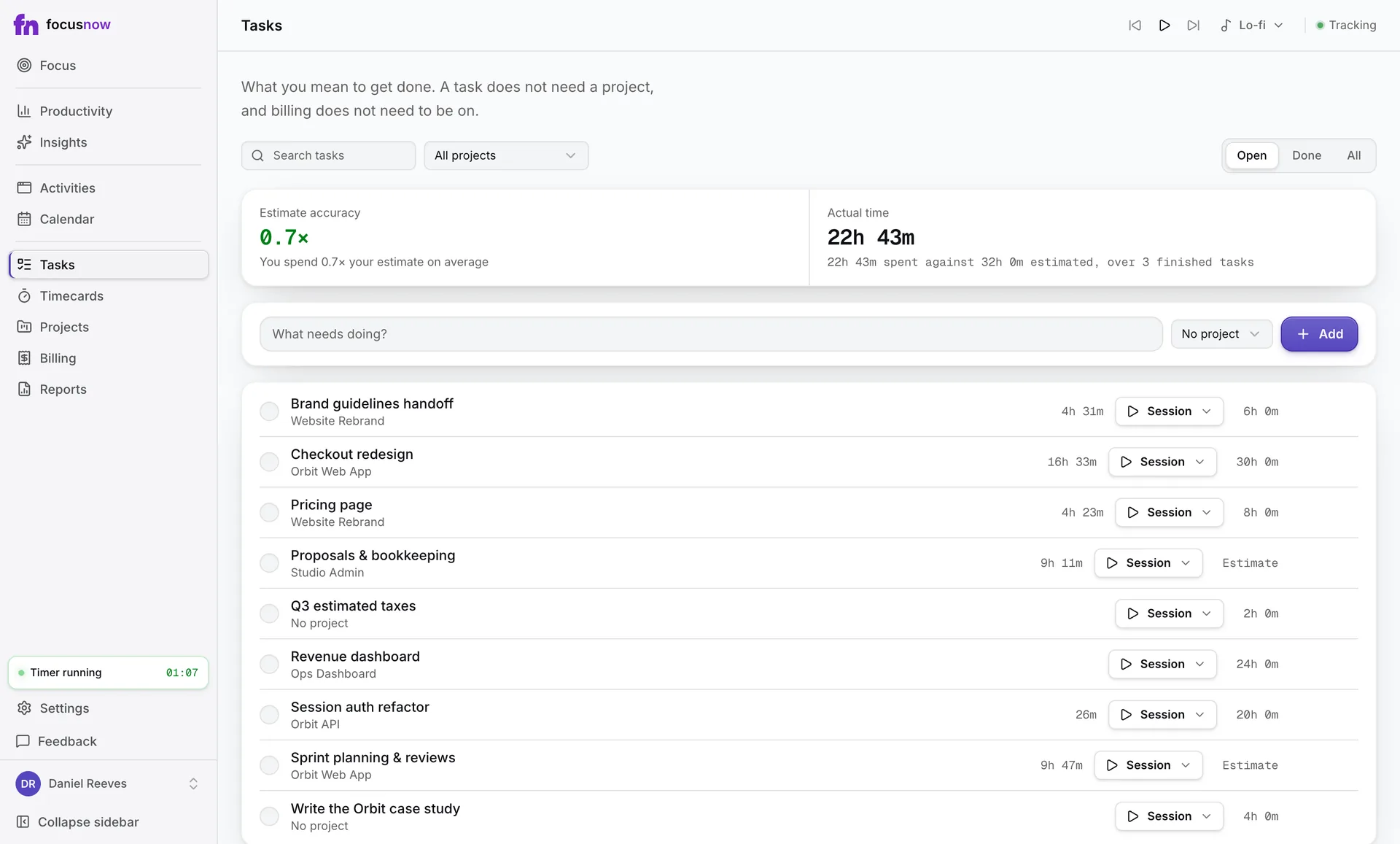
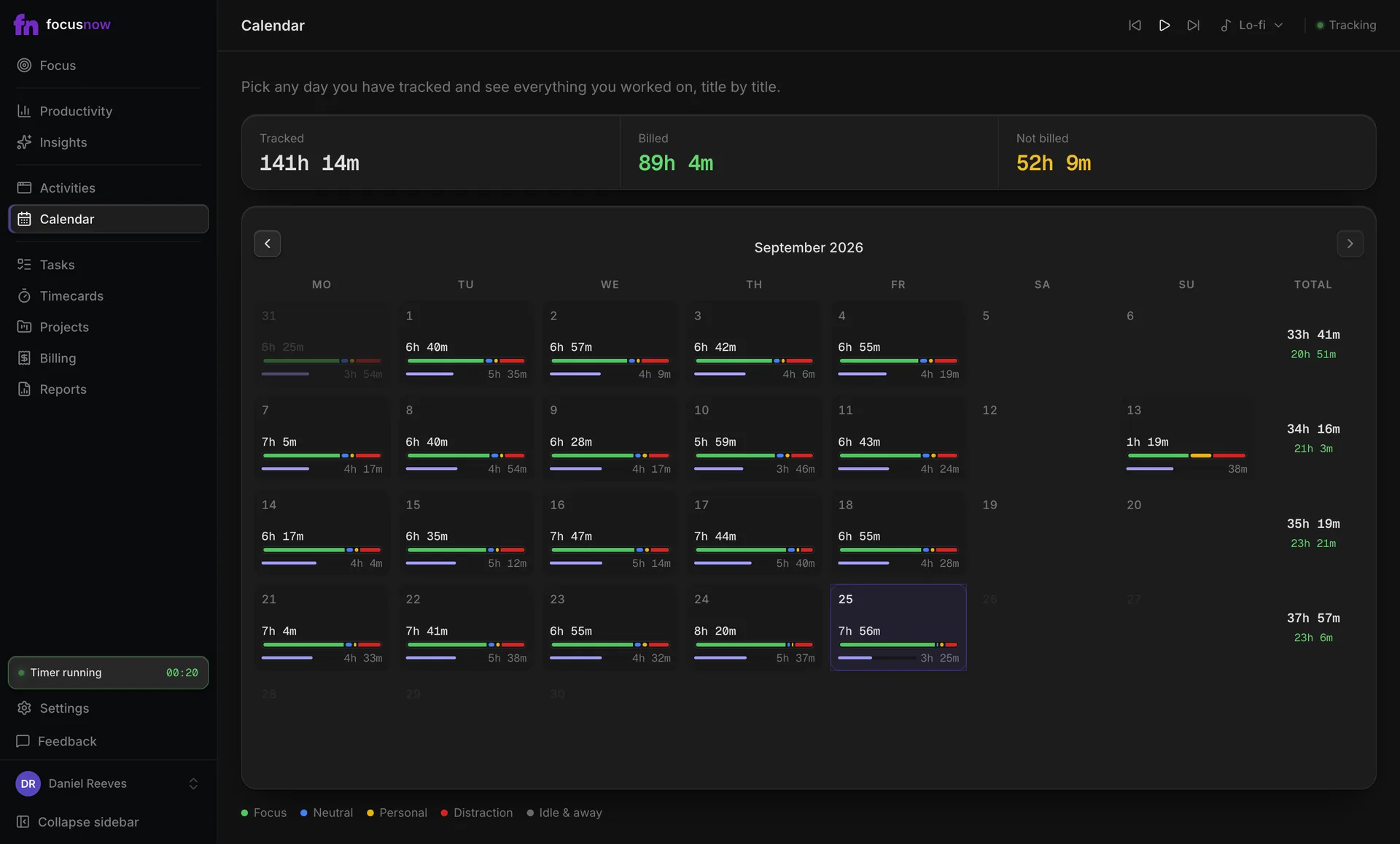
Open a day on the calendar and see what you worked on, title by title.
Calendar and your data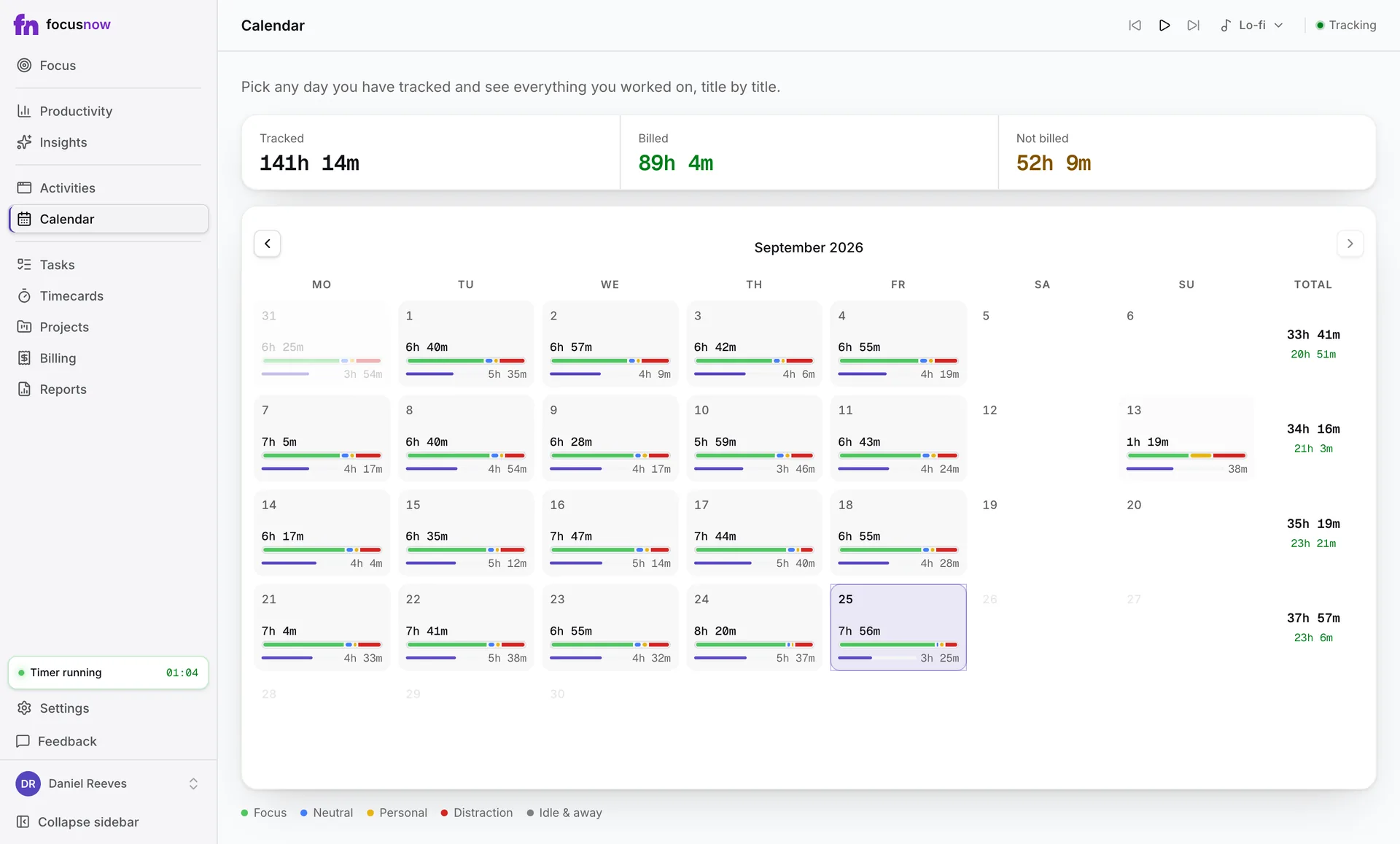
FocusNow keeps the record. You decide what belongs to which client, then prepare a work statement you can stand behind.
Review
Apps, sites and window titles are there for any day you open.
Choose
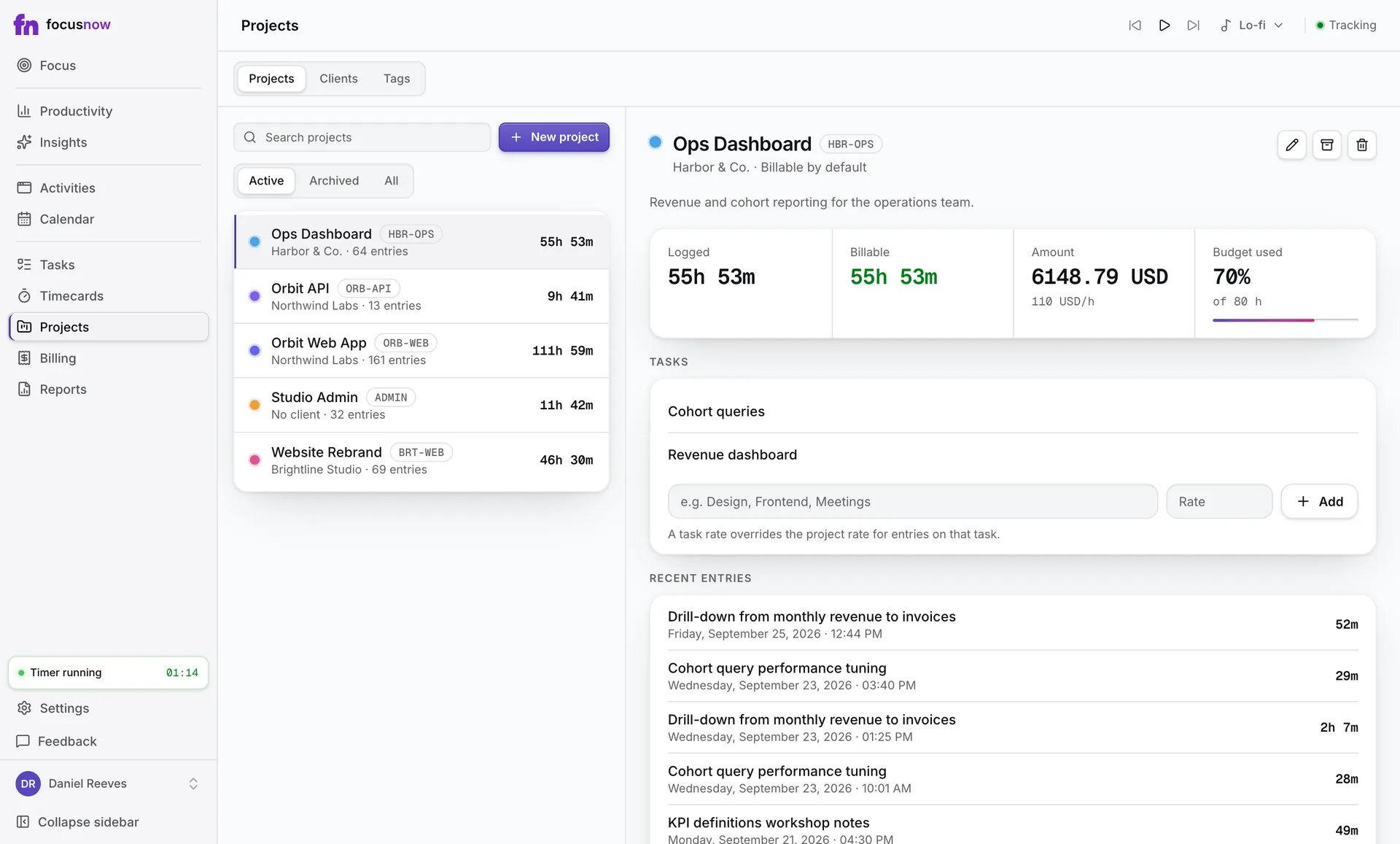
Add tracked records to a timecard or run the timer. Project, rate and billable are your call.
Prepare
Billable entries gather per client. Finalize a statement, then export it as PDF or CSV.
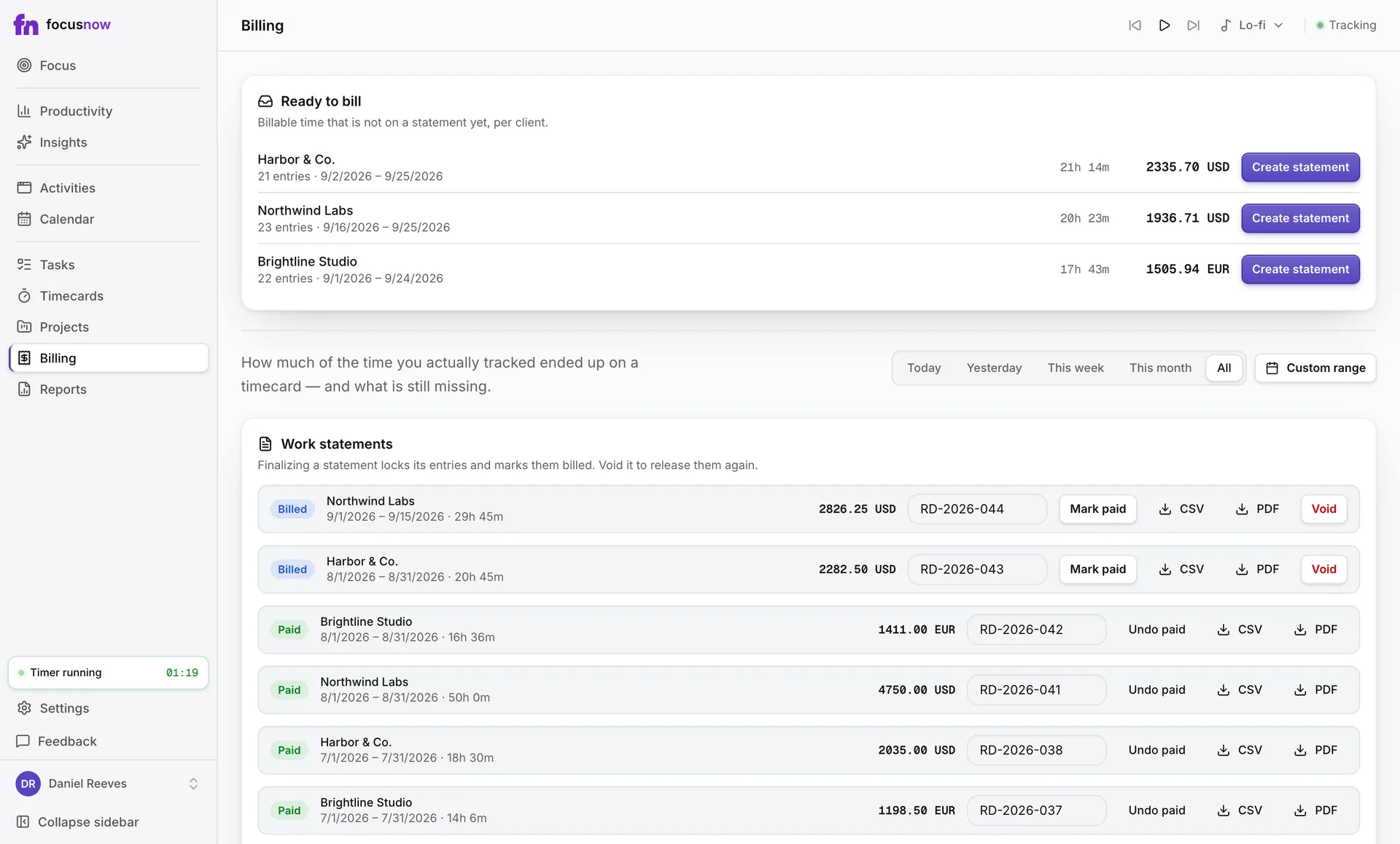
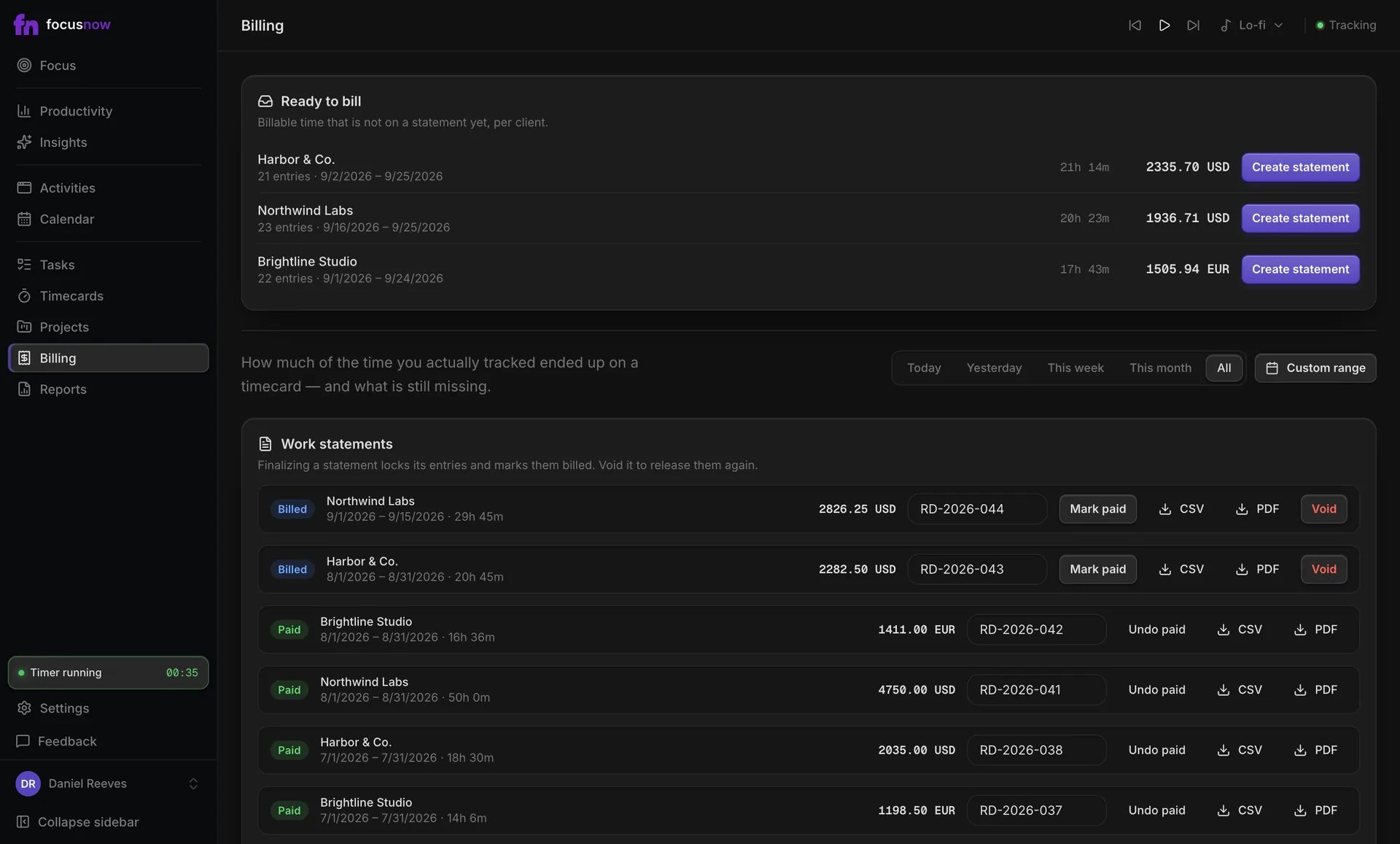
A work statement is a record of your work, not a tax invoice. FocusNow doesn't send invoices or collect payments.
How timecards workFreelancers
Clients, projects and rates on top of an automatic record, so you bill from what you did and not from memory.
Developers
Pick a task, start Deep Work and see how your estimates hold up.
Remote workers
Working hours keep the evening out of your numbers.
Students
Pomodoro blocks and an honest look at study time.
Plenty of good tools track time. Here's where FocusNow fits, and where another tool may suit you better.
Records are saved on your computer first and tracking keeps going offline. While you're signed in, they sync to your account, encrypted in transit and at rest.
$0
Automatic tracking, focus sessions and your Productivity views. No trial clock and no card.
Timecards, billing and reports are free during early access. We plan to include them in a paid Pro plan later and will share the terms before anything changes.
See pricingQuestion not answered? Write to us
Core tracking, focus sessions and Productivity are free, with no card. Timecards, billing and reports are free during early access. We plan to move them into a paid Pro plan later and will announce the terms before that happens.
macOS 12 (Monterey) or later on Apple Silicon or Intel, from our download page, and Windows 10 or later (64-bit) from the Microsoft Store. There is no Linux or mobile app.
The app in front of you, its window title, the site's domain in your browser, and whether you're active, idle or away. It never takes screenshots or logs keystrokes.
No. You choose which tracked records go on a timecard and which project they belong to. FocusNow keeps the record and does the arithmetic.
No. It summarizes your work for a client and exports as PDF or CSV. FocusNow doesn't issue tax invoices or collect payments. You can add your own invoice number to a statement.
Tracking keeps going offline and syncs when you're signed in and back online. Settings → Account exports all of your data, and you can delete your account at any time.
Install FocusNow, work as usual, and open it this evening to see your day.
Get FocusNow FreeMac and Windows. From download to tracking in under two minutes.