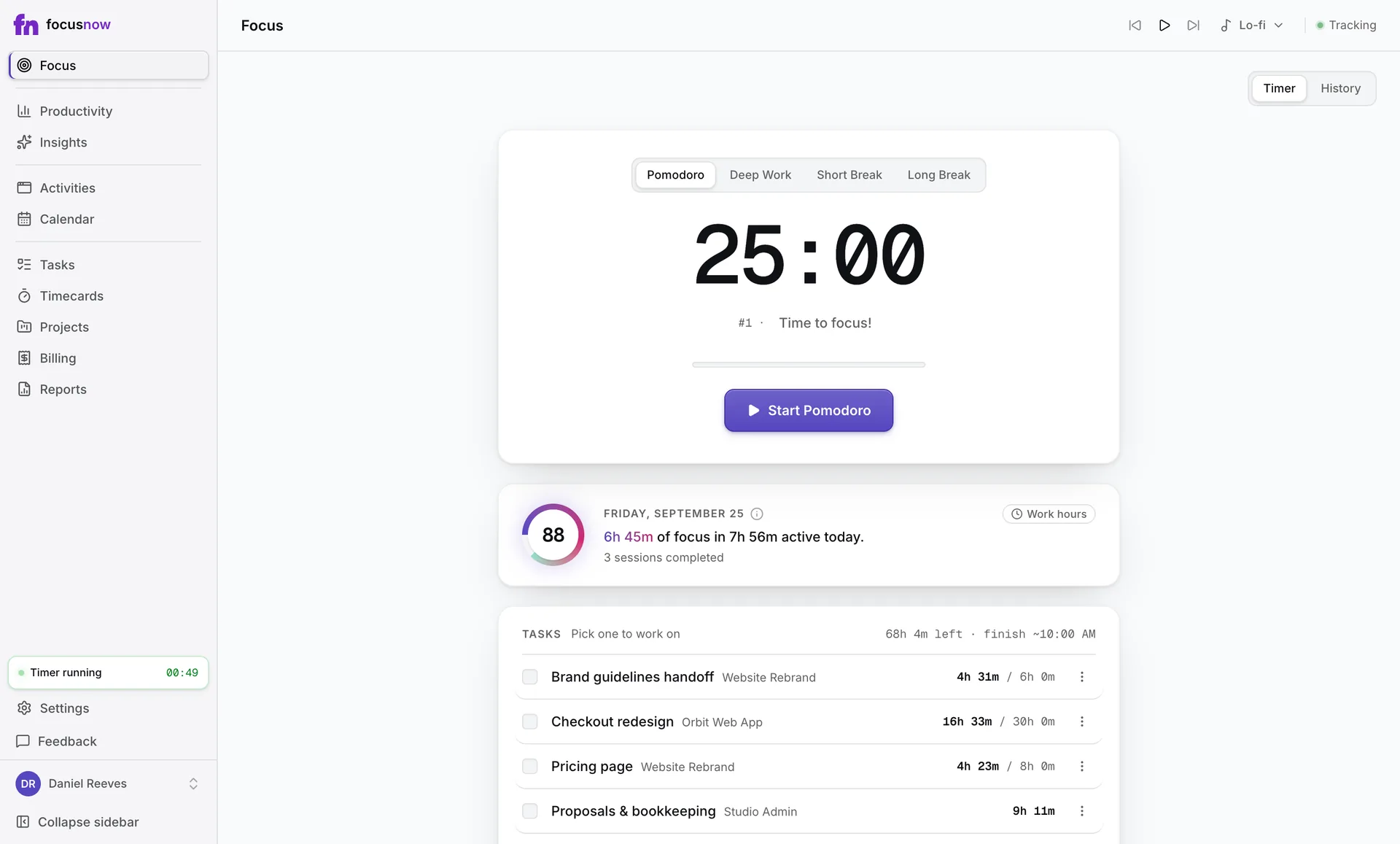
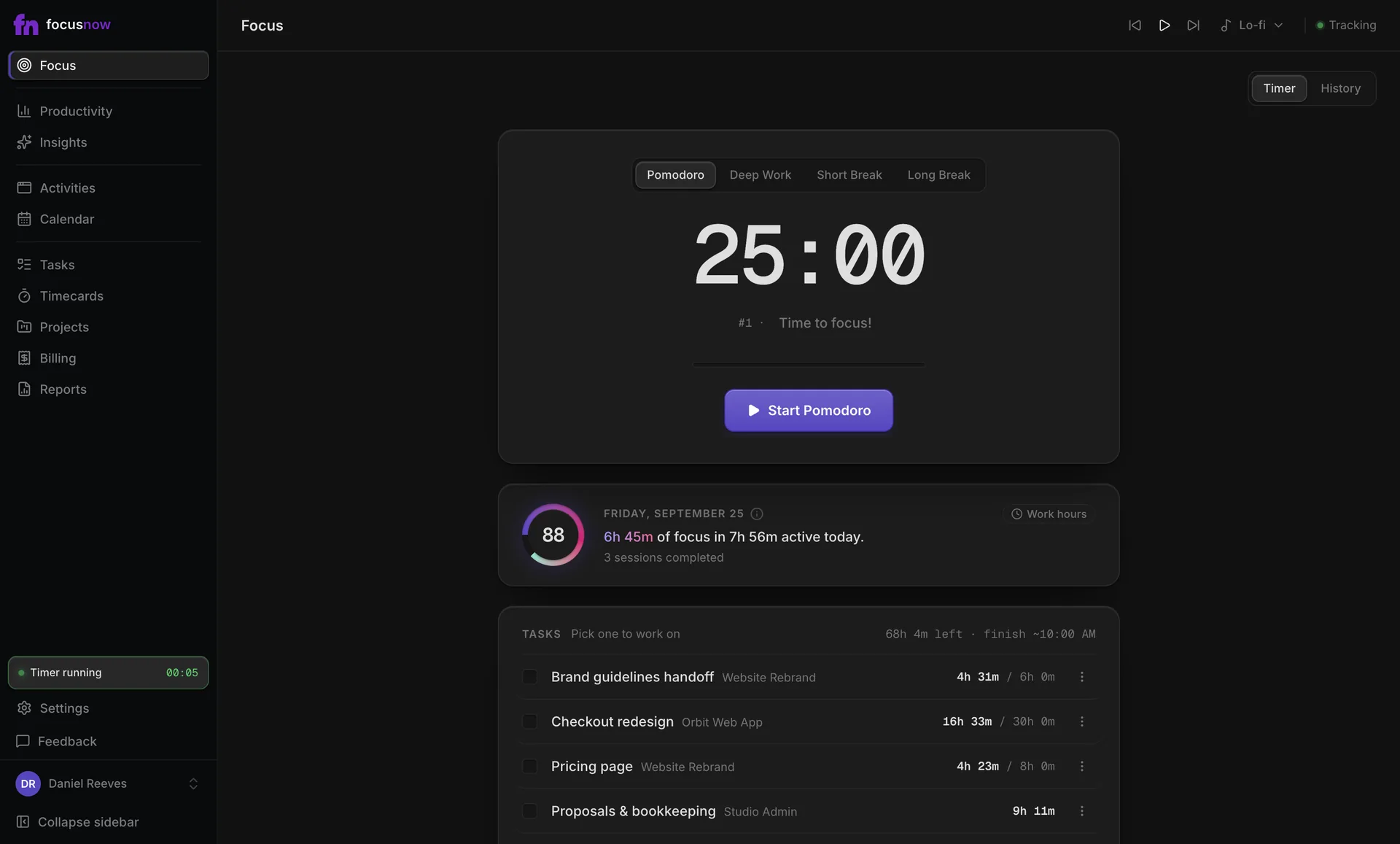
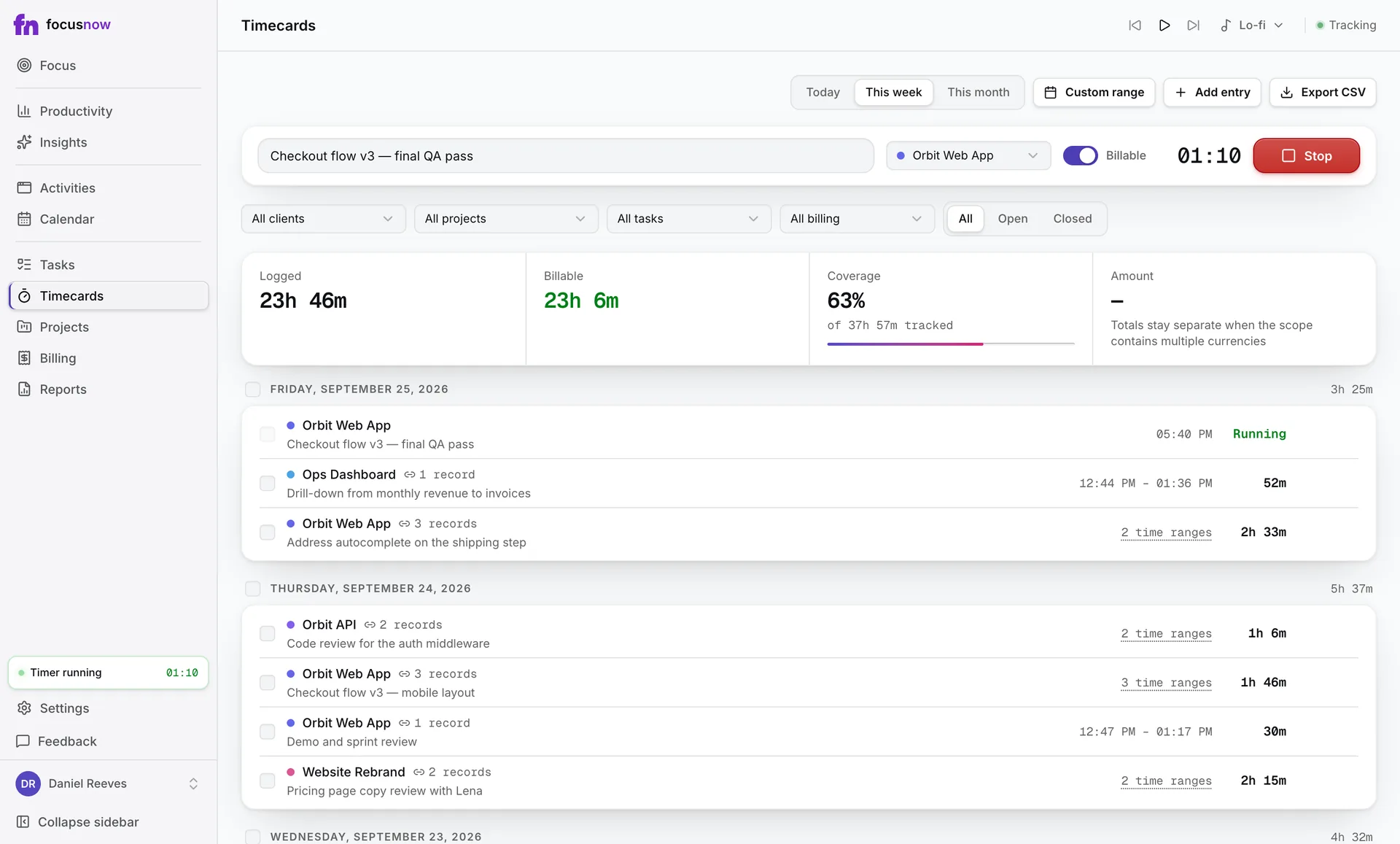
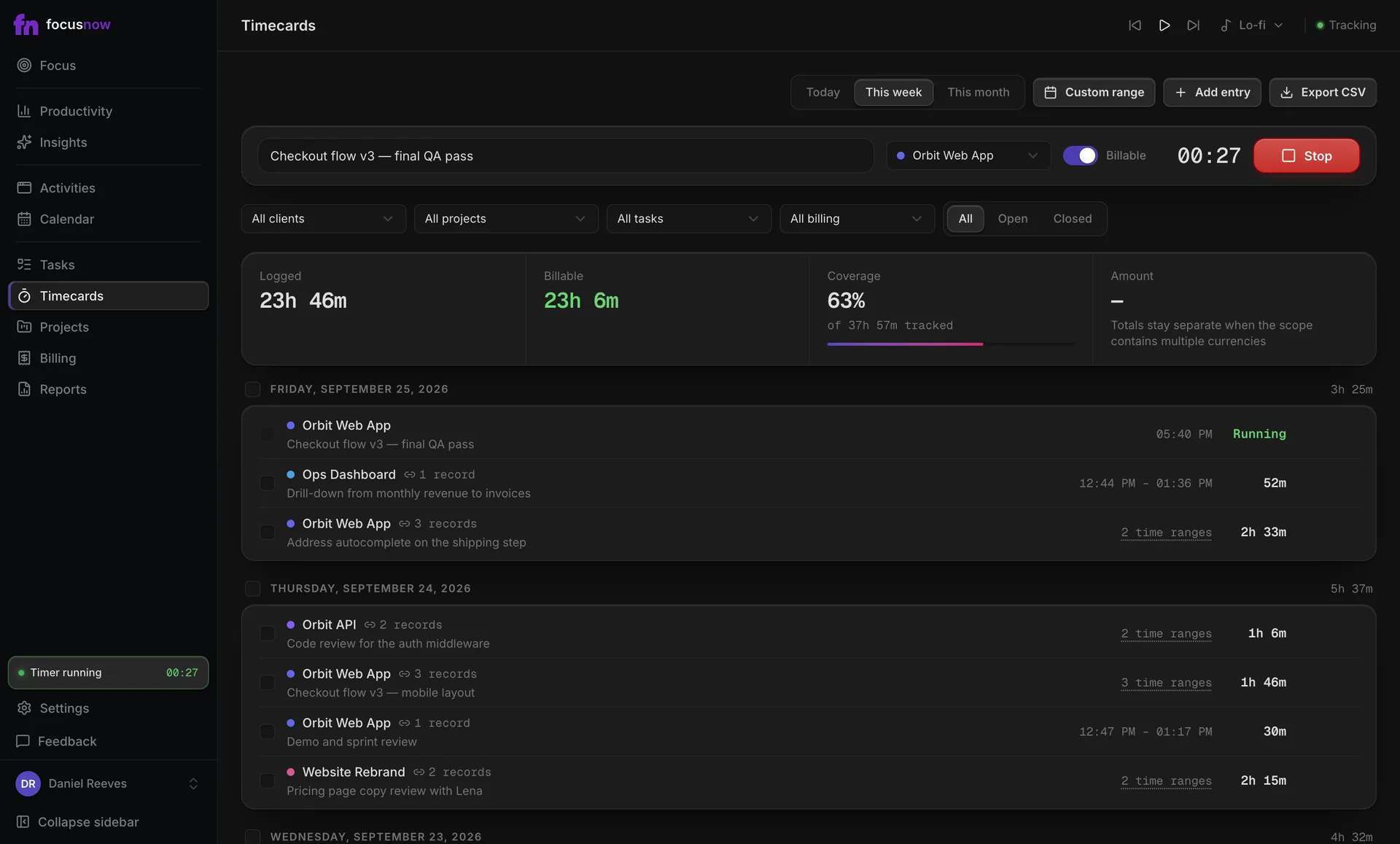
Automatic time tracking
Your whole workday, without a single timer.
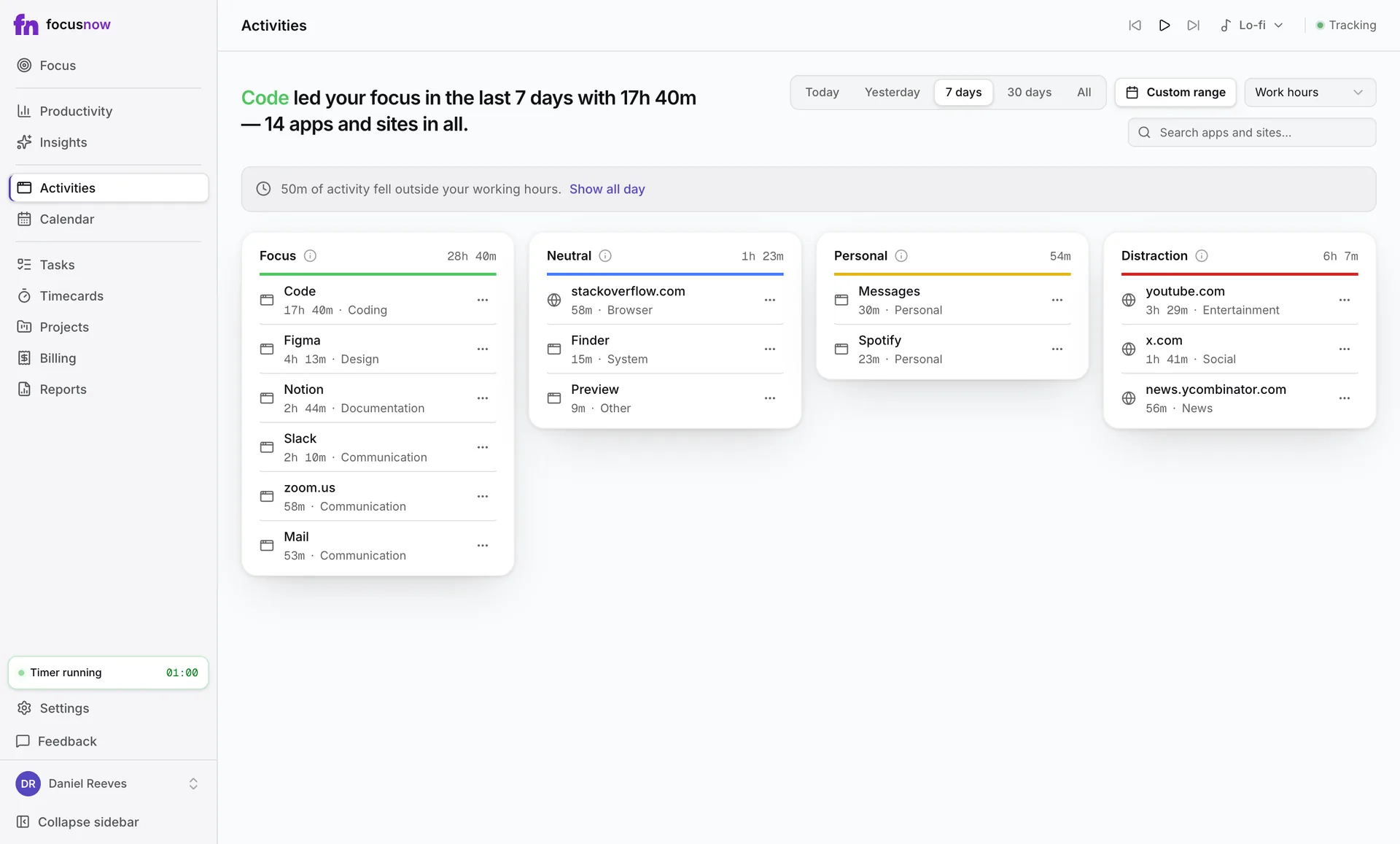
FocusNow notes the app, window title and site in front of you on Mac and Windows. Open it any time and the day you actually had is there.
Sample data
What you get
Remember the day accurately
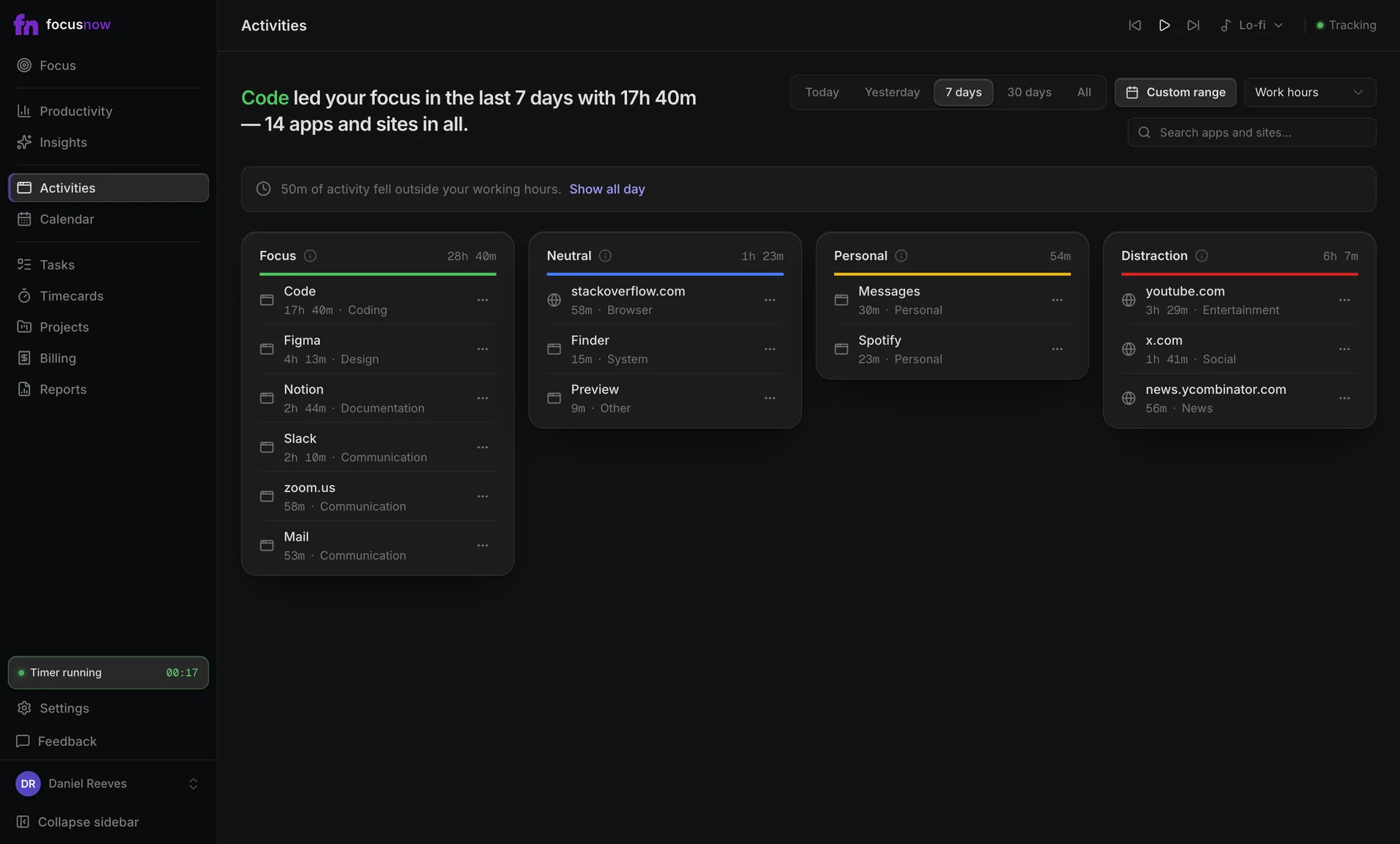
Every app and site with the time it took, sorted into Focus, Neutral, Personal and Distraction.
Your rules decide what counts
Change a category in one click, add your own, or exclude an app so it never collects time.
Working hours that mean something
Set your hours and read focus inside them. Evenings and weekends stay out of your score.
How it works
Allow tracking once
On macOS you grant the Accessibility permission during setup. Windows needs no extra step.
Work as usual
About every two seconds FocusNow checks the window in front and notices when you step away.
Open your day
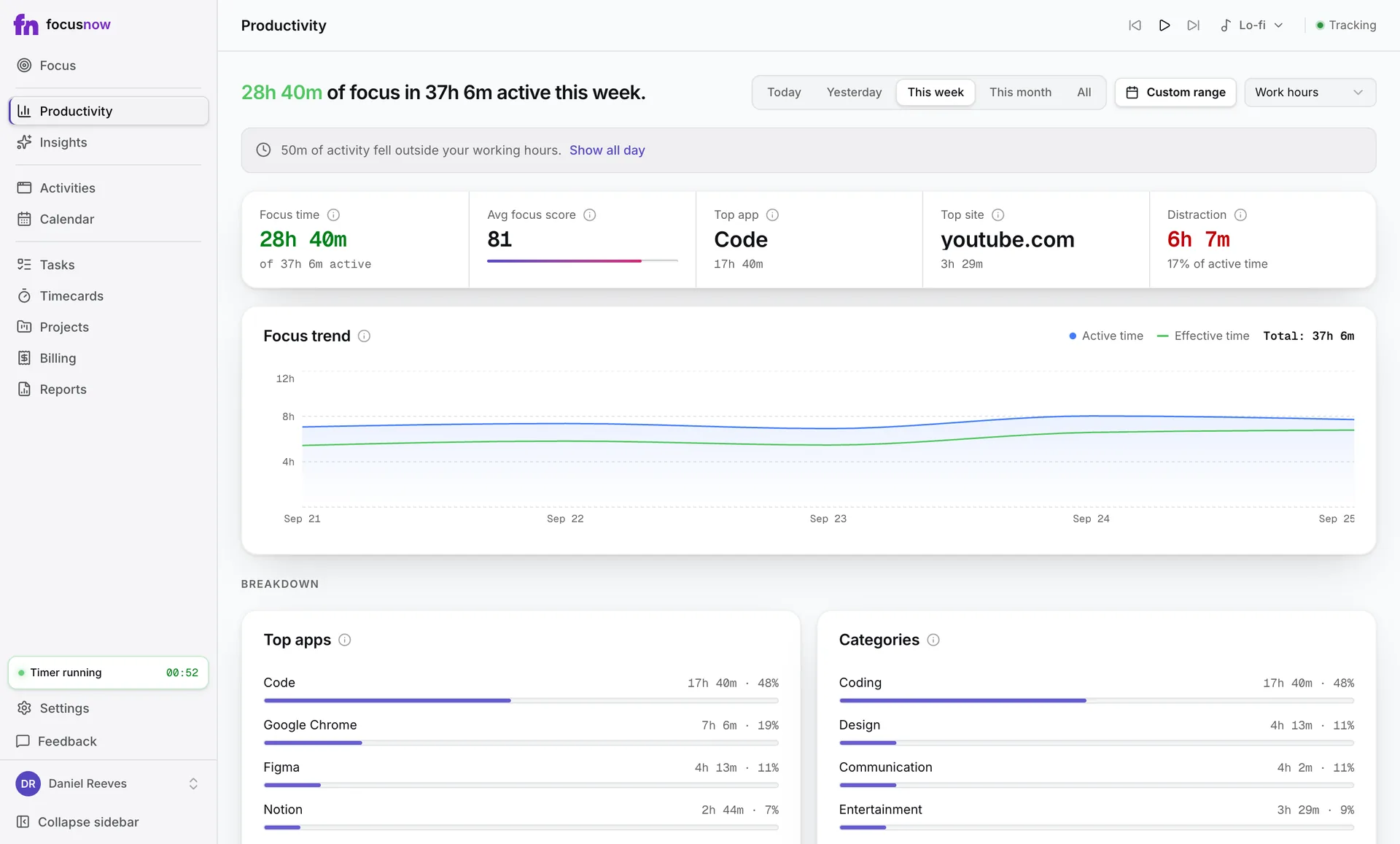
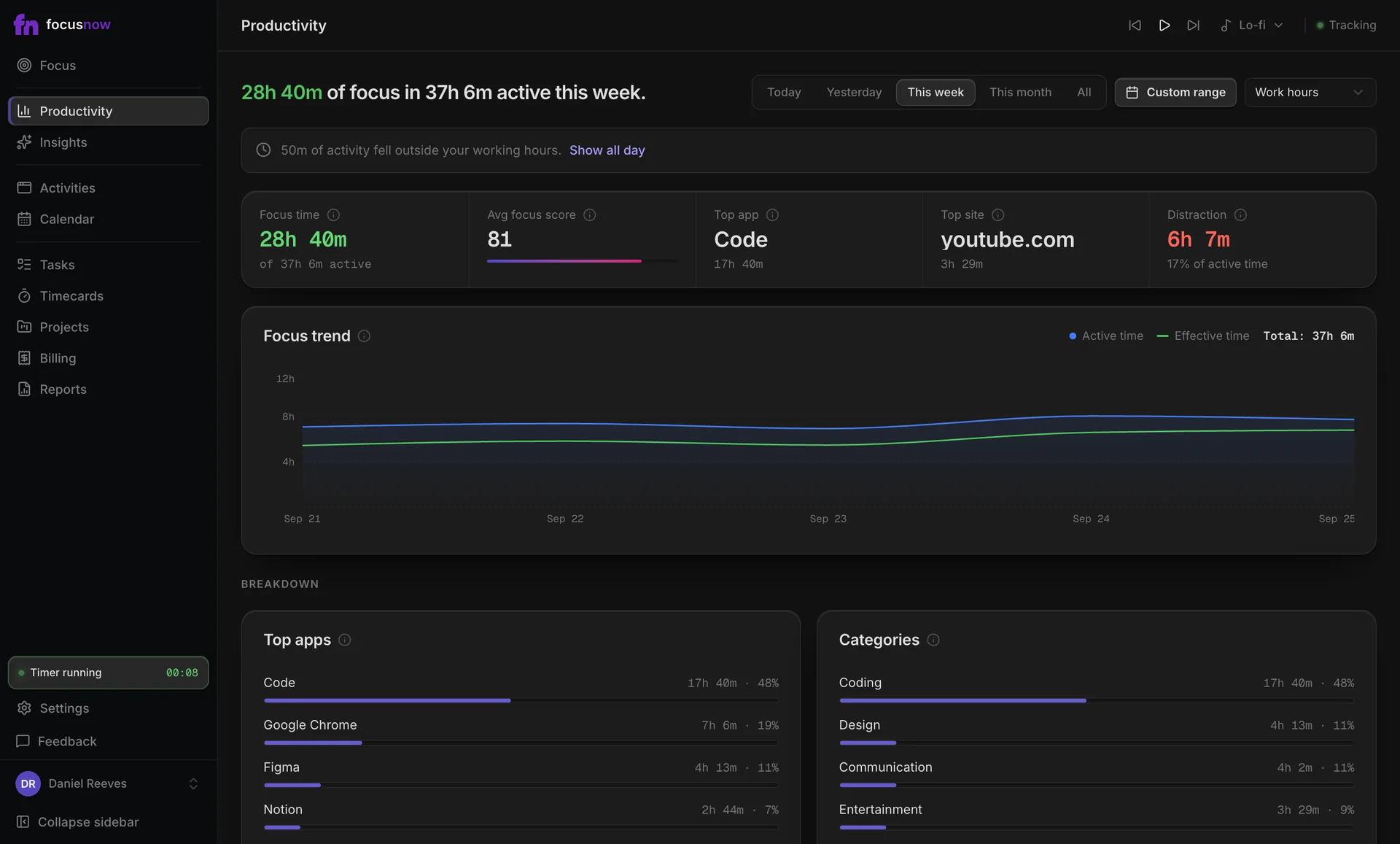
Productivity, Activities and Calendar show the same record from three angles.
Adjust what counts
Move an app or site to another category and your numbers update with it.
Start with today.
Install FocusNow, work as usual, and open it this evening to see your day.
Get FocusNow FreeMac and Windows. From download to tracking in under two minutes.