Skip to content

How to choose a time tracker

Most time trackers handle the basics well. The right one depends on what you need the numbers for. Start with the questions below, then read short notes on six tools.

We make FocusNow, so read this with that in mind. We've described each tool as fairly as we can, checked the details against official pages on September 26, 2026, and said where another tool is the better choice. Nobody paid to be listed.

Five questions to ask first

  1. Is it for your focus or your invoices?

    Focus tools show patterns and sessions. Client tools turn time into entries, rates and statements. Some do both.

  2. Timer or automatic record?

    Timers are precise when you remember them. Automatic tracking catches everything and asks you to sort it later.

  3. Just you, or a team?

    Team plans add shared projects, roles and reports. Tools for one person stay simpler.

  4. Where should the data live?

    Some tools keep everything on your device. Others sync to the cloud so you can reach it elsewhere.

  5. Which devices?

    Check macOS, Windows, Linux and mobile support before you commit.

Six tools, briefly

FocusNow

Good fit
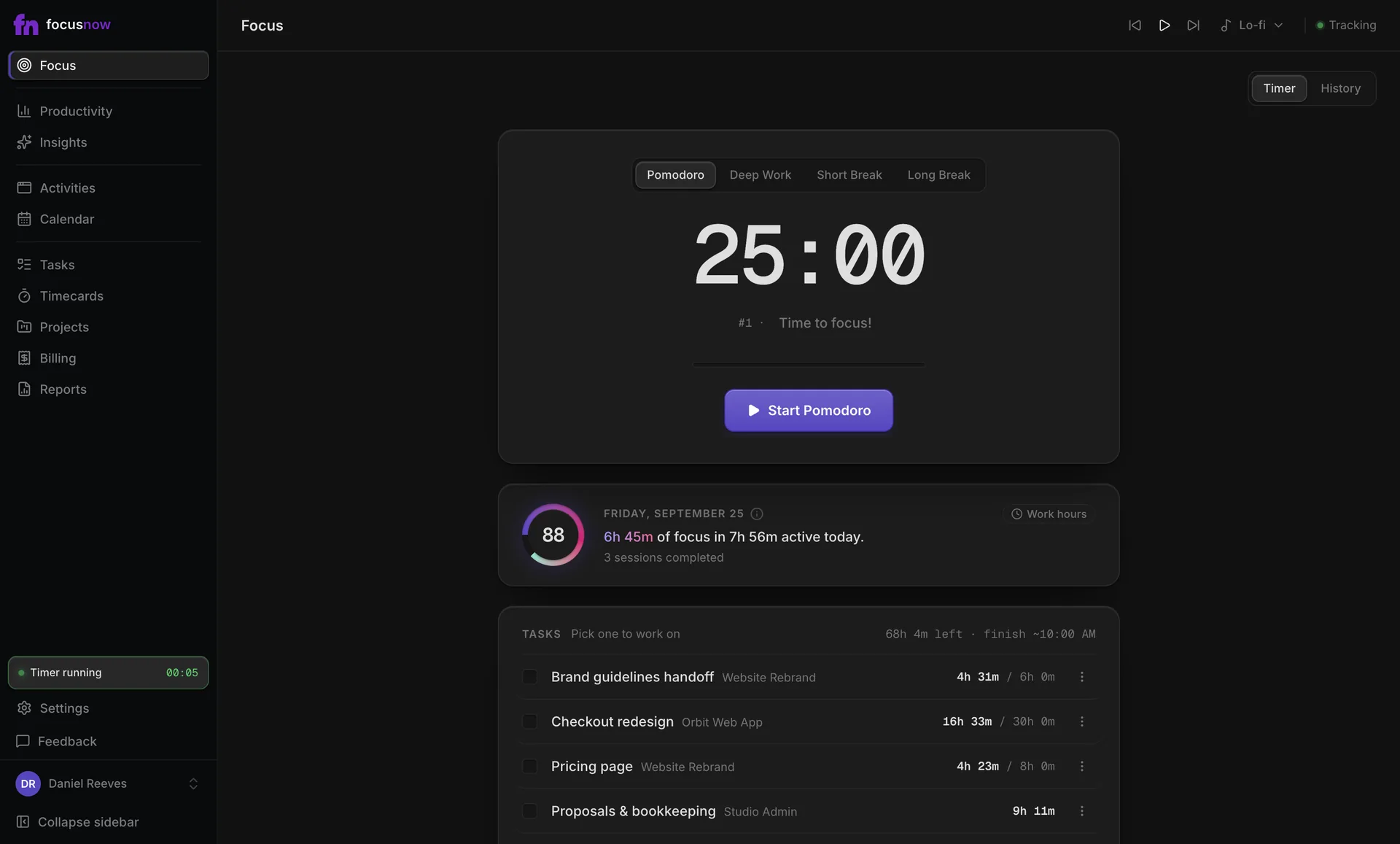
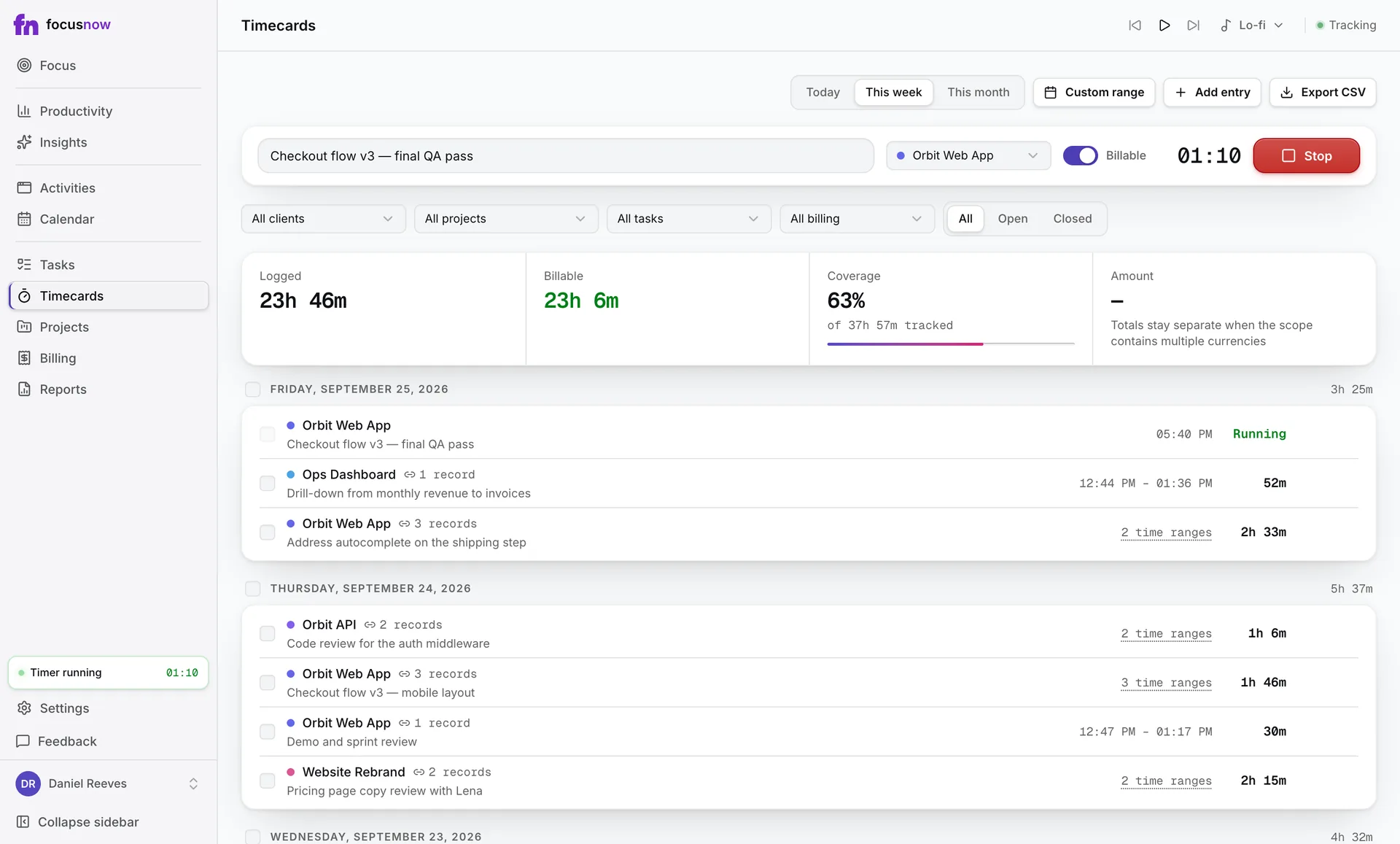
Solo professionals who want automatic tracking, focus sessions and timecards in one desktop app.
Keep in mind
No distraction blocking, no mobile or Linux app, no team features. You assign time to clients yourself.
Price
Core tracking free; timecards and billing free during early access.
Rize

Good fit
People who want AI to assign sessions to projects, plus blocking, integrations and team dashboards.
Keep in mind
Subscription after a 7-day trial.
Price
From $9.99 a month billed annually.

RescueTime

Good fit
People who want focus sessions with blocking, goals and alerts, and mobile apps. Timesheets for client work come with Solo+.
Keep in mind
Paid plans after a 14-day trial.
Price
From $7 a month billed annually; Solo+ $12.

Toggl Track

Good fit
Timer lovers and teams who need projects, billable rates, invoicing and reports on web, desktop and mobile.
Keep in mind
The timer is the main habit. The automatic Timeline is a helper in the desktop apps.
Price
Free plan; paid from $9 per user a month billed annually.

Timely

Good fit
Agencies and consultancies that want AI-drafted timesheets built from an automatic record.
Keep in mind
Priced per user, with a 14-day trial.
Price
From $9 per user a month billed annually.

ActivityWatch

Good fit
Privacy-minded users who want free, open-source tracking with data kept on their own device, including on Linux.
Keep in mind
No focus timer or client billing, and syncing between devices is still in progress.
Price
Free and open source (MPL-2.0).

Whichever you pick, try it for one full week of real work before you decide.

Competitor details checked on September 26, 2026 against their official pages. Prices are list prices in USD before tax and can change.

Sources

Start with today.

Install FocusNow, work as usual, and open it this evening to see your day.

Get FocusNow Free

Mac and Windows. From download to tracking in under two minutes.

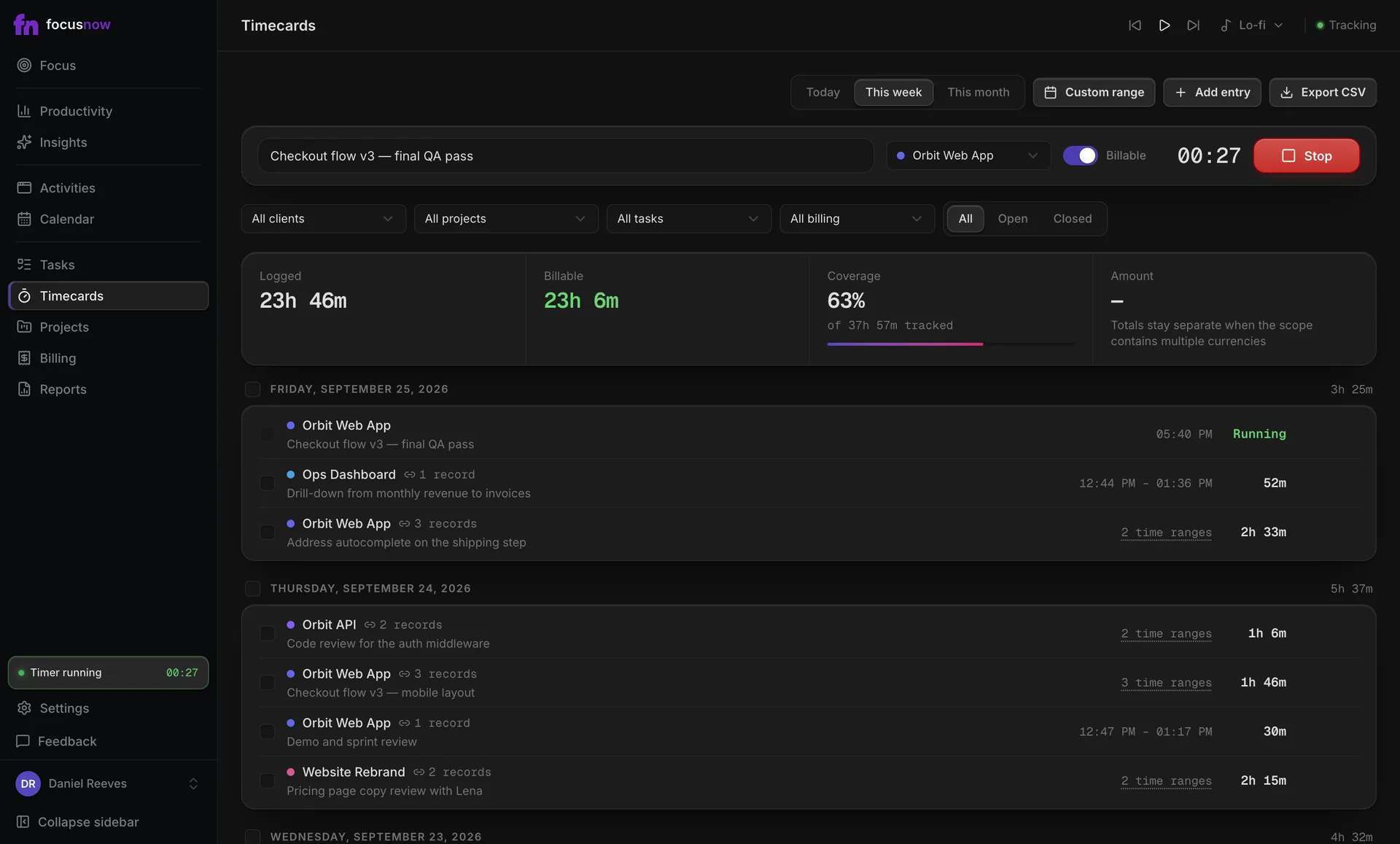
Focus
Today's summary: Focus Score 88, 6h 45m of focus in 7h 56m active, 3 sessions completed
Timecards
Timecards timer running for a client project