For developers
Keep your coding time in one piece.
See how much of the day went to the editor, reviews and chat, then protect the next block with a Deep Work session tied to the task in front of you.
Get FocusNow Free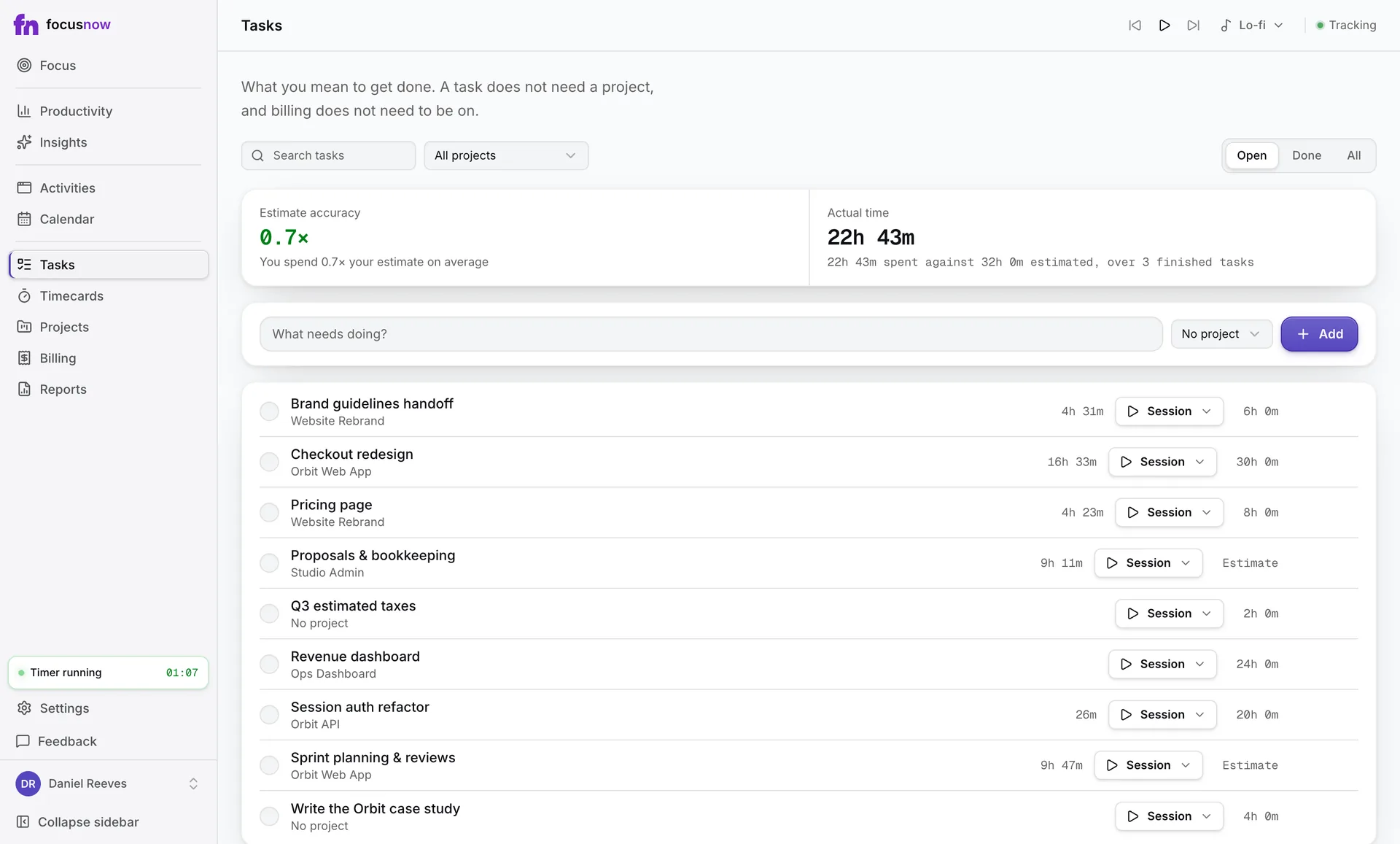
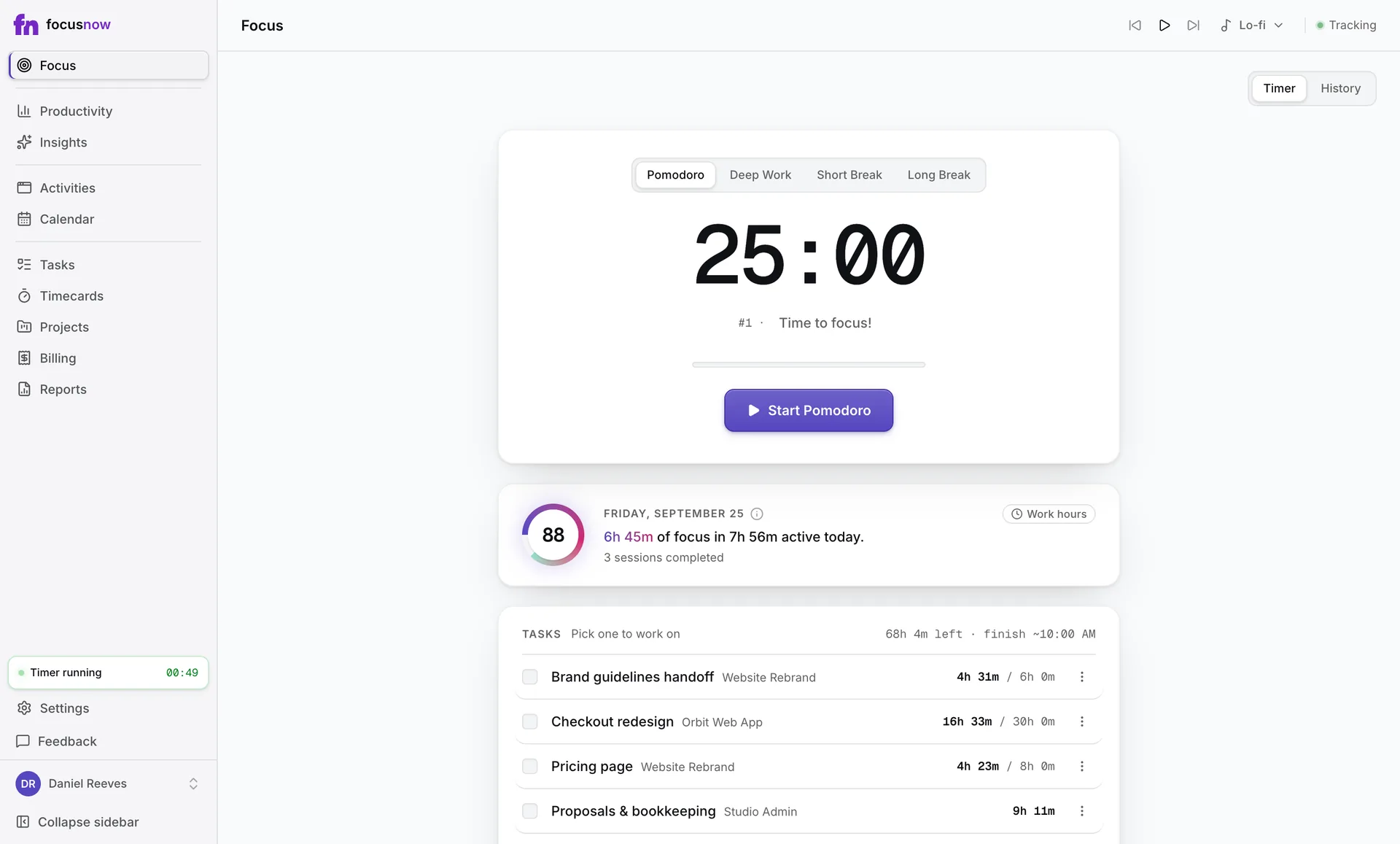
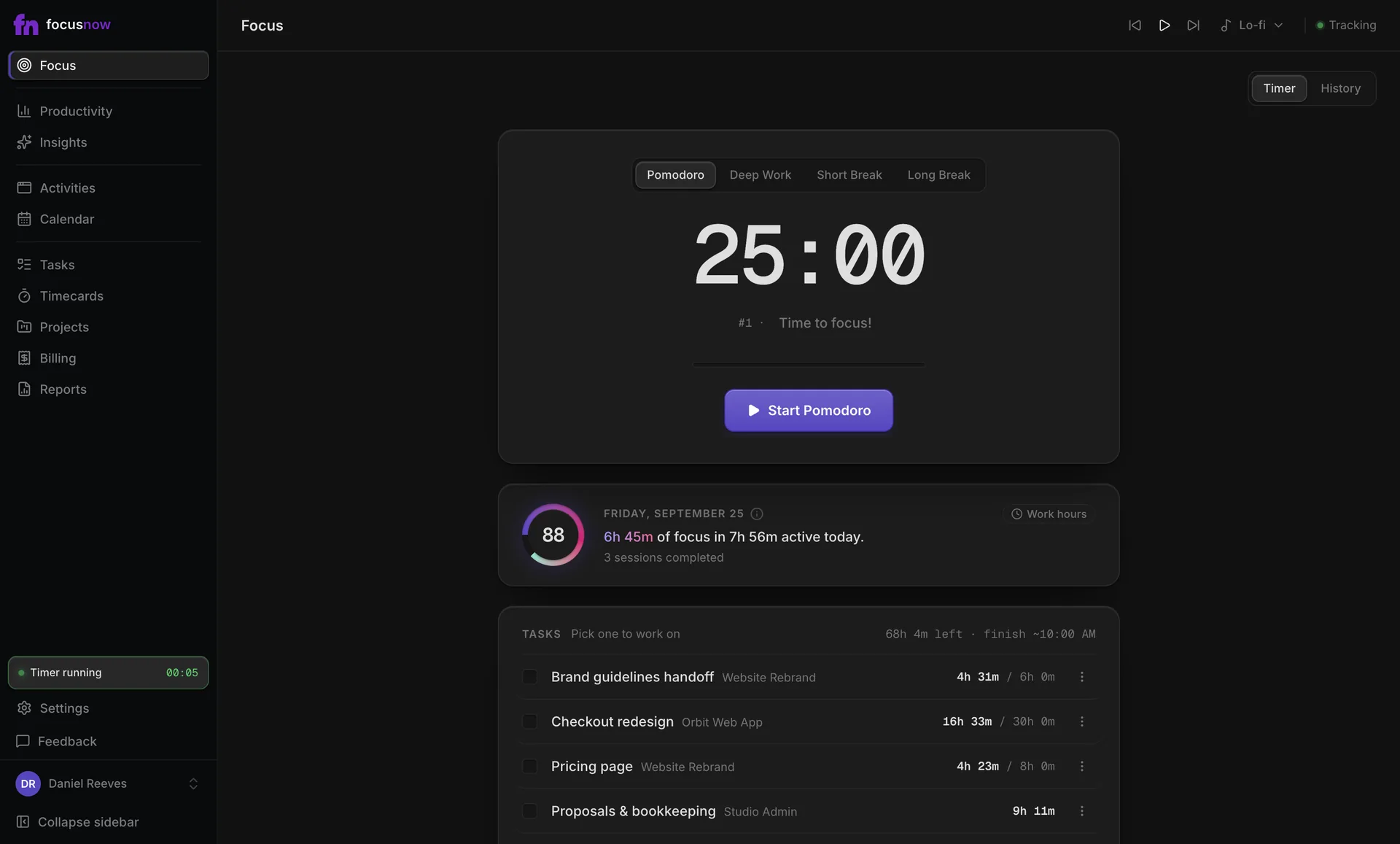
Sample data
A day like yours
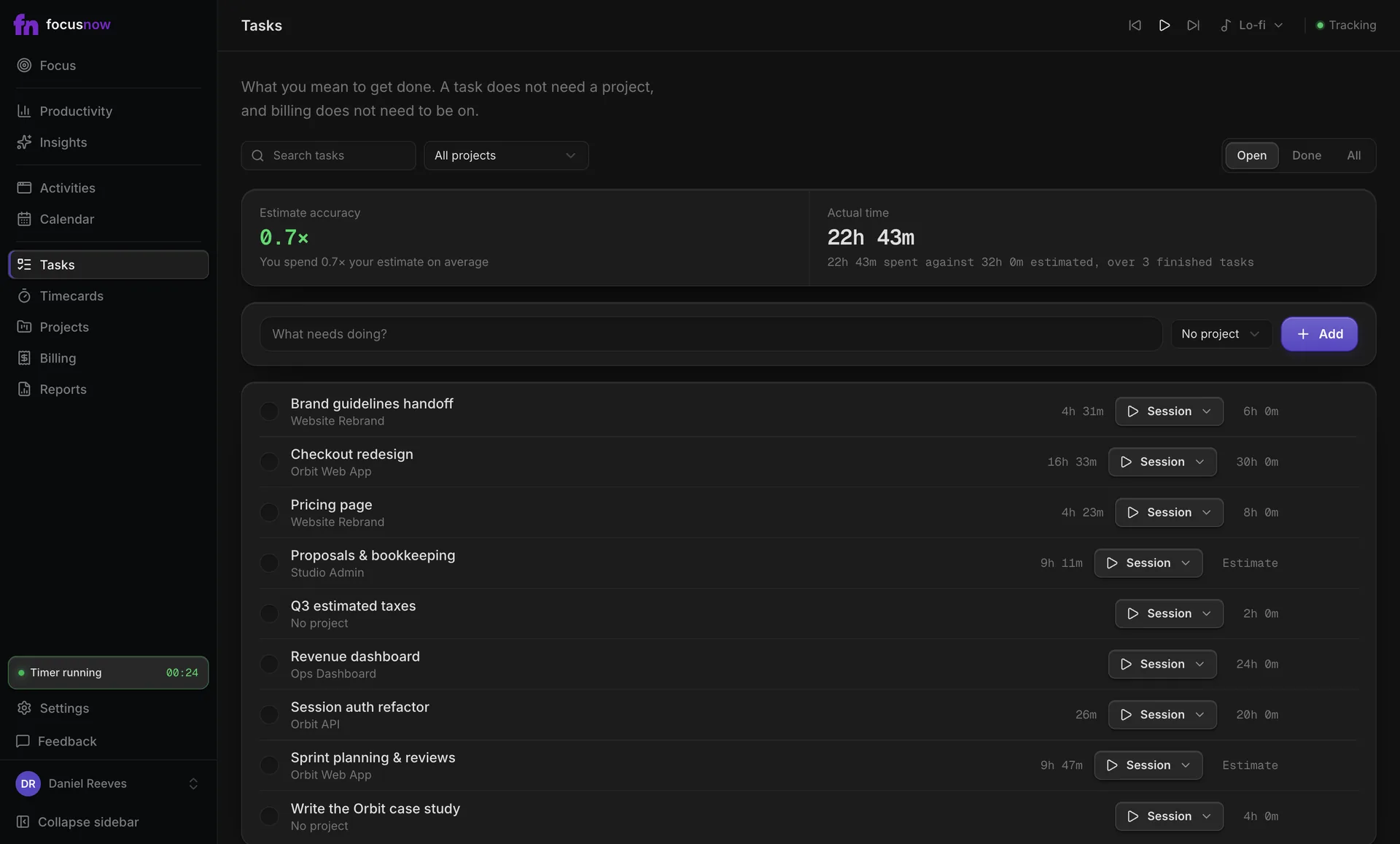
Stand-up at ten, a review that took longer than planned, then a long afternoon in the editor. FocusNow keeps it all without a timer. You start Deep Work from the ticket you're on, the floating widget keeps the clock in view, and the task shows how its actual time compares with your estimate.
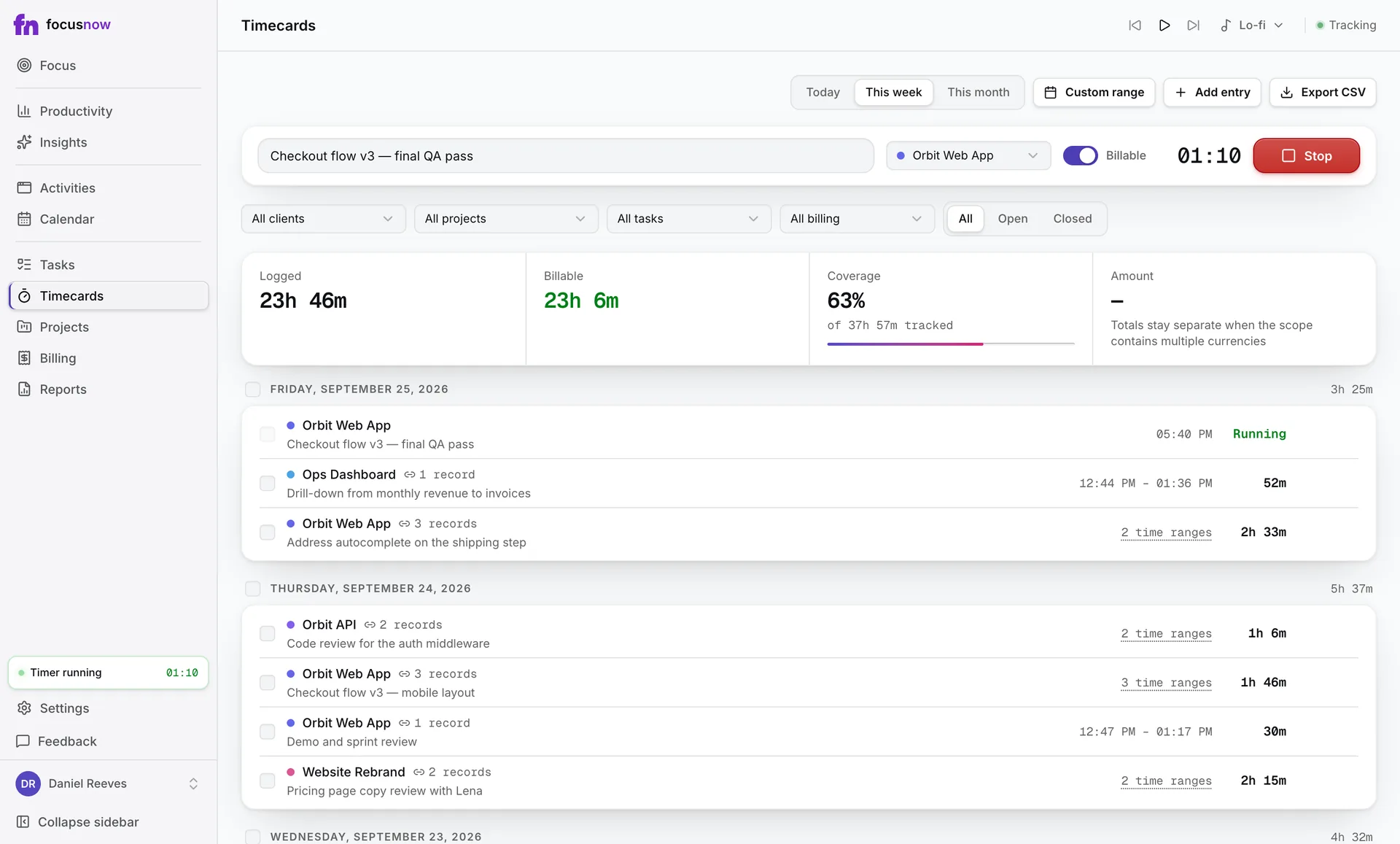
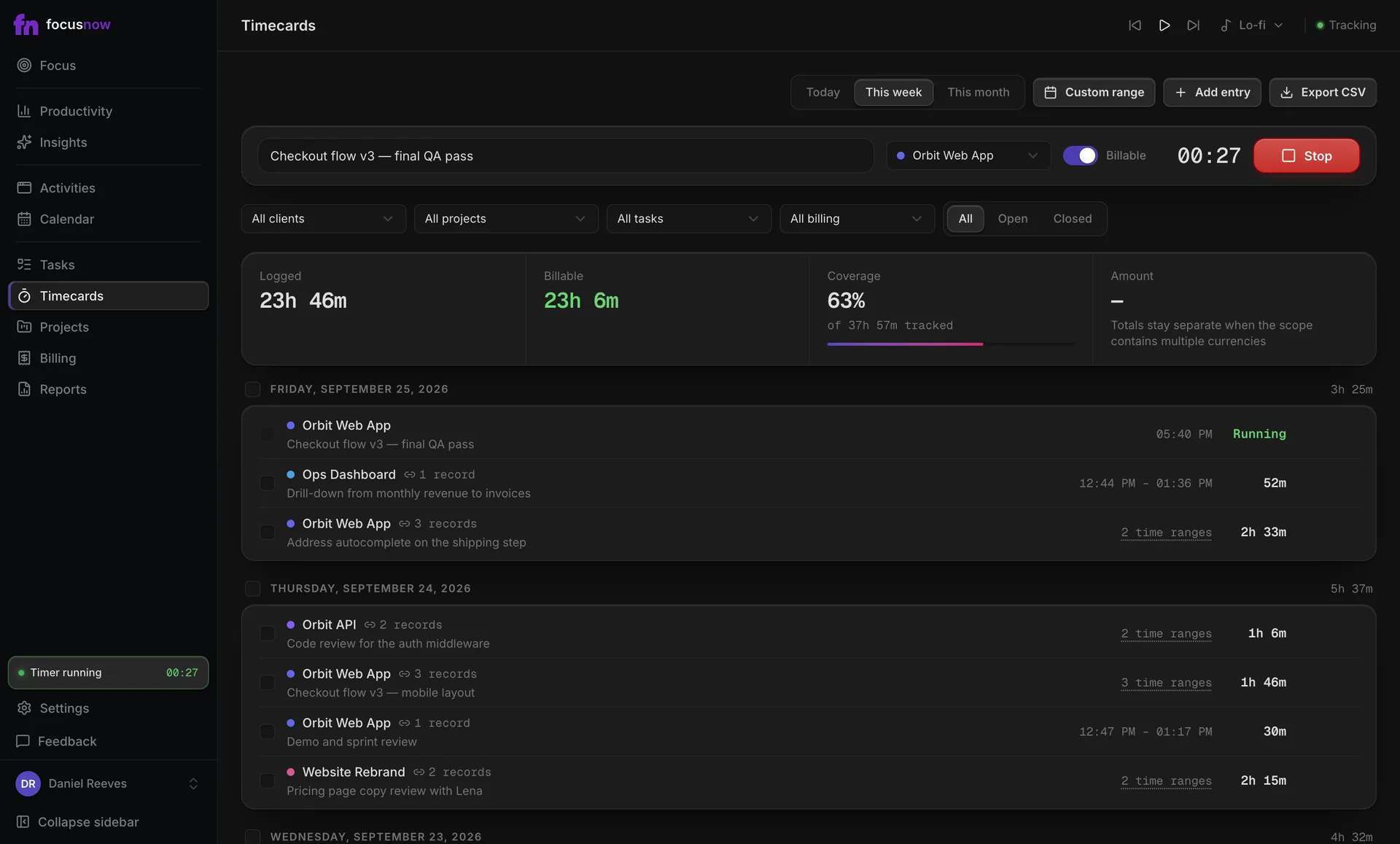
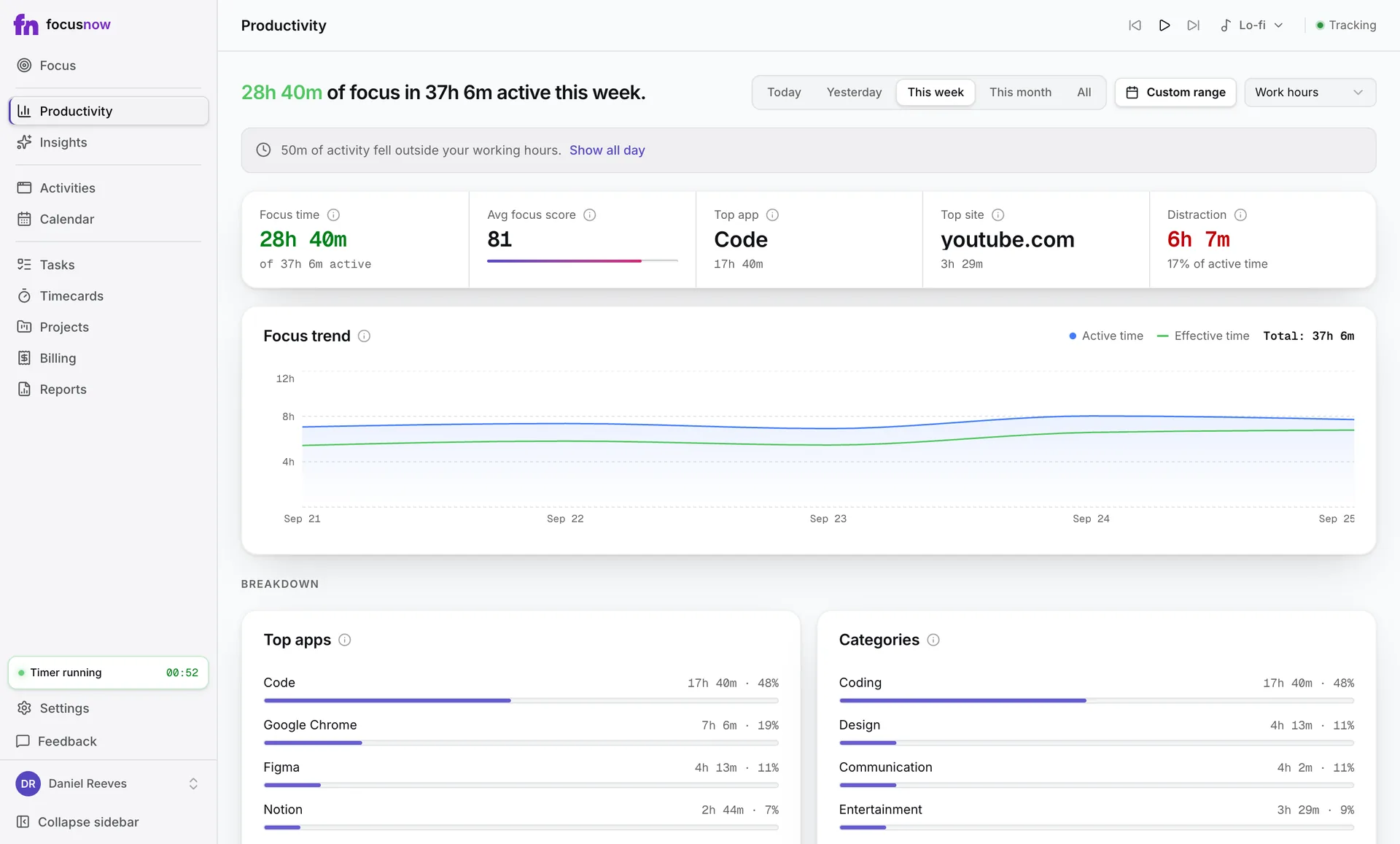
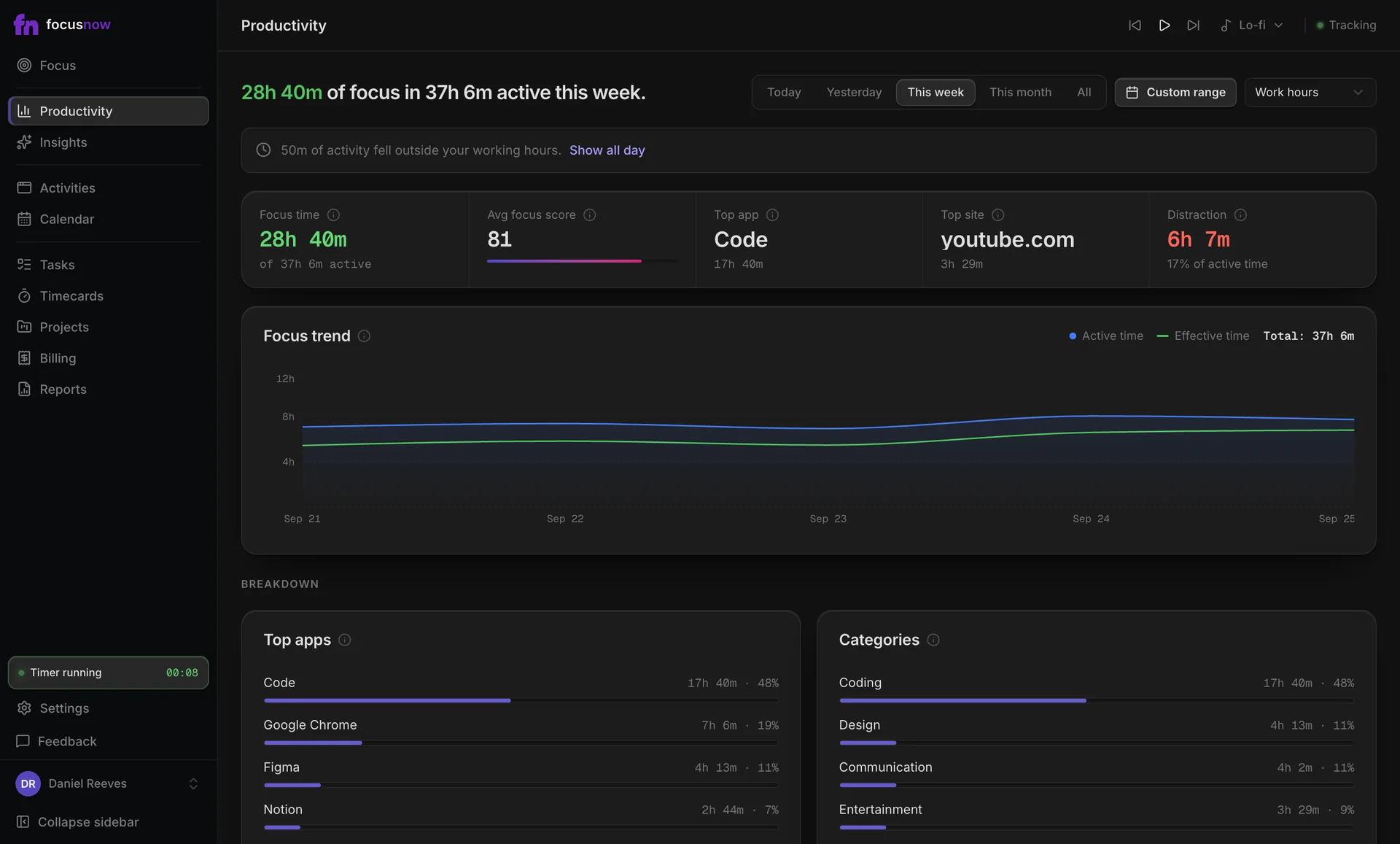
See where the day really went
Top apps and categories show time in the editor, the browser and chat, for any date range.
Deep Work, one click away
Pomodoro or a 90-minute Deep Work block. Keys 1 to 4 switch modes and ⌘/Ctrl+K opens anything.
Questions from people like you
Does FocusNow read my code or log keystrokes?
No. It records app names, window titles and, in browsers, the site's domain. It never records keystrokes, the clipboard or screen content.
Does it work with IDEs, terminals and browsers?
Yes. Any desktop app counts, including VS Code, JetBrains IDEs, terminals and browsers, so context switches become visible.
Can I track time per ticket?
Yes. Create a task for the ticket and start sessions from it. Its actual time combines those sessions with any records you link to it.
Will it slow down my machine?
It checks the window in front about every two seconds and otherwise stays out of the way in the background.
Start with today.
Install FocusNow, work as usual, and open it this evening to see your day.
Get FocusNow FreeMac and Windows. From download to tracking in under two minutes.