For remote workers
A home workday with clear edges.
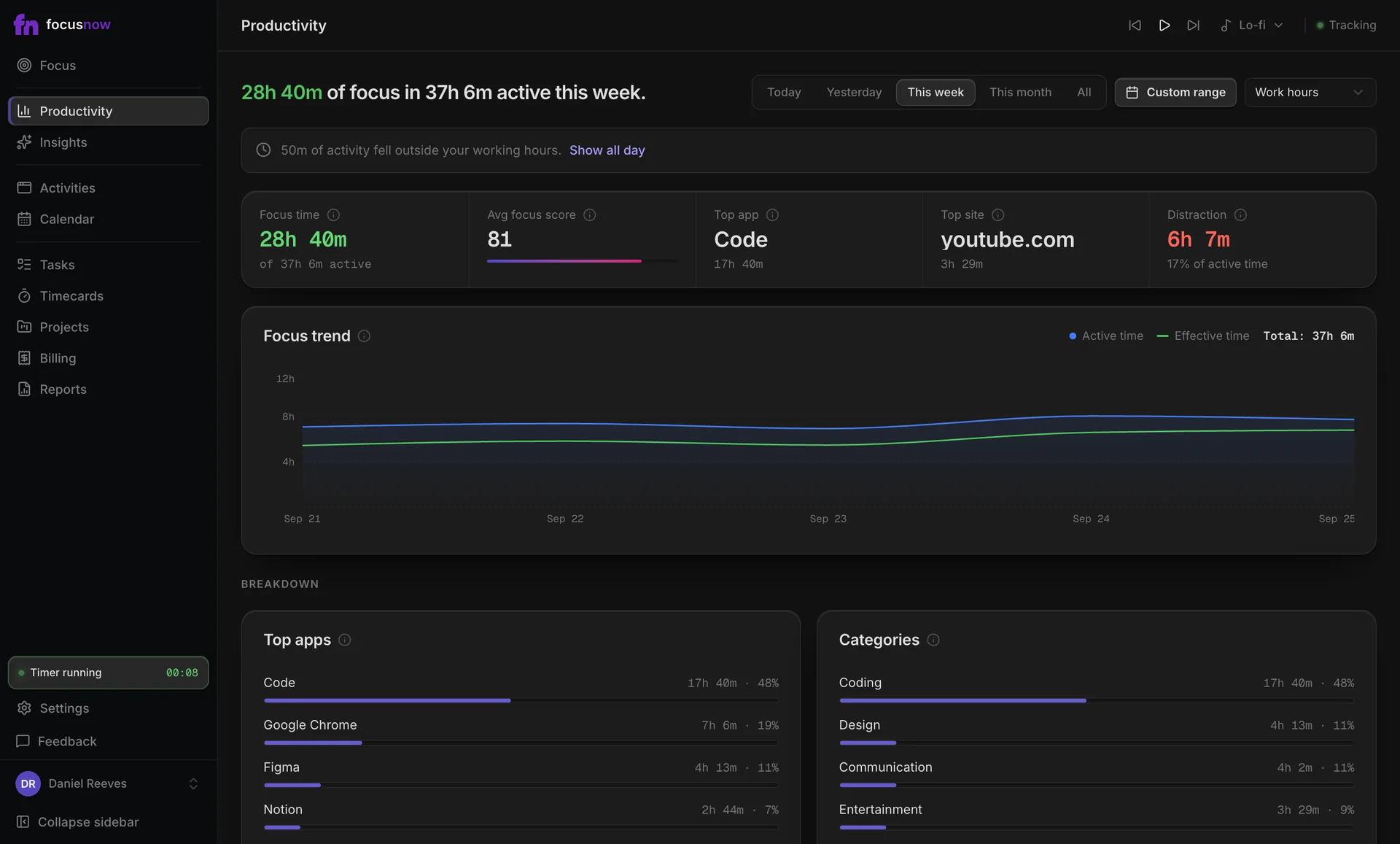
Set your working hours and FocusNow reads your day inside them. You see the focus you had, where it slipped, and when the evening started.
Get FocusNow Free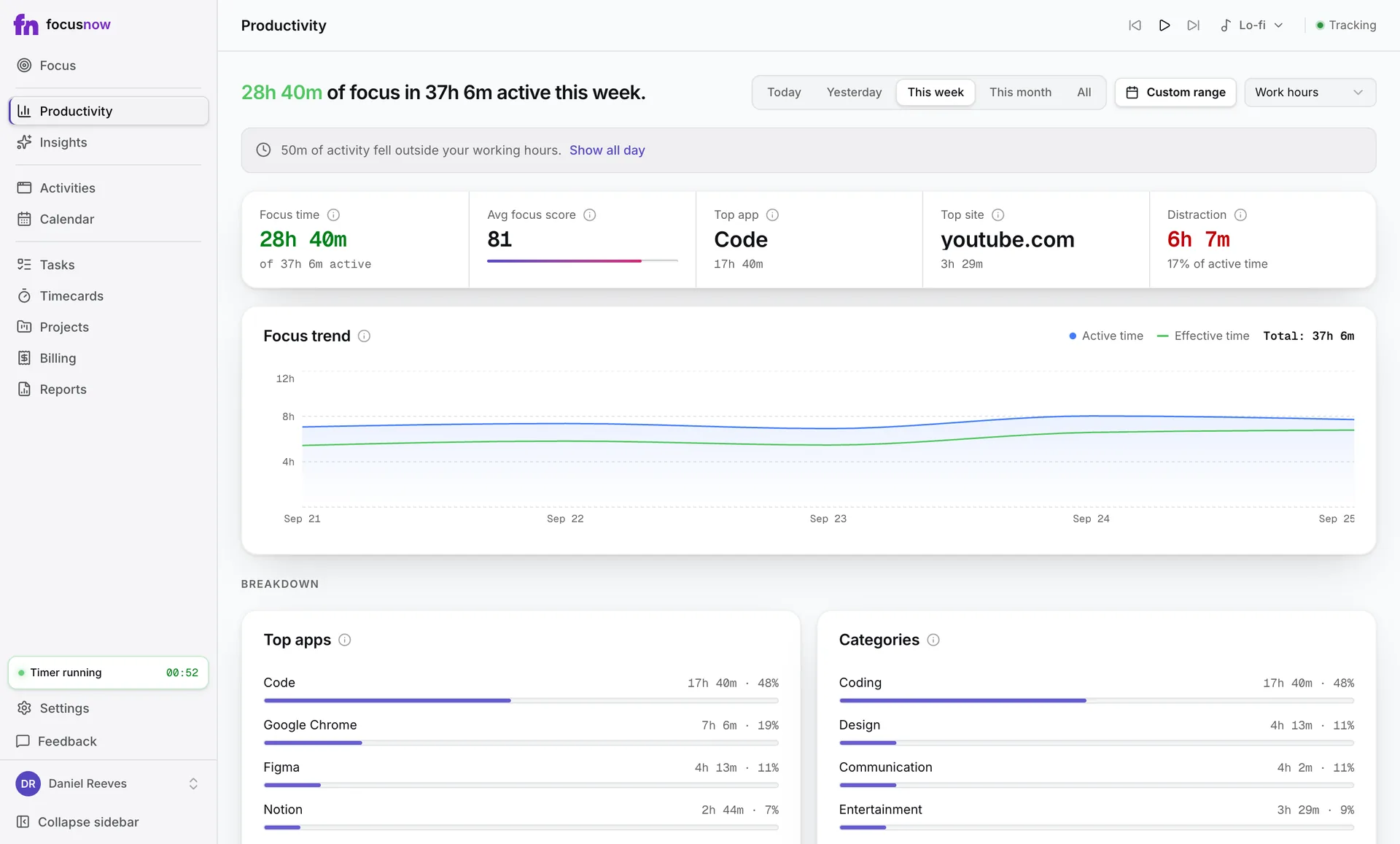
Sample data
A day like yours
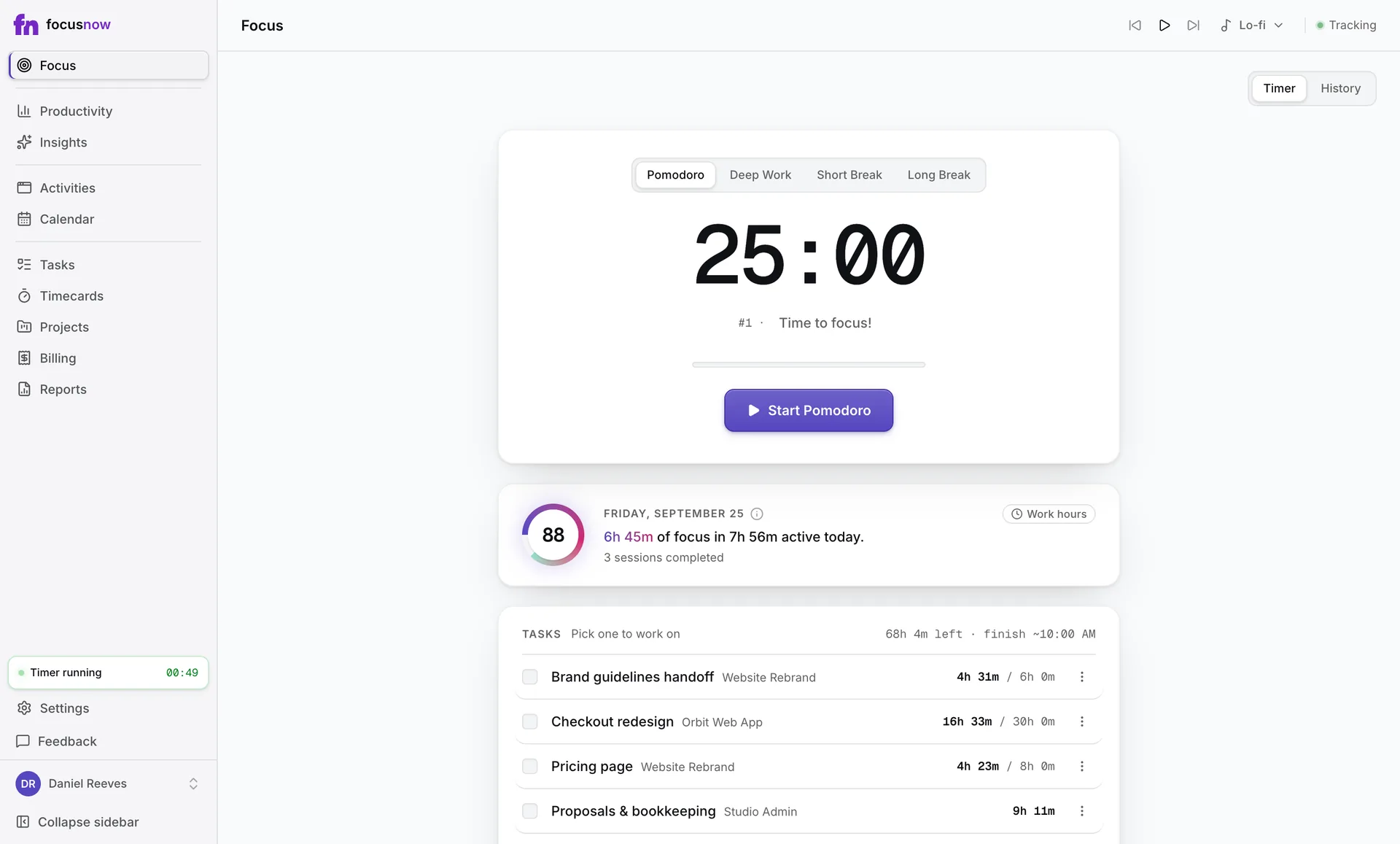
Laptop open at nine, a video call, a delivery at the door, then a good stretch before lunch. FocusNow notices idle and away time on its own. At the end of the day, the Productivity view shows focus inside your working hours, and a notice tells you how much activity fell outside them.
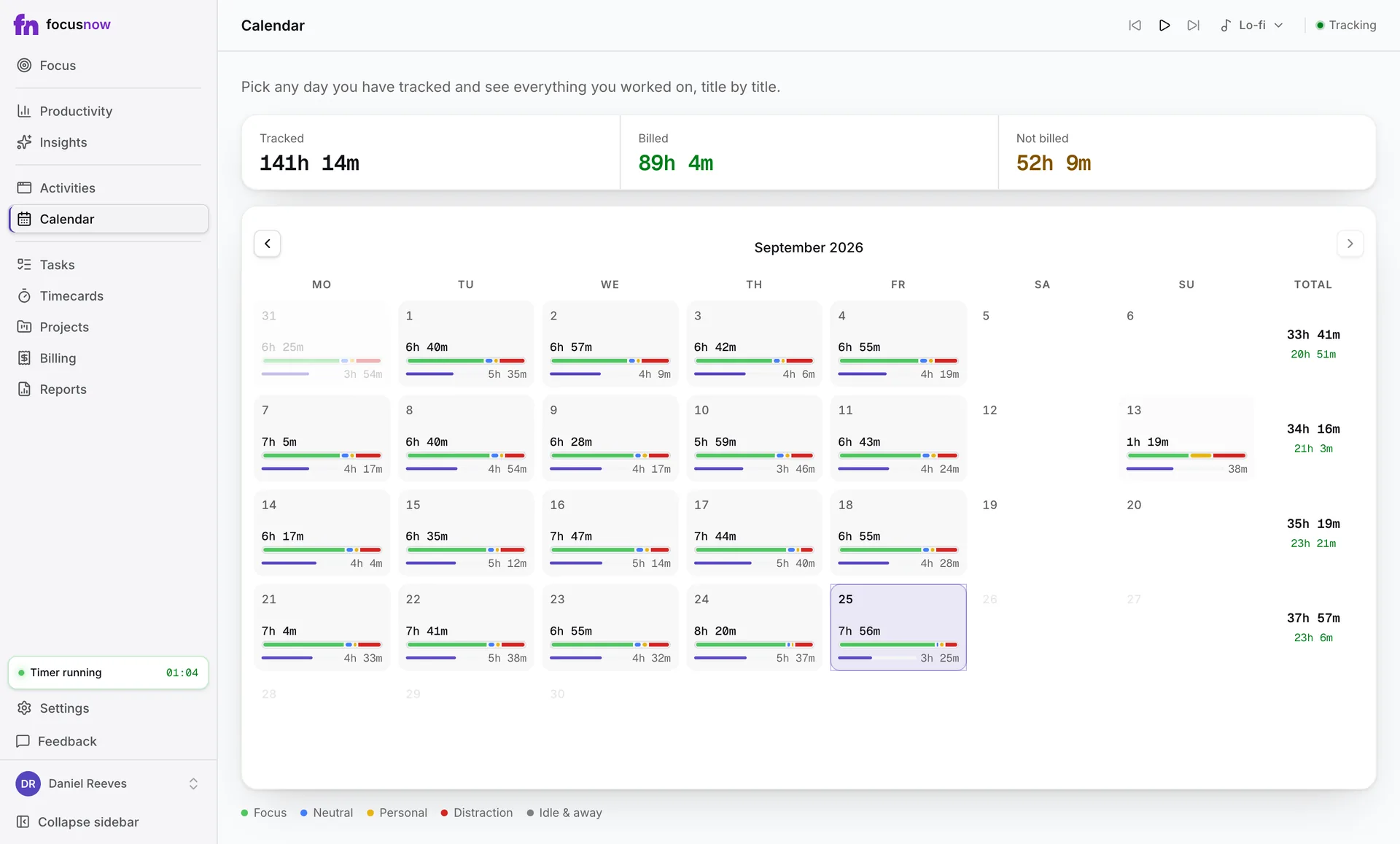
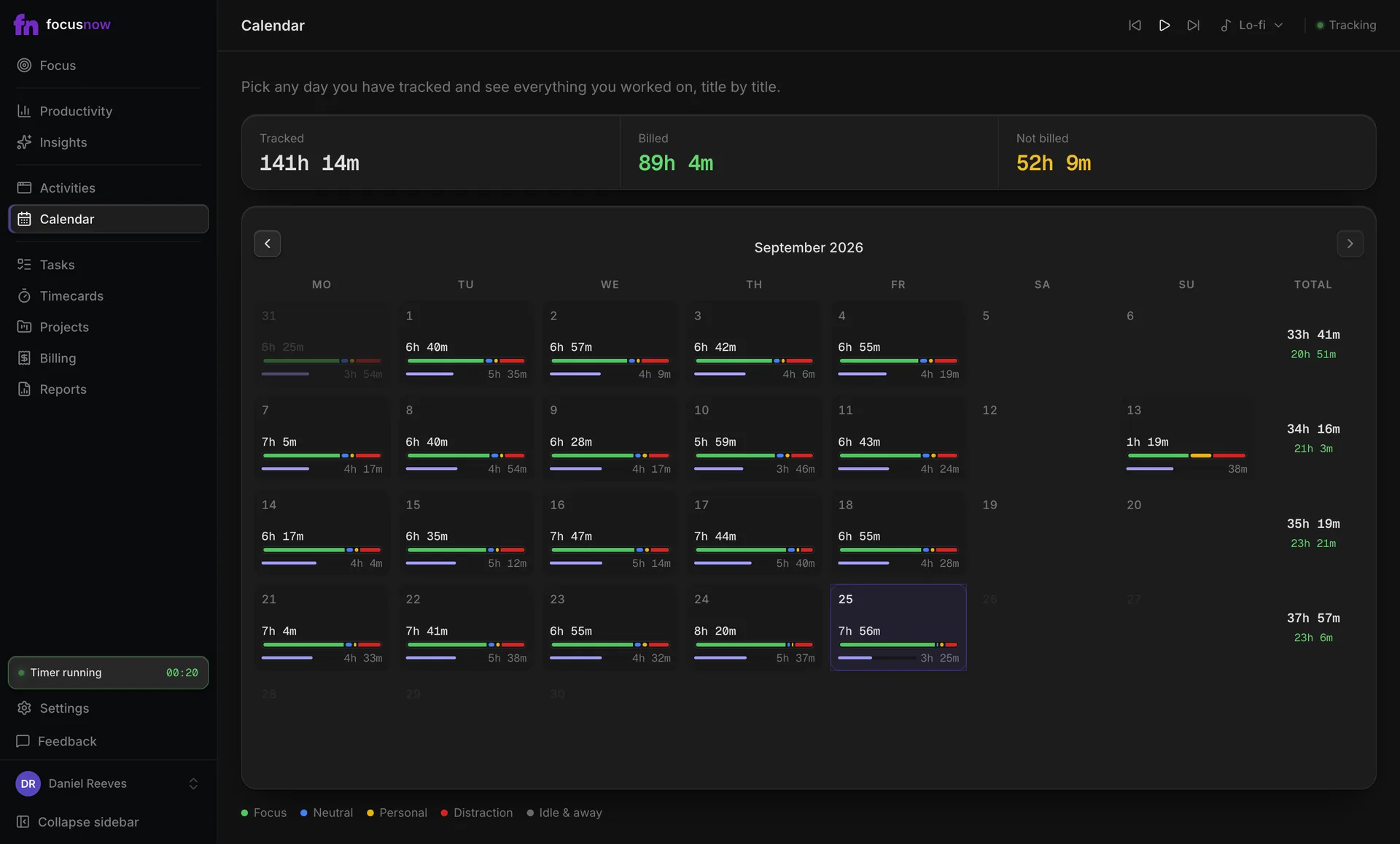
Your week at a glance
The calendar shows tracked time for every day, with a bar for focus, neutral, personal and distraction time.
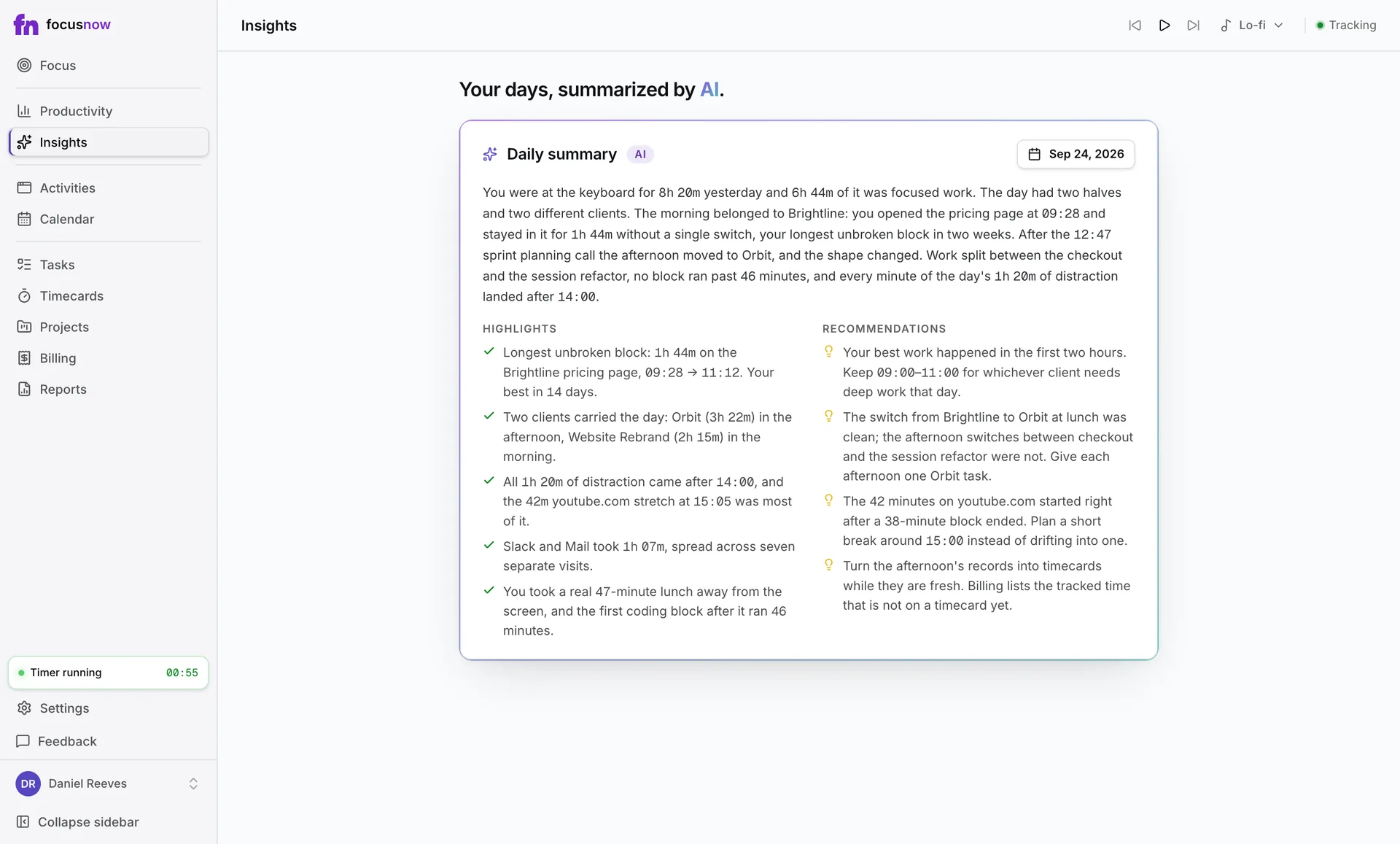
Close the day with a summary
Pick a finished day and the AI daily report sums it up with highlights and recommendations.
Questions from people like you
Where to go next
How automatic tracking worksComparing personal time trackers? FocusNow vs RescueTime
Can my employer or team see my data?
No. FocusNow is a personal tool. Your data lives in your own account and there are no team dashboards or admin views.
Does it watch my meetings or read my messages?
No. It never captures your screen, camera, microphone or keystrokes. It records which app or site is in front and for how long.
Can I keep work and personal time apart?
Yes. Working hours scope your numbers to the workday, the Personal category keeps life admin out of your score, and idle time is detected automatically.
Start with today.
Install FocusNow, work as usual, and open it this evening to see your day.
Get FocusNow FreeMac and Windows. From download to tracking in under two minutes.