For freelancers
Bill from what you did, not from memory.
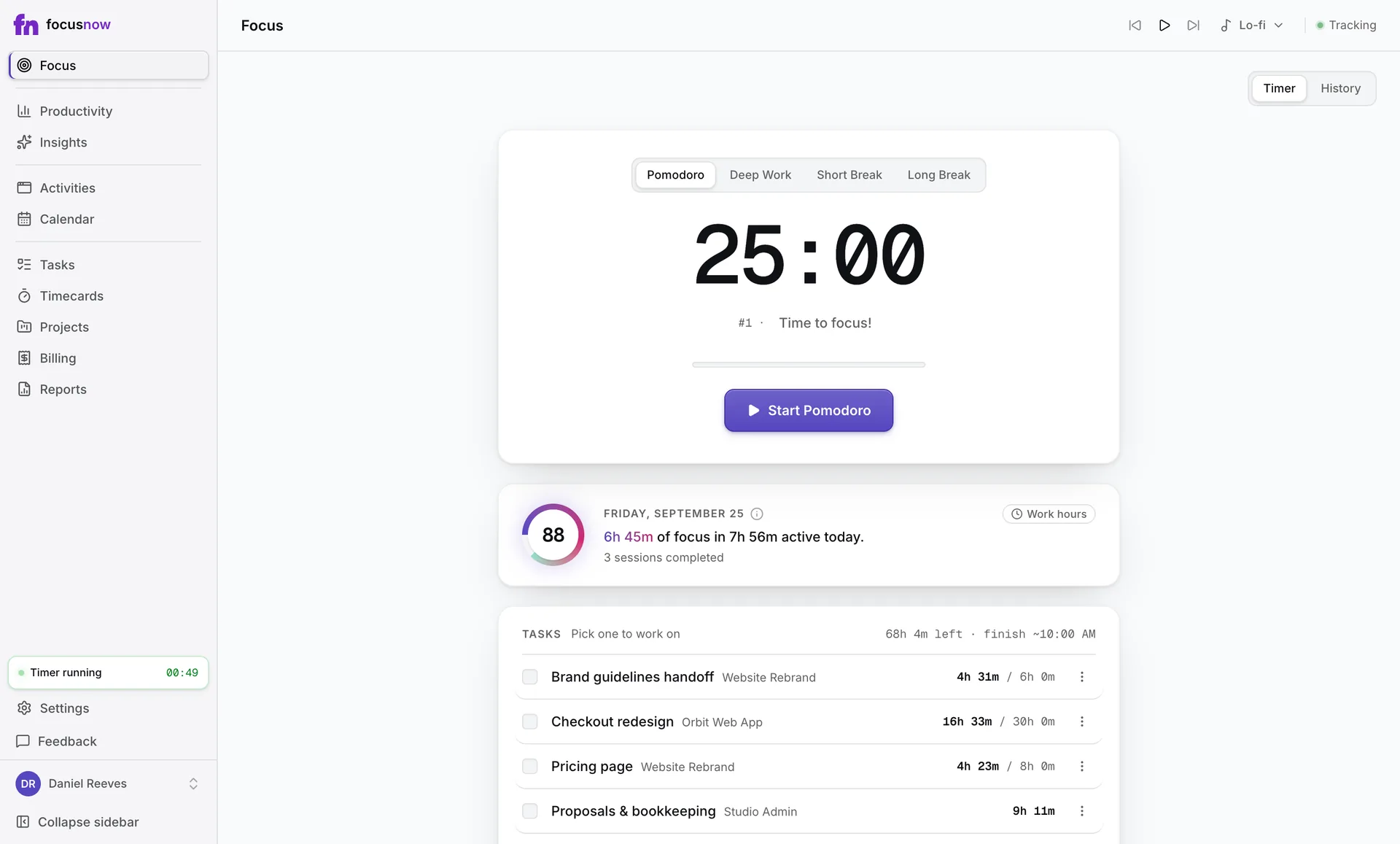
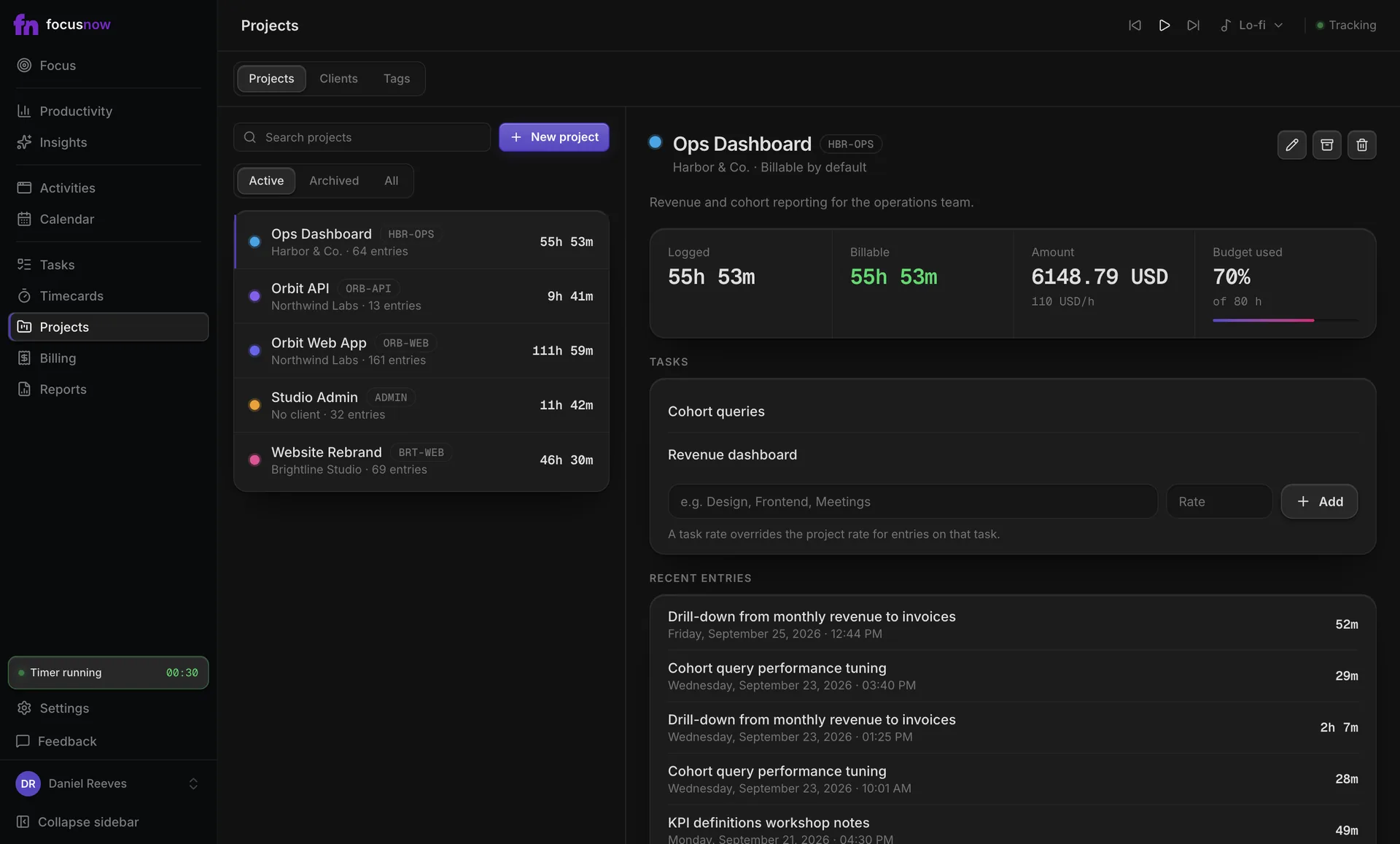
FocusNow records your day on its own. At the end of the week you pick what belongs to each client, and the hours and amounts add up for you.
Get FocusNow Free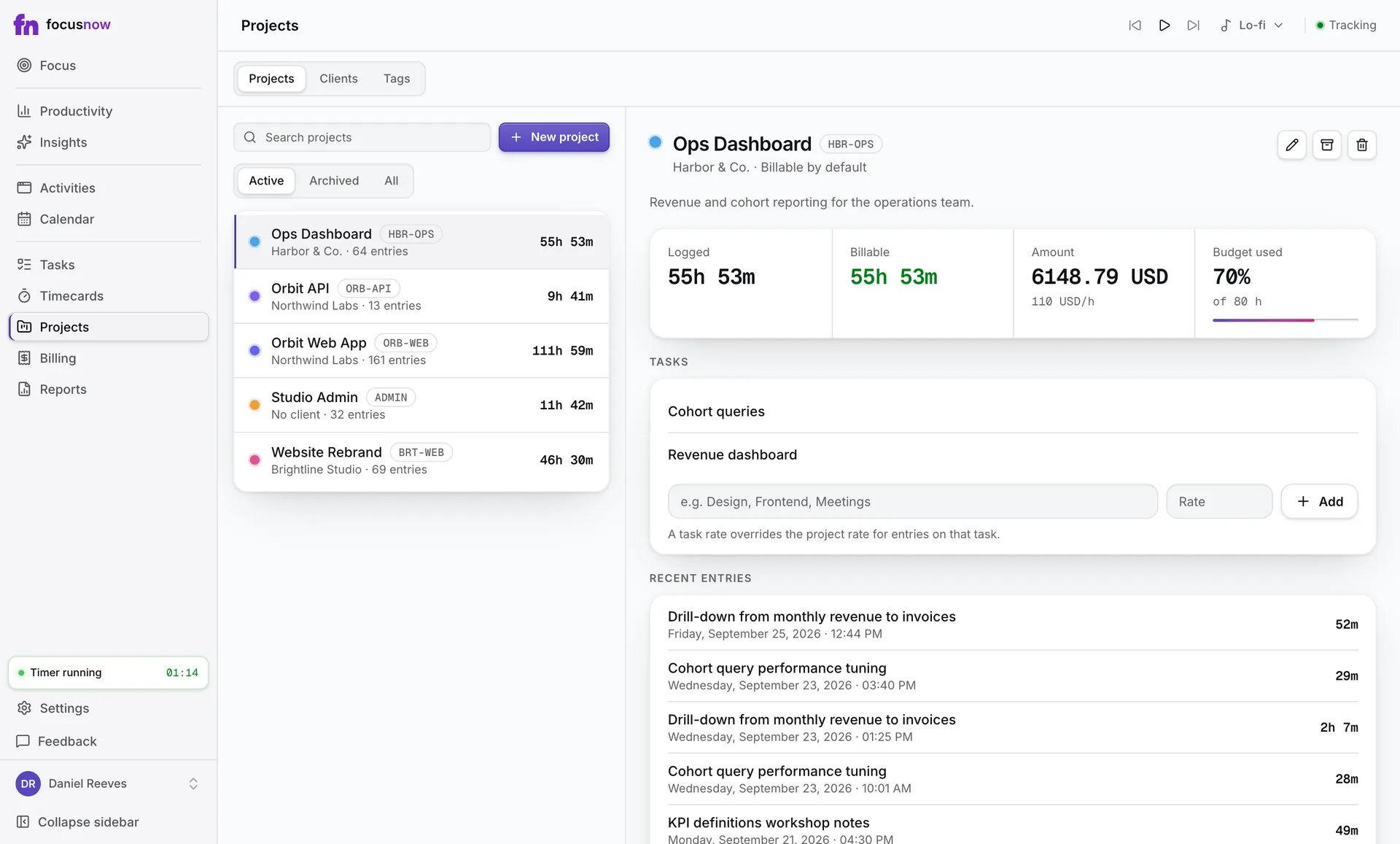
Sample data
A day like yours
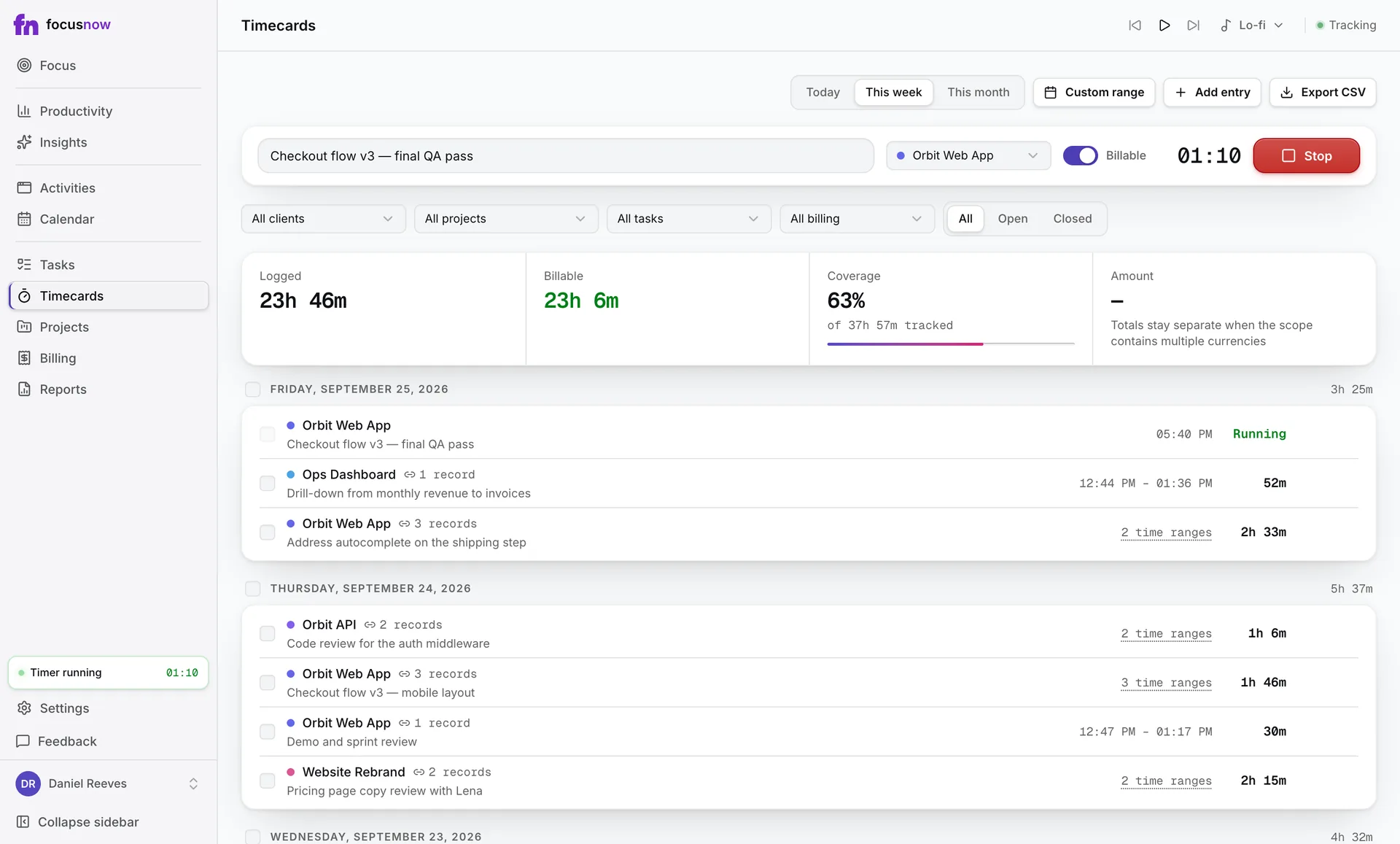
Mornings on the Brightline redesign, a call with Northwind after lunch, email in between. On Friday you open Calendar, select the records that belong to each client and add them to a timecard. Coverage shows how much of the tracked week made it onto a timecard, and Ready to bill lists each client with hours and amount.
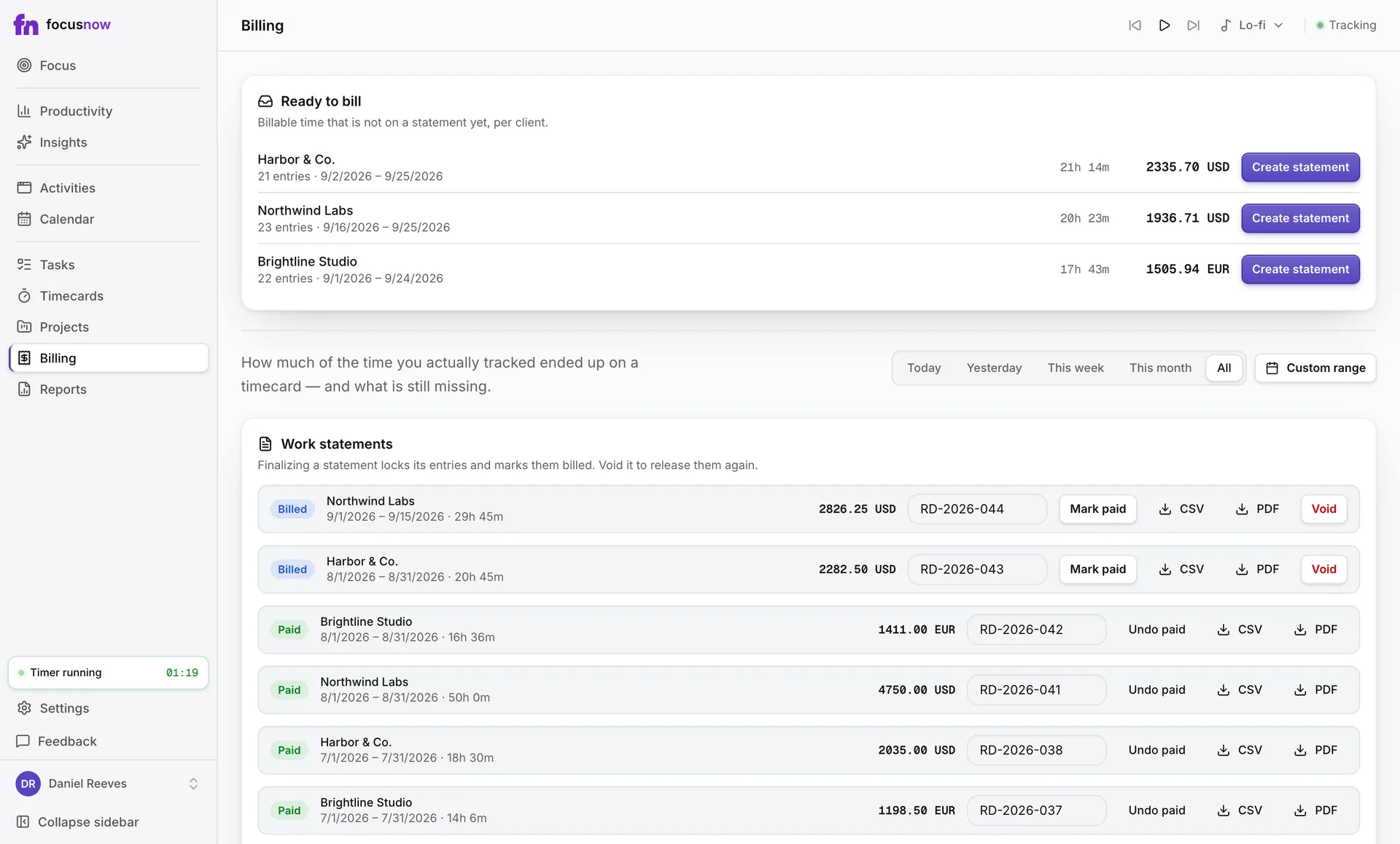
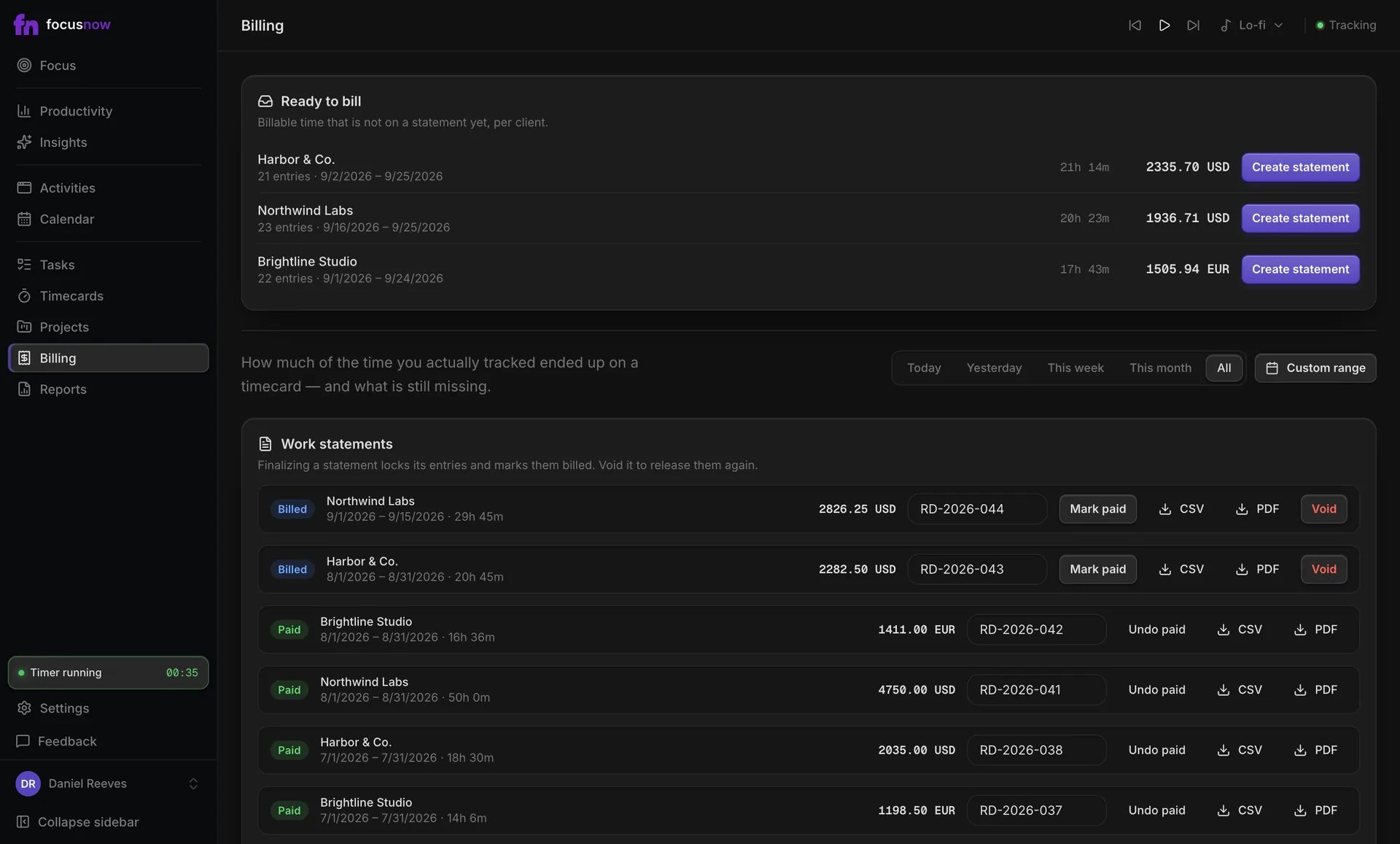
Every client, ready to bill
Billable entries gather per client with hours and amount. Create a work statement when you're ready and export it as PDF or CSV.
Know your real utilization
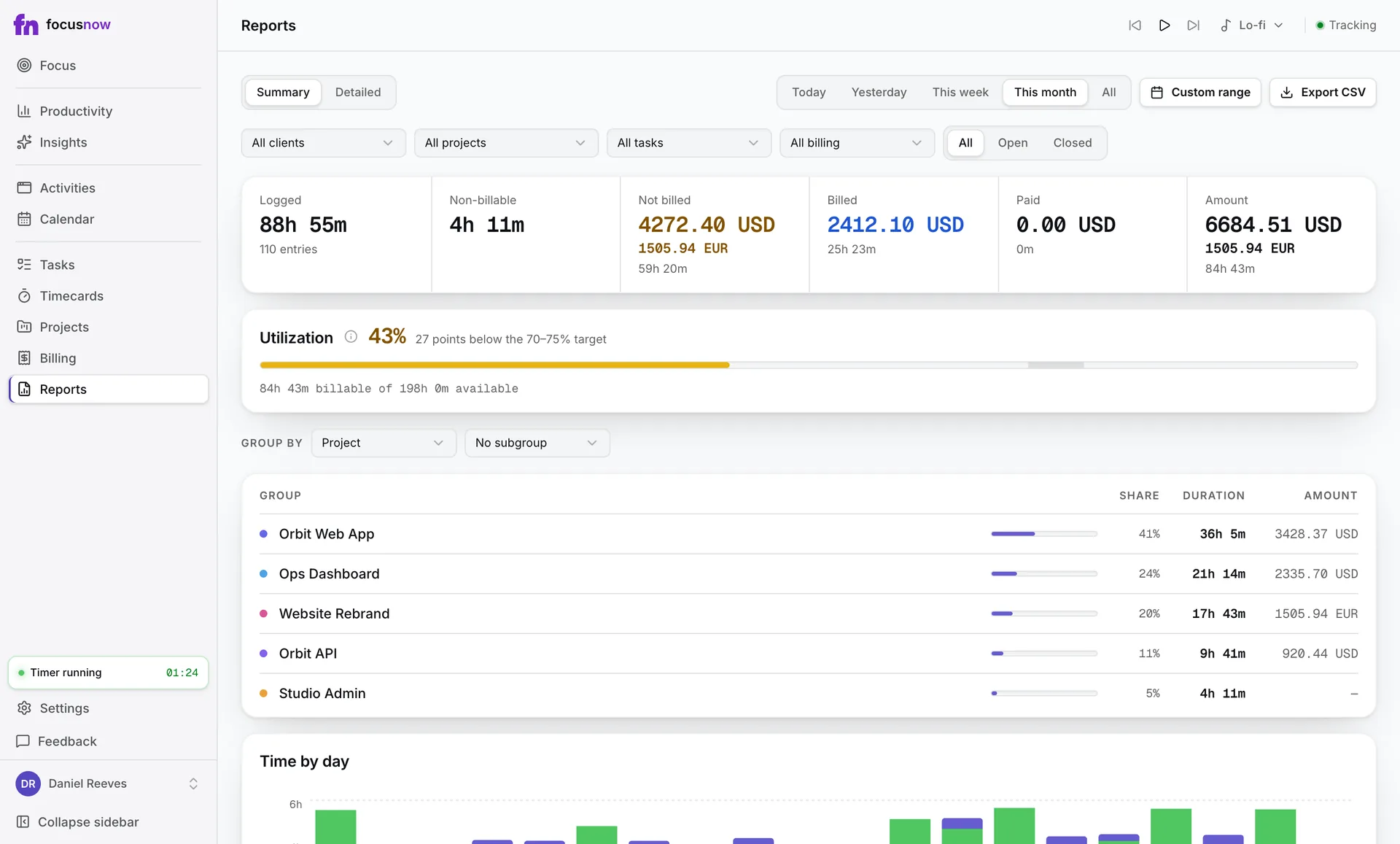
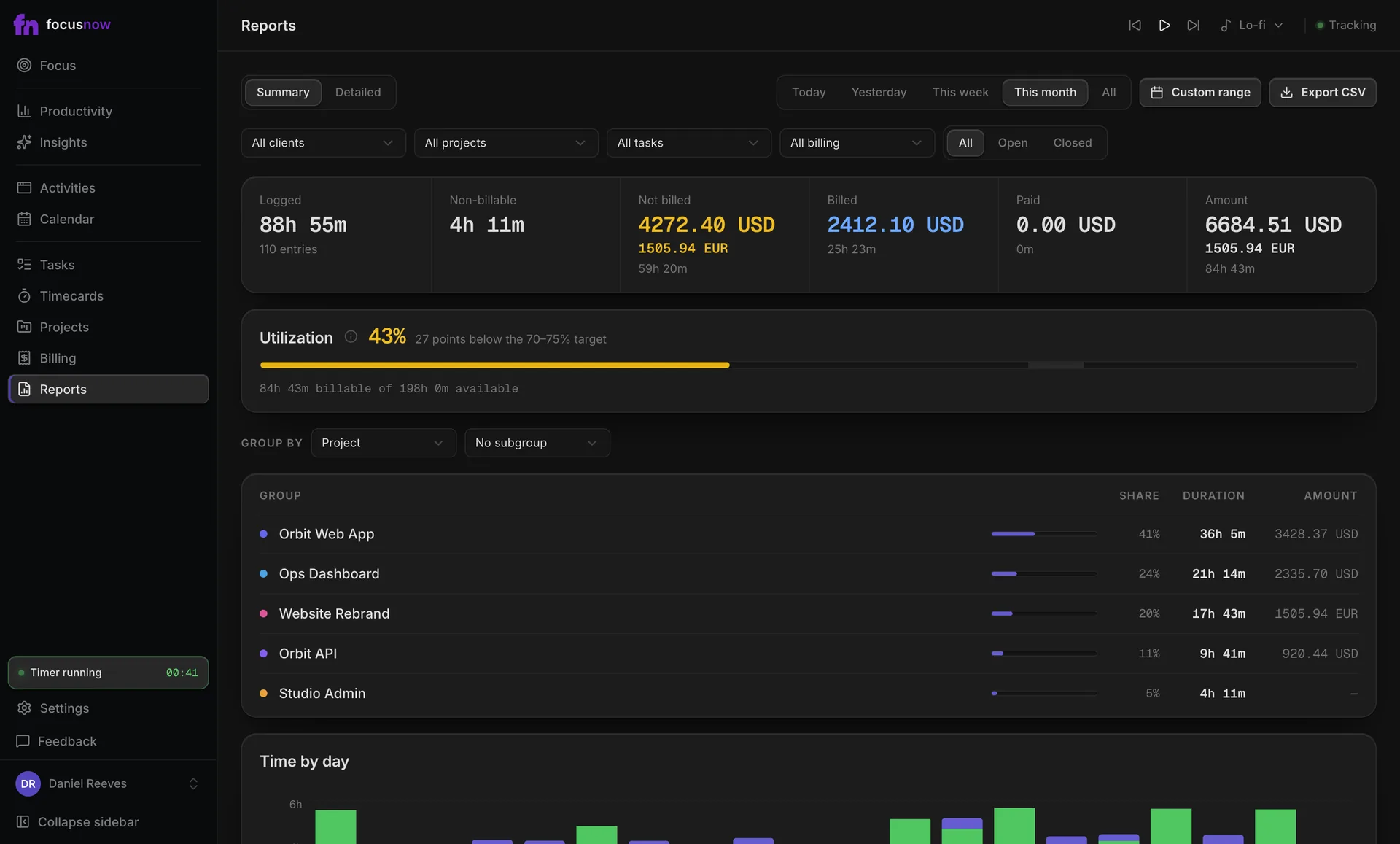
Reports compare billable hours with your available working hours, and group time by project, client, task or tag.
Questions from people like you
Where to go next
How timecards workWeighing FocusNow against a timer-first tool? FocusNow vs Toggl Track
Can FocusNow prepare what I send to clients?
Yes, as a work statement: billable entries for a client, exported as PDF or CSV. It isn't a tax invoice. Create the invoice in your accounting tool and add its number to the statement as a reference.
Do I have to run timers when I switch projects?
No. FocusNow records your activity automatically. Later you pick the records that belong to a project and add them to a timecard. The timer is there if you prefer it.
Will clients see my activity?
No. Your records stay in your account. A client sees only what you put on a work statement.
Are timecards free?
Timecards, billing and reports are free during early access. We plan to include them in a paid Pro plan later and will share the terms before anything changes. Core tracking stays free.
Start with today.
Install FocusNow, work as usual, and open it this evening to see your day.
Get FocusNow FreeMac and Windows. From download to tracking in under two minutes.