For students
Study in sessions that add up.
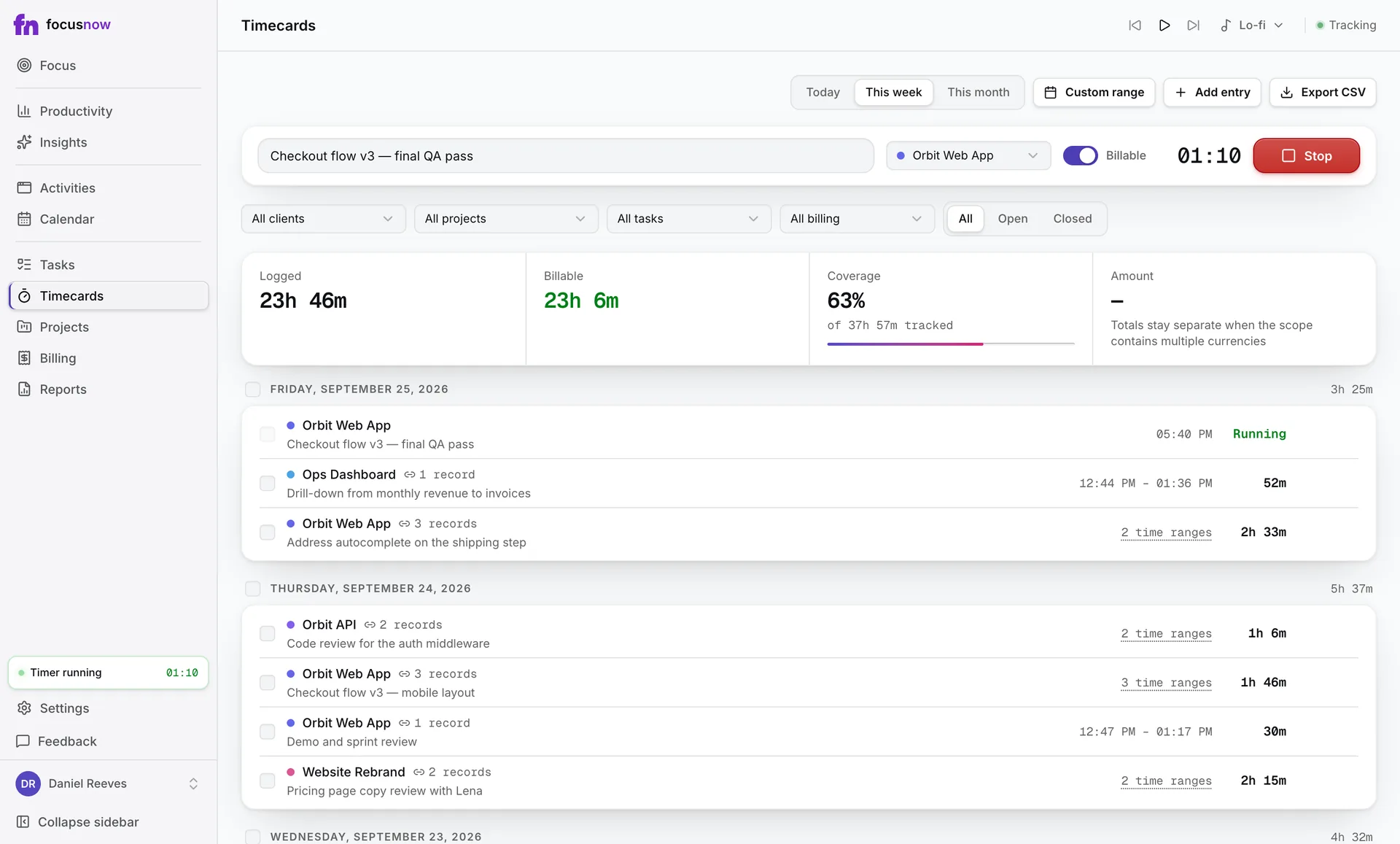
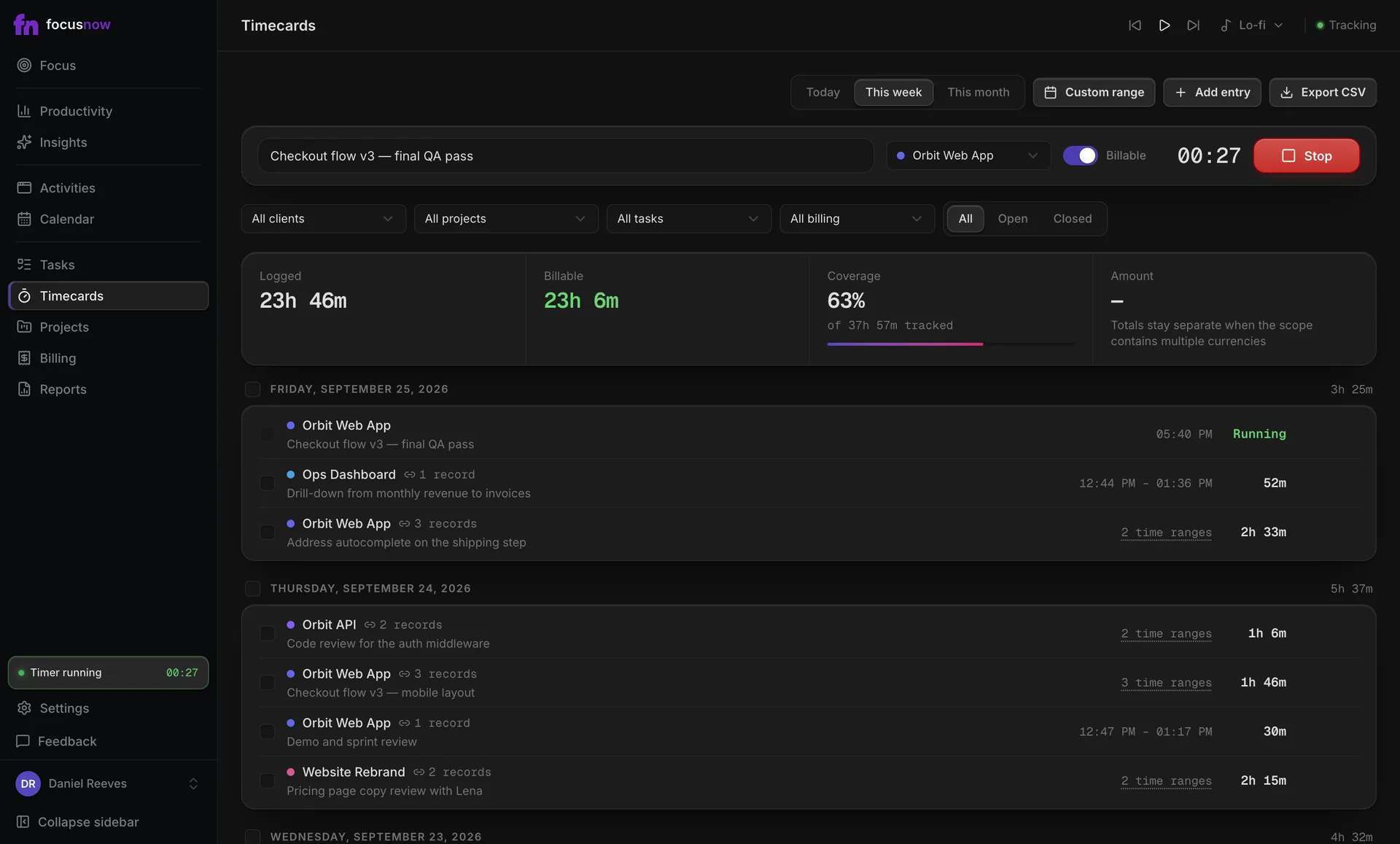
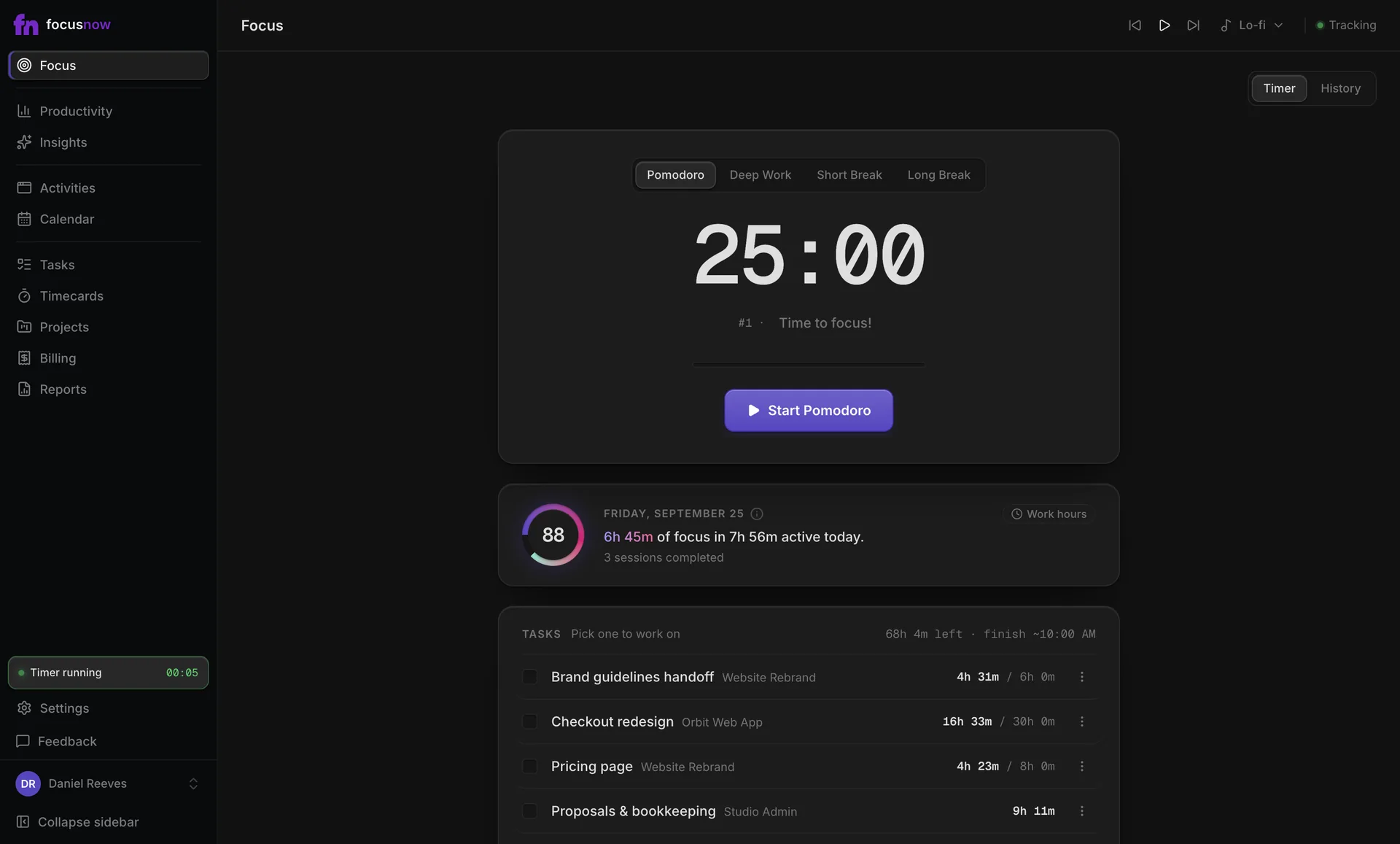
Plan a subject as a task, study it in Pomodoro blocks and see honestly how much of the evening went to it, and how much to everything else.
Get FocusNow Free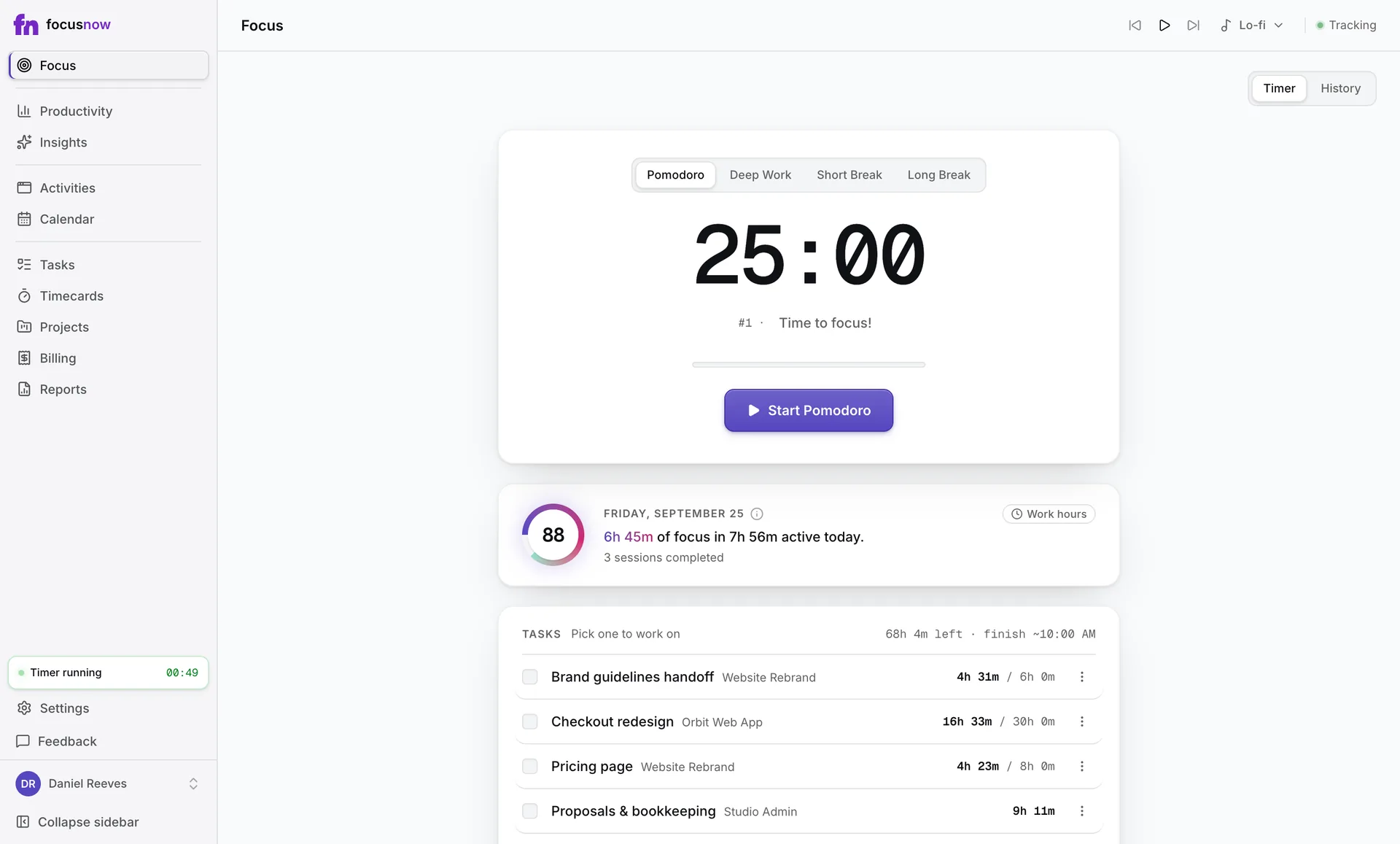
Sample data
A day like yours
Three chapters to cover before Thursday. You add each one as a task with an estimate, start a Pomodoro, and take the break when the timer says so. Later, Activities shows how the evening split between your notes, the course site and everything else.
Tasks with honest estimates
Each task shows time spent against your estimate, so planning the next week gets easier.
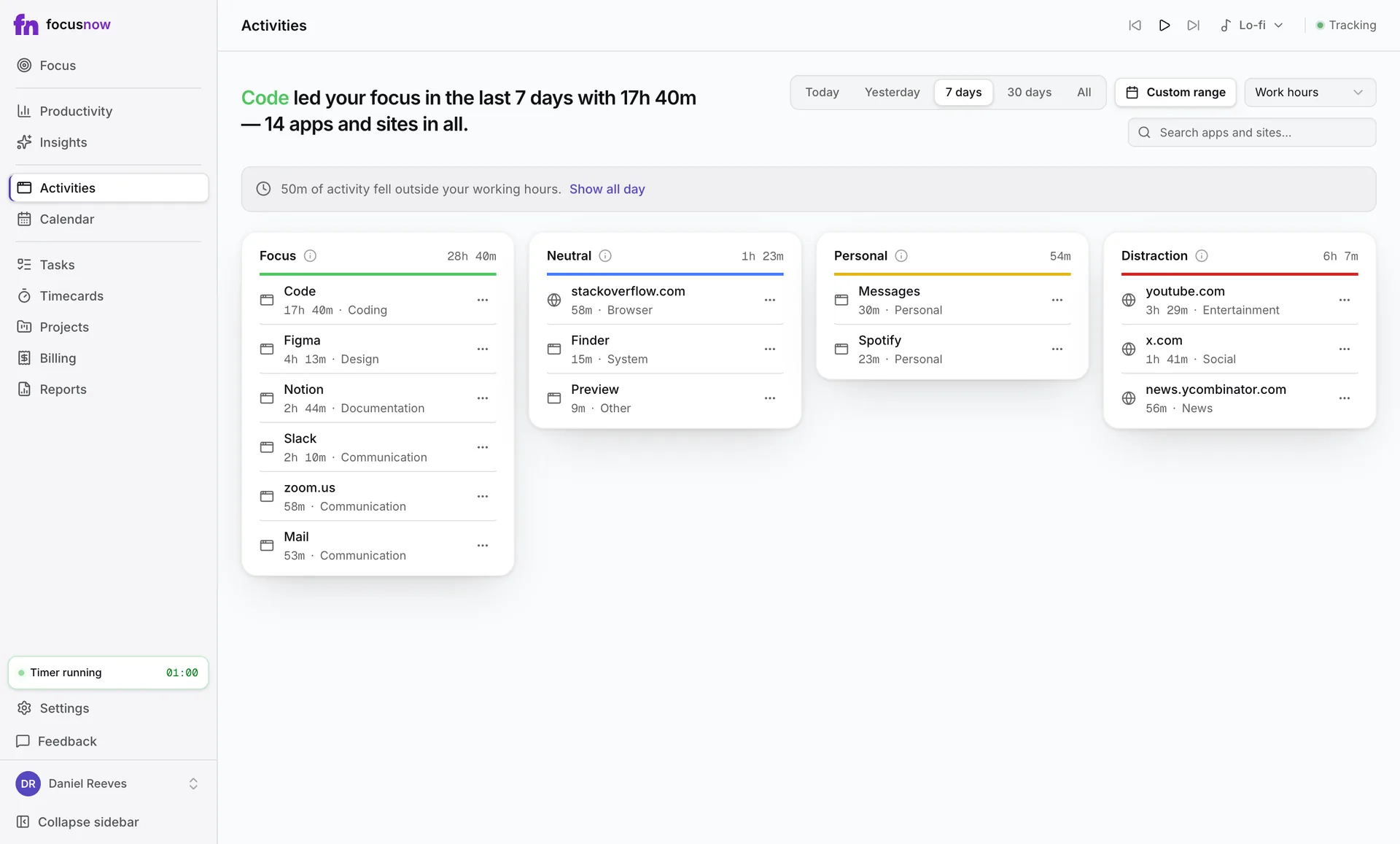
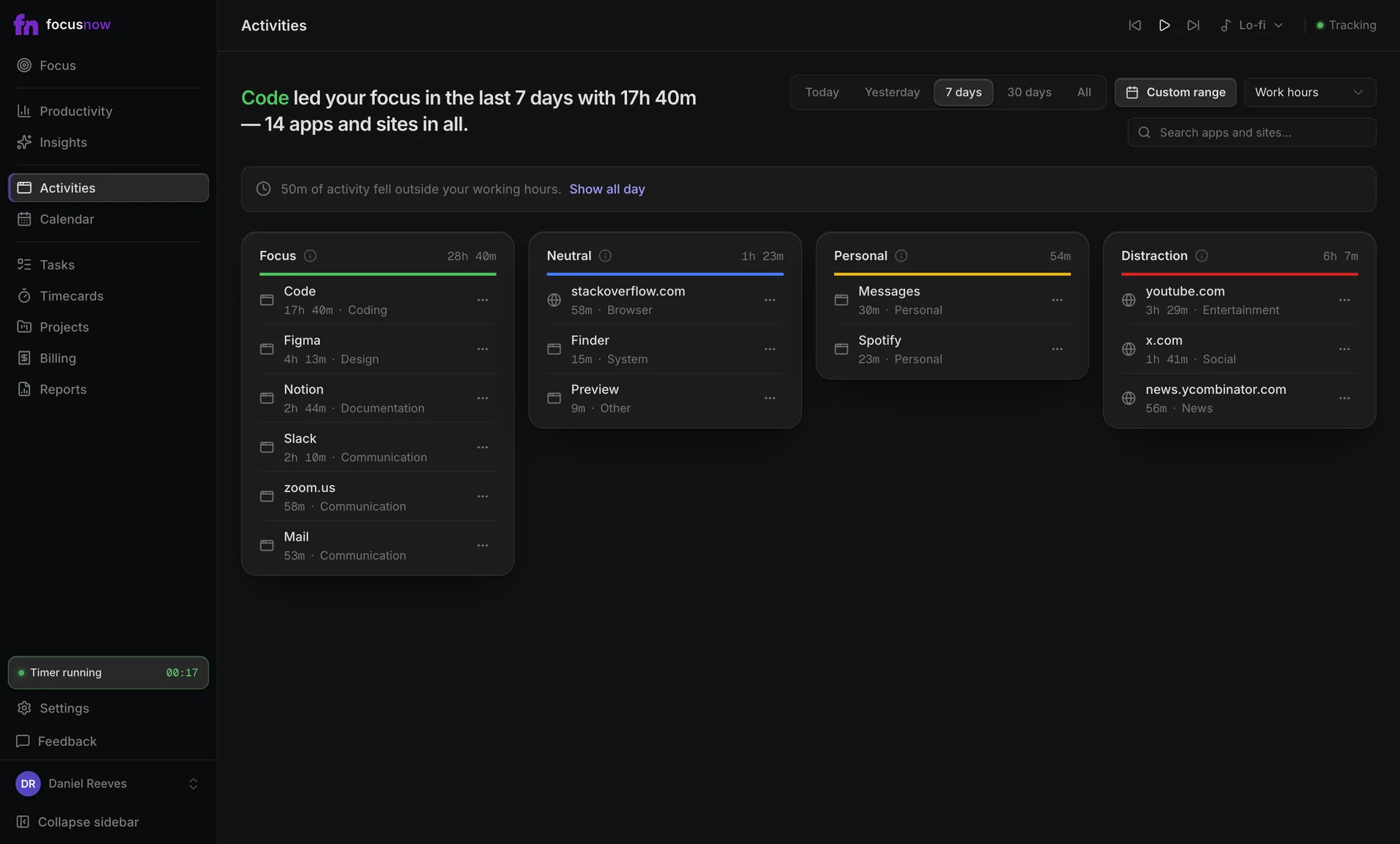
See where the evening went
Apps and sites land in Focus, Neutral, Personal or Distraction. Move one to another group whenever you like.
Questions from people like you
Can FocusNow tell studying apart from procrastination?
You set the rules. Mark your notes and course sites as Focus and a video site as Distraction, and your day sorts itself.
Do I need to start a timer every time I study?
No. Tracking runs on its own. Pomodoro and Deep Work sessions are there when you want structure.
Is it free for students?
Yes. Core tracking and focus sessions are free for everyone, with no card and no separate student plan.
Start with today.
Install FocusNow, work as usual, and open it this evening to see your day.
Get FocusNow FreeMac and Windows. From download to tracking in under two minutes.