FocusNow vs RescueTime
RescueTime has tracked computer time for years and now offers Focus plans with blocking, plus Timesheets for client work, on desktop and mobile. FocusNow is a desktop app with free core tracking, focus sessions tied to tasks and timecards in early access.
FocusNow fits if
- You want core tracking and focus sessions free, with no trial clock
- You prefer a desktop app that keeps working offline
- You want Pomodoro, Deep Work, tasks and music on one Focus page
- You want work statements as PDF or CSV from your timecards
RescueTime fits if
- You want distraction blocking during focus sessions
- You need apps for iOS or Android
- You work in a team and need shared clients, projects and reports
- You want goals and alerts for daily targets
Side by side
| What you're deciding | FocusNow | RescueTime |
|---|---|---|
| Automatic tracking | Desktop apps for macOS and Windows | Automatic activity tracking with desktop, web and mobile apps |
| Idle detection | Active, idle and away time detected automatically | Idle time detection |
| Focus sessions | Pomodoro and Deep Work tied to tasks | Focus Sessions with a timer |
| Distraction blocking | Not available | During Focus Sessions |
| Goals and alerts | Not available | Goals & Alerts with daily targets |
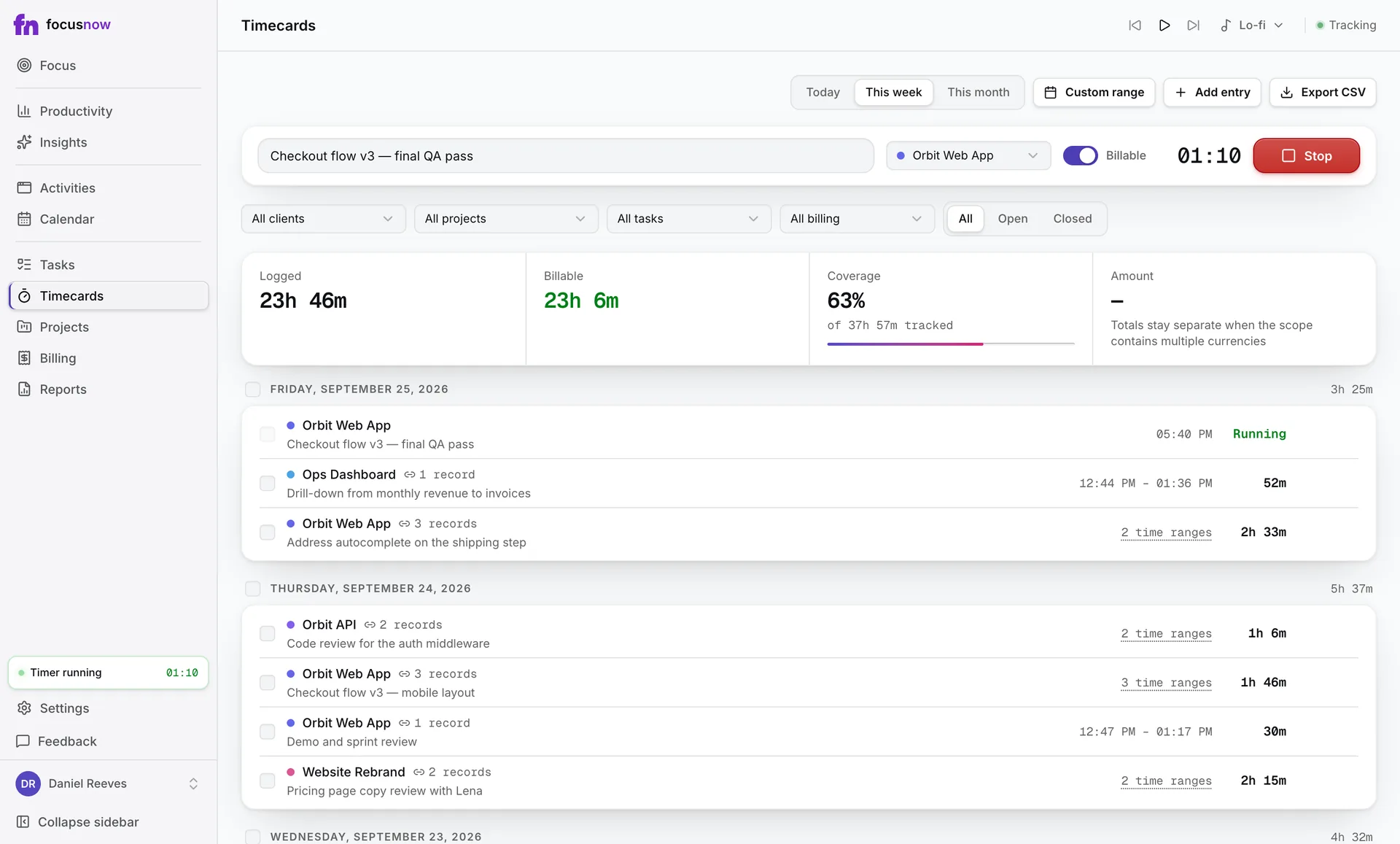
| Client and project time | Timecards from tracked records, a timer or manual entry; free during early access | Timesheets with clients, projects, tasks and billable rates on Solo+ and Team+ |
| What the AI does | Summarizes a finished day with highlights and recommendations | An Assistant, activity pattern analysis and suggestions you review |
| Teams | Built for individuals | Team Focus and Team+ plans with role-based access |
| Platforms | macOS 12+ and Windows 10+ | Desktop, web, iOS and Android |
| Price | Core tracking free; timecards and billing free during early access | Solo Focus $7, Solo+ with Timesheets $12 per month billed annually ($9 and $15 monthly); 14-day free trial |
- Automatic tracking
FocusNowDesktop apps for macOS and Windows
RescueTimeAutomatic activity tracking with desktop, web and mobile apps
- Idle detection
FocusNowActive, idle and away time detected automatically
RescueTimeIdle time detection
- Focus sessions
FocusNowPomodoro and Deep Work tied to tasks
RescueTimeFocus Sessions with a timer
- Distraction blocking
FocusNowNot available
RescueTimeDuring Focus Sessions
- Goals and alerts
FocusNowNot available
RescueTimeGoals & Alerts with daily targets
- Client and project time
FocusNowTimecards from tracked records, a timer or manual entry; free during early access
RescueTimeTimesheets with clients, projects, tasks and billable rates on Solo+ and Team+
- What the AI does
FocusNowSummarizes a finished day with highlights and recommendations
RescueTimeAn Assistant, activity pattern analysis and suggestions you review
- Teams
FocusNowBuilt for individuals
RescueTimeTeam Focus and Team+ plans with role-based access
- Platforms
FocusNowmacOS 12+ and Windows 10+
RescueTimeDesktop, web, iOS and Android
- Price
FocusNowCore tracking free; timecards and billing free during early access
RescueTimeSolo Focus $7, Solo+ with Timesheets $12 per month billed annually ($9 and $15 monthly); 14-day free trial
Competitor details checked on September 26, 2026 against their official pages. Prices are list prices in USD before tax and can change.
What using FocusNow looks like
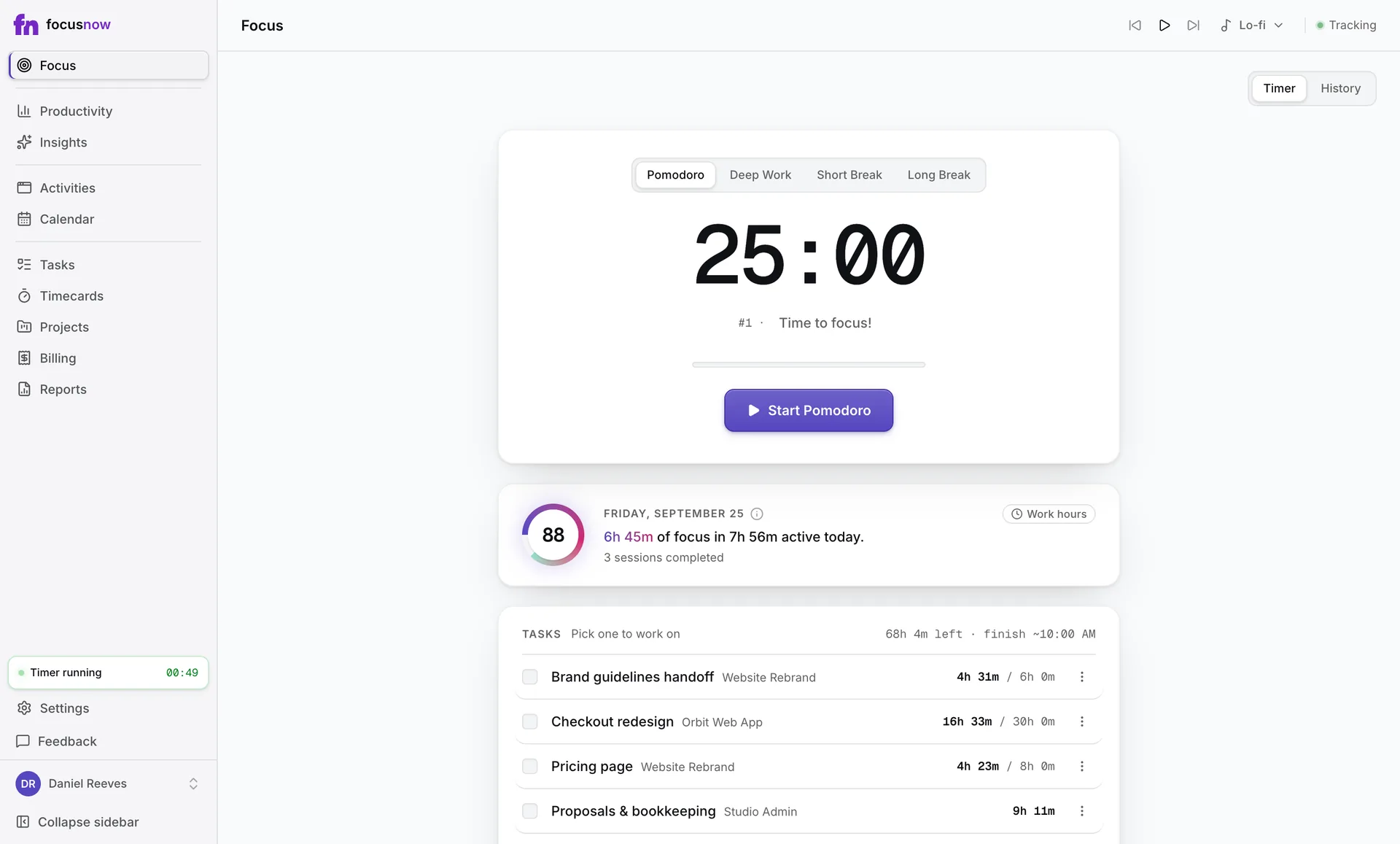
FocusNow opens on the Focus page: pick a task, start a session and see today's Focus Score below the timer. The automatic record fills Productivity, Activities and Calendar, and client hours come from the records you choose.
Focus: blocking or a quiet timer
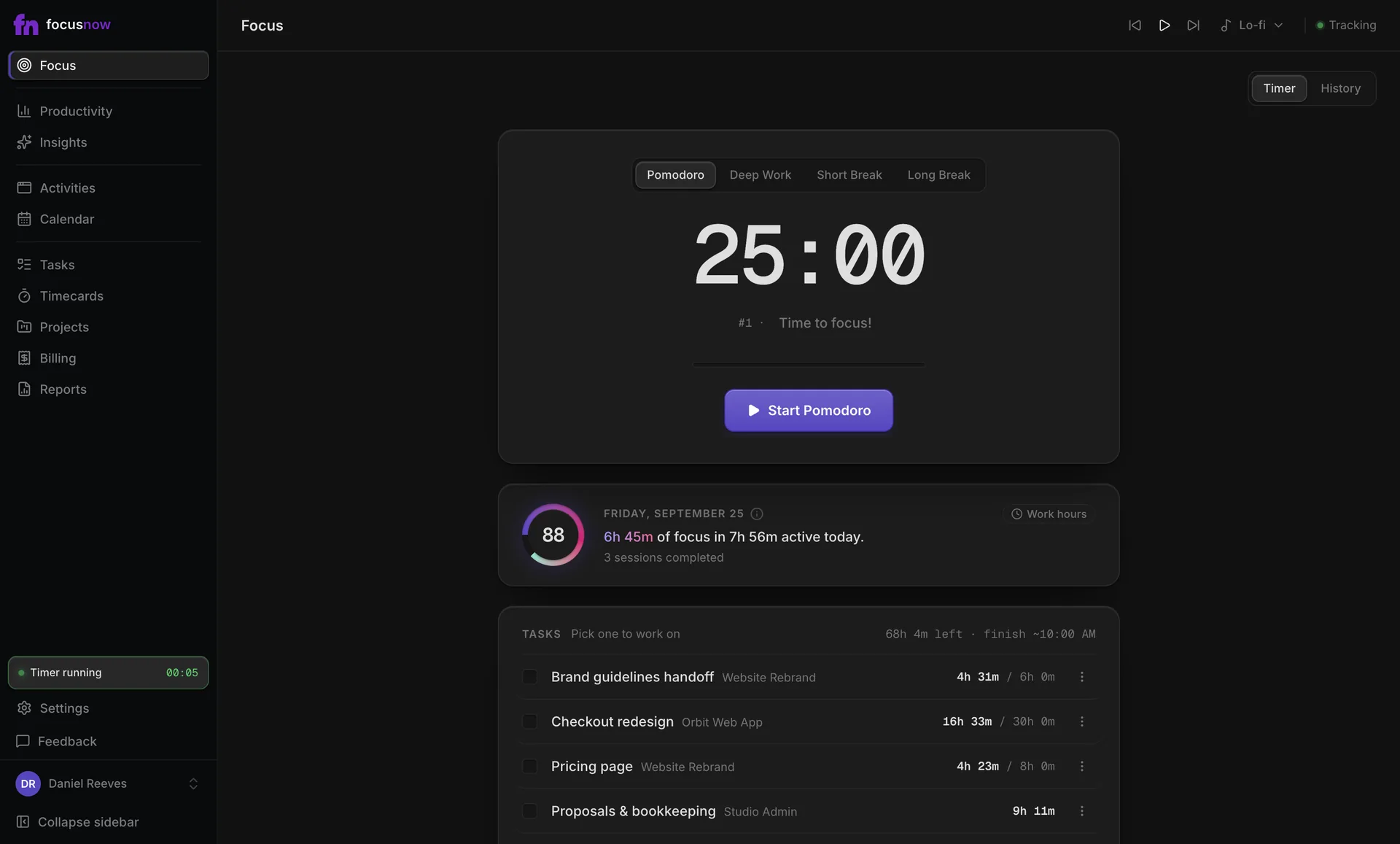
RescueTime's Focus Sessions can block distracting sites. FocusNow doesn't block anything. It gives you a timer tied to a task, optional music and the real length of every session.
Client time: timesheets or timecards
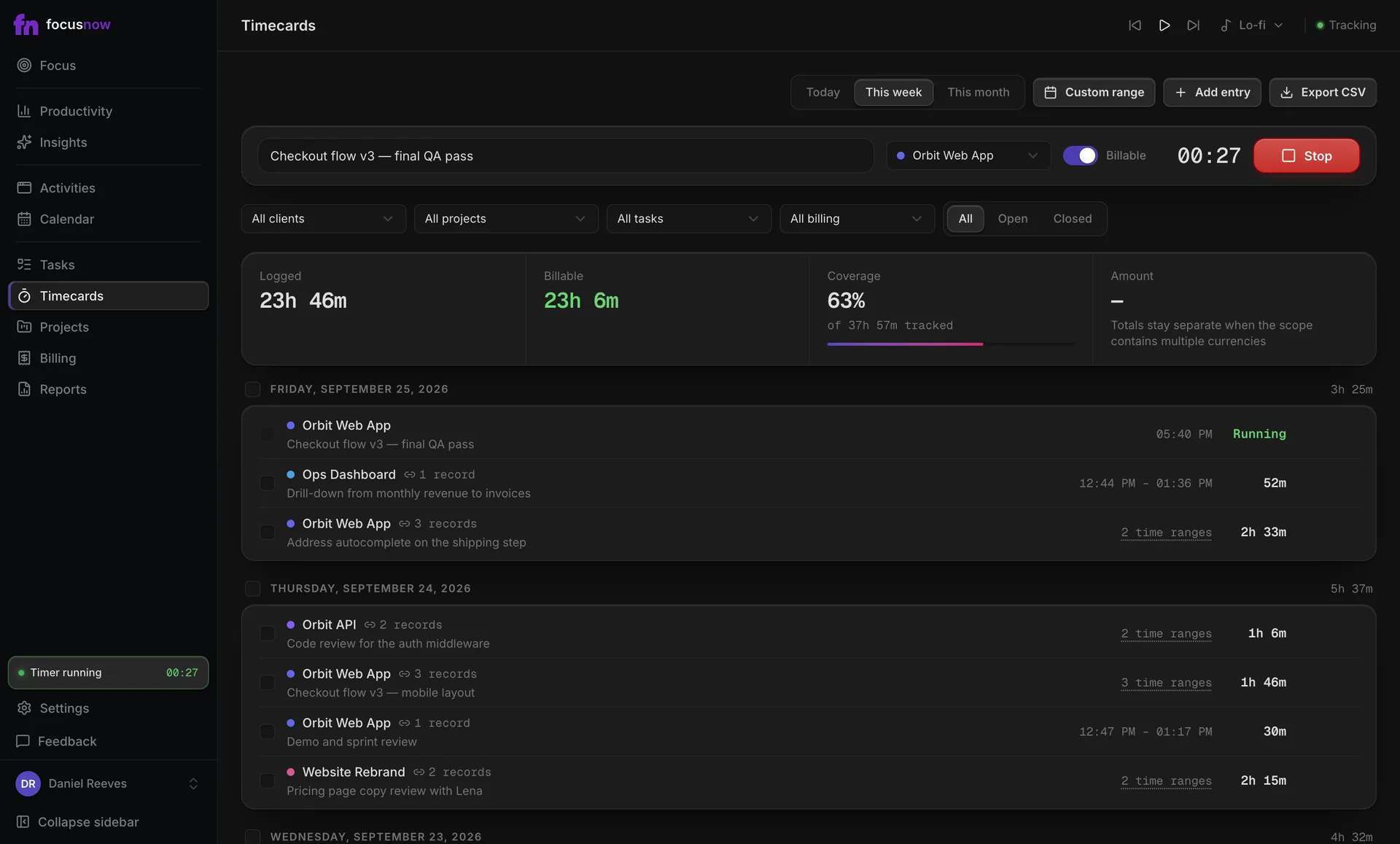
RescueTime's Solo+ plan adds Timesheets with billable rates and suggestions you review. FocusNow's timecards come from records you select, and Billing turns billable entries into work statements. Both keep you in charge; FocusNow's client tools are free during early access.
Where you use it
RescueTime has web and mobile apps. FocusNow runs only on macOS and Windows and keeps tracking when you're offline.
If you're thinking about switching
There's no import from RescueTime. Install FocusNow, let it run next to RescueTime for a week, then compare the two weekly views. Export what you need from RescueTime before you cancel anything.
Sources
Common questions
Does RescueTime have a free plan?
On September 26, 2026, its pricing page listed paid plans with a 14-day free trial. Check rescuetime.com for the current options.
Can FocusNow block websites?
No. If blocking during focus time is important to you, RescueTime offers it and FocusNow doesn't.
Does FocusNow have a mobile app?
No. FocusNow runs on macOS and Windows only.
Start with today.
Install FocusNow, work as usual, and open it this evening to see your day.
Get FocusNow FreeMac and Windows. From download to tracking in under two minutes.