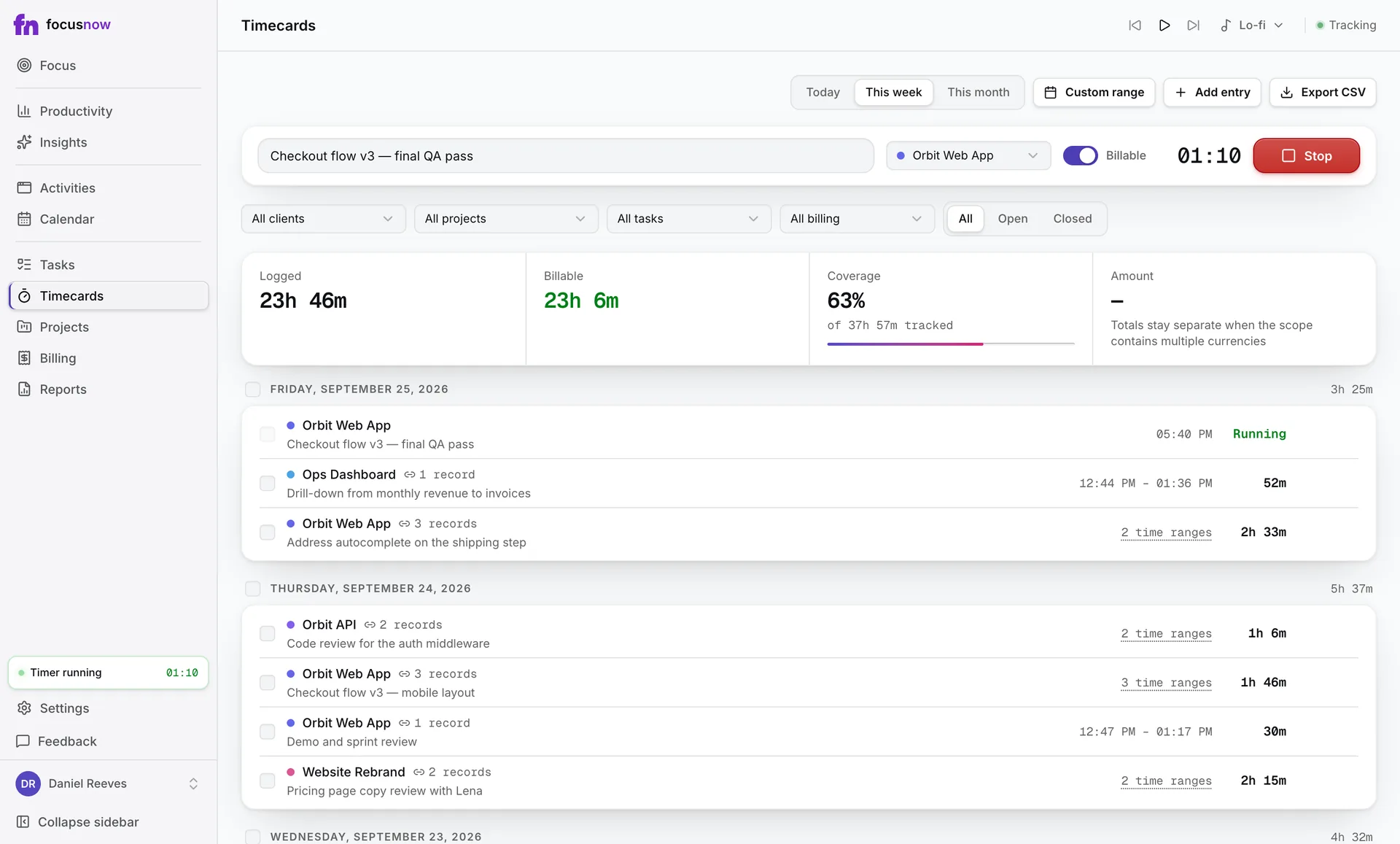
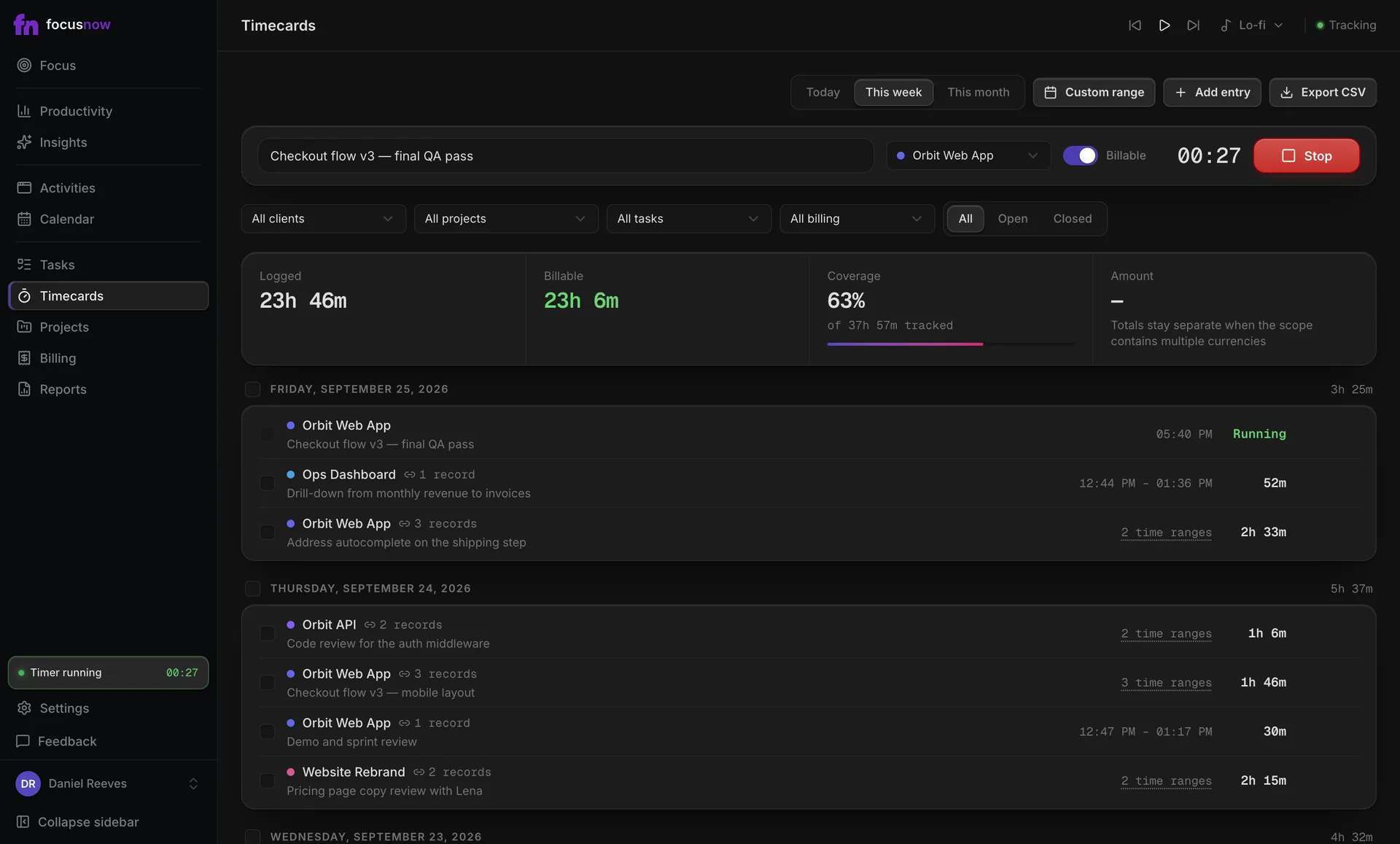
Focus sessions
Pomodoro and Deep Work, tied to your tasks.
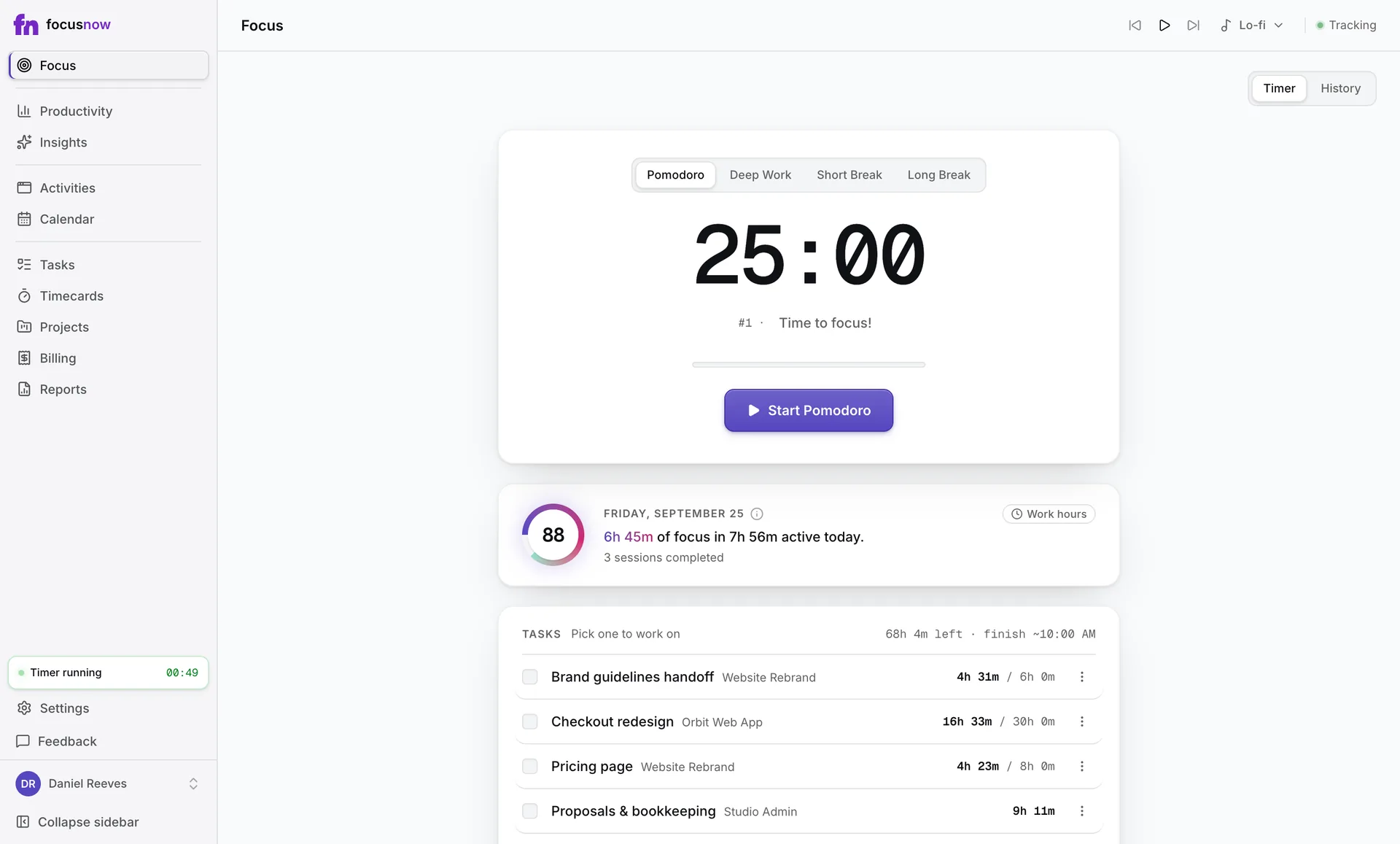
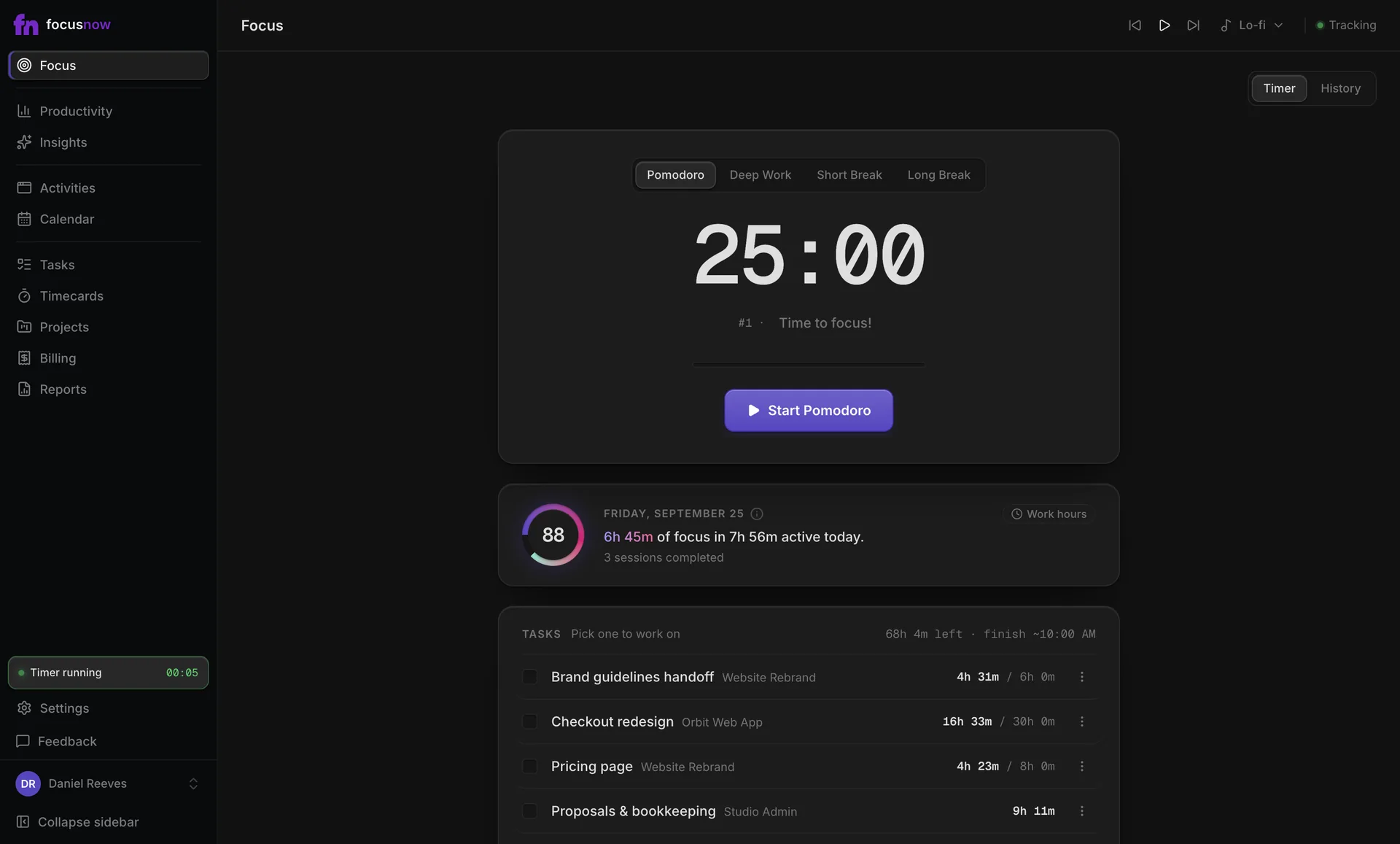
Start a 25-minute Pomodoro or a 90-minute Deep Work block from the Focus page or straight from a task. Every session is saved with its real length.
Sample data
What you get
Start without friction
Four modes are one click away. Keys 1 to 4 switch them, and ⌘/Ctrl+K opens anything else.
Estimates you can trust
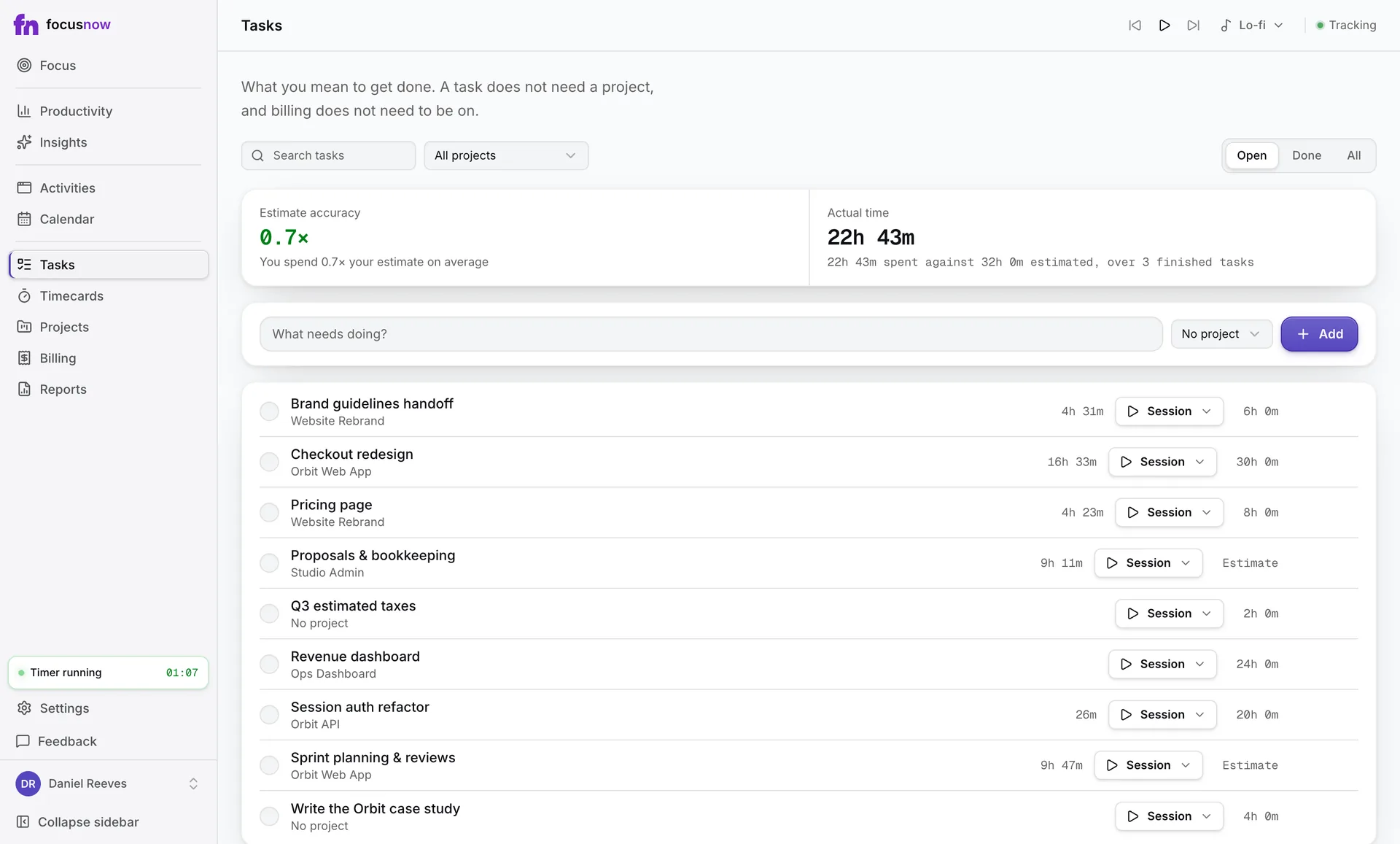
Actual time per task comes from its sessions and linked records, right next to your estimate.
Sound that helps, silence by default
Five music stations plus brown, pink and white noise. Noise works offline, and nothing plays until you choose.
How it works
Pick a task
Choose what you'll work on. The task shows time left and roughly when you'll finish.
Start a session
Pomodoro, Deep Work or a break. Lengths are yours to set, from 1 to 180 minutes.
Stay in the flow
A floating widget keeps the timer in view, with pause and resume, while you work in other apps.
End and look back
End the session whenever you're done. History lists every session with how much of its target you reached.
Start with today.
Install FocusNow, work as usual, and open it this evening to see your day.
Get FocusNow FreeMac and Windows. From download to tracking in under two minutes.